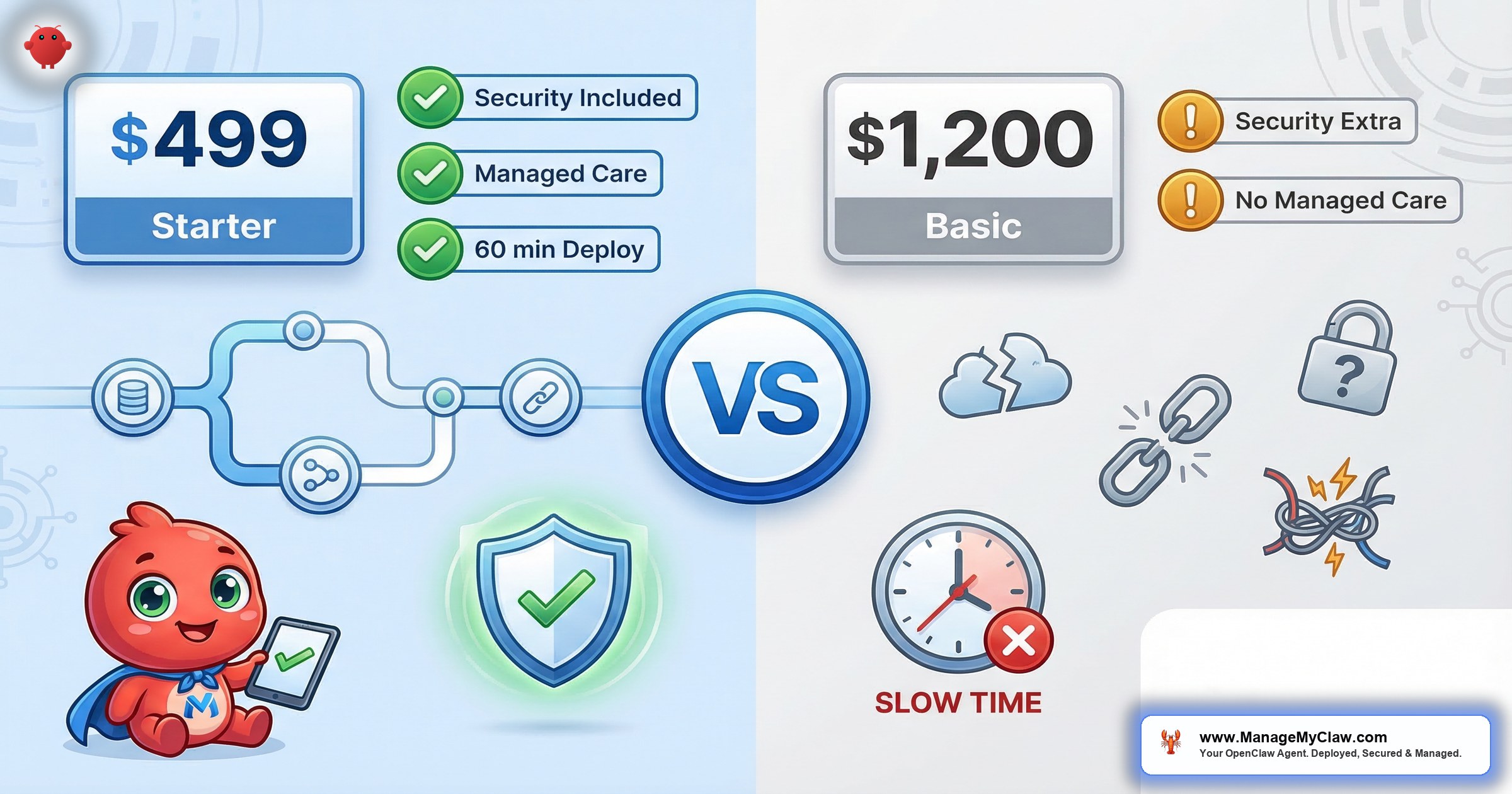
“SuperClaw’s remote setup is $1,200. ManageMyClaw’s Starter is $499. That’s a $701 gap on the invoice — but the Year 1 TCO gap is just $113. Most comparison pages stop at the setup price and hope you don’t do the rest of the math. We’re going to do the rest of the math.”
Two services. Same security hardening category. Wildly different purchase experiences. And a Year 2 plot twist that favors SuperClaw. Here’s the full picture.
Both SuperClaw and ManageMyClaw do professional OpenClaw deployment with security hardening and ongoing managed care. Neither is right for everyone. The differences come down to price structure, how you buy, what happens after setup, and whether you’re within driving distance of Austin, Texas. All SuperClaw data in this post verified from superclaw.io, March 2026.
The managed OpenClaw market has exploded. As of March 2026, at least 14 providers are competing for the same buyer — from OneClaw and DockClaw to ClawAgora, xCloud, and RunMyClaw. Multiple wrapper startups are already listed for sale on TrustMRR because the barrier to entry is a weekend of work.
“Convenience moat evaporates fast — you’ve already found that.”
— Top reply on r/SaaS thread about a managed OpenClaw host hitting $2.1k MRRSuperClaw and ManageMyClaw are the two providers that differentiate on security hardening and managed care rather than just hosting. That distinction matters: researchers found 42,665 exposed OpenClaw instances with 89% running plaintext API keys. A managed host that adds a UI and a payment gateway doesn’t address that.
Think of it like choosing a mechanic for a car with a recall notice. You can find someone cheap who’ll change the oil. But if 9 known vulnerabilities need patching, you want the shop that actually opens the hood.
TL;DR — Who Should Choose Which
Choose SuperClaw if: you’re in Austin and want in-person VIP setup on a dedicated Mac Mini, you want ClawCamp — the best structured OpenClaw education product on the market — or you need Super ClawCare’s 4 hours of monthly hands-on work with dedicated strategy calls.
Choose ManageMyClaw if: you want to buy today without scheduling a sales call, you’re outside Austin (or outside the US), you need a $499 entry point that doesn’t exist at SuperClaw, or you want the same core security hardening with a lower upfront cost and a self-serve purchase path.
Year 1: SuperClaw Remote + ClawCare = $1,200 + ($250 × 12) = $4,200. ManageMyClaw Starter + Managed Care = $499 + ($299 × 12) = $4,087. Gap: $113.
Year 2: Setup fees gone. SuperClaw’s $3,000/year beats ManageMyClaw’s $3,588/year by $588.
That’s the honest math. Where you land depends on how you buy, how long you keep managed care, and what you need beyond a running agent.
Head-to-Head Comparison Table
| Feature | ManageMyClaw | SuperClaw |
|---|---|---|
| Setup price (remote, entry) | $499 (Starter) | $1,200 (Remote Deployment) |
| Setup price (mid/top) | $1,499 (Pro) / $2,999 (Business) | $2,400 (In-Person VIP, Austin only) |
| Managed care (base) | $299/month | $250/month (ClawCare) |
| Managed care (premium) | Not offered | $1,250/month (Super ClawCare) |
| Year 1 TCO (entry + base MC) | ~$4,087 | ~$4,200 |
| Year 2 ongoing (base MC only) | $3,588/year | $3,000/year |
| Deployment time | Under 60 minutes | Not published |
| Self-serve purchase | Yes — no call required | No — mandatory sales call |
| Security hardening | Included at every tier (9-layer stack) | Included (“Hardening” service) |
| Docker sandboxing | Yes (non-root, cap-drop=ALL, no socket) | Yes |
| CVE response SLA | Critical within 24 hours | Not published |
| In-person deployment | Not offered | $2,400 (Austin, TX) |
| Education / workshops | Free (blog, guides) | ClawCamp: $6,000/weekend or $20,000/year |
| Strategy assessment | Not offered | $997 (ClawScan) |
| Geographic coverage | Remote-first, global | Remote (global) + Austin in-person |
Both providers charge hosting ($12–$24/month) and AI model API costs ($50–$200/month) separately — infrastructure pass-through costs not included in either service fee. SuperClaw data last verified March 2026 from superclaw.io.
Where SuperClaw Wins
SuperClaw built something worth respecting. There are 3 areas where they have a genuine, material edge — and we’re going to be specific about each one rather than hand-wave through a “they’re great too” paragraph.
1. ClawCamp is the best OpenClaw education product available
ClawCamp is a 2-day, in-person workshop in Austin. Max 12 participants. Led by Jason Rink and Paul Escandon. The format takes you from problem to deployed solution in 48 hours. ClawCamp 01 was scheduled for March 20–21, 2026. The $6,000 weekend tier covers the intensive. The $20,000/year tier adds 4 quarterly sessions, a private community, and 90-day accountability check-ins.
Here’s the thing: ClawCamp isn’t a setup service — it’s an education product. If you want to understand OpenClaw deeply enough to modify, extend, and troubleshoot it independently, ClawCamp delivers something no blog post or setup service can replicate. We don’t have an equivalent, and we’re not going to pretend otherwise.
2. In-person Austin deployment and high-touch managed care
SuperClaw’s $2,400 VIP in-person deployment puts their team at your Austin home or office with a dedicated Mac Mini and an on-site walkthrough. Some teams genuinely want a human in the room. SuperClaw is the only managed OpenClaw provider that offers that.
Their Super ClawCare tier at $1,250/month also deserves mention: a dedicated monthly strategy call, 4 hours of hands-on work, prompt tuning, workflow refinement, and priority Slack support. If you need continuous active optimization from a dedicated human — not just monitoring and patching — that’s the highest-touch managed care option in the market right now.
3. Established track record with documented case studies
SuperClaw has concrete, anonymized case studies with specific outcomes: a 3-partner consulting firm that reduced 15+ HTML email variations per campaign, a solo professional who eliminated hours of manual calendar rescheduling, an international client in Belgium deployed within 48 hours. These outcomes are credible because they’re specific. For buyers who want documented proof before committing — names and numbers, not promises — SuperClaw’s track record is real.
If your primary need is deep OpenClaw education, in-person setup, or a premium white-glove managed care relationship, SuperClaw built the product for you. Those are genuine differentiators, not marketing fluff.
Where ManageMyClaw Wins
1. $701 less on setup — same security hardening
Both services include Docker sandboxing, network hardening, OAuth middleware, and tool permission configuration. ManageMyClaw starts at $499. SuperClaw’s remote entry is $1,200. Same hardening category. $701 difference. When you’re early-stage or bootstrapped, that gap is real. The lower price comes from a productized, self-serve intake process — not from cutting security corners.
It’s the WP Engine model: managed WordPress wasn’t cheaper because it was worse — it was cheaper because it automated what agencies did manually. Same dynamic here.
2. Self-serve — no call required to buy
SuperClaw’s primary CTA is “Book your setup call.” That’s standard for a service that does custom scoping — but it means scheduling across time zones and waiting for an available slot. ManageMyClaw is the only professional OpenClaw deployment service with a self-serve purchase path. If you know your workflows, you can go from zero to deployed tonight without speaking to anyone.
“Most people are still figuring out which providers are legitimate.”
— r/SaaS thread on OpenClaw deployment services, March 2026On r/SaaS, a post titled “Has anyone here actually used an OpenClaw ‘deployment service’ and if so how did it go” got just 3 replies — most people are still figuring out which providers are legitimate. That thread had zero mentions of self-serve as an option. When the market is opaque, the ability to see pricing and buy without a call isn’t a convenience — it’s a trust signal.
3. Three tiers with a $499 entry point that doesn’t exist at SuperClaw
ManageMyClaw offers Starter ($499, 1 workflow, up to 3 ClawHub skills), Pro ($1,499, 3 workflows, 7 skills, custom prompt engineering and memory configuration), and Business ($2,999, 5 workflows, 15 skills, up to 2 agents, team training). SuperClaw’s implementation is Remote ($1,200) or In-Person VIP ($2,400). There’s no sub-$1,200 option at SuperClaw for a solopreneur who needs exactly 1 workflow to start.
If you want to test before committing, the tier structure matters. $499 vs. $1,200 isn’t just a price difference — it’s the difference between “I’ll try this” and “I need to be sure first.”
4. Published CVE response SLA and staging-tested updates
ManageMyClaw’s Managed Care patches critical CVEs within 24 hours and tests every update in a staging environment before it touches your production agent. SuperClaw doesn’t publish a CVE response time. With 9 disclosed CVEs — including a CVSS 8.8 one-click remote code execution vulnerability — and 3 new CVEs disclosed in a single week in early 2026, response time on security patches is a real operational question.
“Every time a new update drops I spend half my morning figuring out what broke.”
— Commenter on r/OpenClawUseCases, thread on OpenClaw 2026.3.2 update (48 upvotes, 36 comments)If you want a lower entry price, self-serve purchase, a published security SLA, and remote-first coverage that works the same whether you’re in Austin, London, or Singapore, ManageMyClaw was built for that buyer.
The Year 1 vs. Year 2 Math (This Is Where It Gets Interesting)
Most comparison posts show the setup price and stop. That’s like comparing car prices without including insurance. Here’s the full picture:
| Scenario | ManageMyClaw | SuperClaw |
|---|---|---|
| Setup only (remote, entry) | $499 | $1,200 |
| Year 1 (entry setup + base MC × 12) | ~$4,087 | ~$4,200 |
| Year 2 (base MC only) | $3,588 | $3,000 |
| 2-year cumulative total | ~$7,675 | ~$7,200 |
| In-person setup (one-time) | Not offered | $2,400 (Austin only) |
| Year 1 (premium MC) | Not offered | ~$16,200 |
| Education | Free | $6,000/weekend or $20,000/year |
| Strategy assessment | Not offered | $997 (ClawScan) |
Hosting ($12–$24/month) and AI API costs ($50–$200/month) are separate at both providers. SuperClaw pricing data last verified March 2026 from superclaw.io.
The Year 1 story: ManageMyClaw’s lower setup fee is nearly offset by SuperClaw’s lower monthly managed care rate. The gap is $113 — essentially a rounding error at this spend level.
The Year 2 flip: Once the one-time setup fee is behind you, SuperClaw’s $3,000/year ongoing is $588 cheaper than ManageMyClaw’s $3,588. Over a 2-year window, SuperClaw is $475 cheaper cumulative. If you’re choosing purely on cost and plan to keep managed care long-term, SuperClaw’s pricing gets more competitive every year you stay.
Picture it like a phone plan: one carrier has cheaper activation, the other has a cheaper monthly rate. Which deal is better depends entirely on how long you keep the plan.
If you’re planning to keep managed care for 2+ years, SuperClaw’s lower monthly rate adds up. If you need the lowest upfront investment, or you want to start with setup only and add managed care later, ManageMyClaw’s $499 entry point gives you more flexibility to test before committing to a recurring cost.
Security: Both Harden — Here’s What Differs in Practice
OpenClaw has 9 disclosed CVEs, including a CVSS 8.8 authentication bypass called ClawJacked. The ClawHavoc attack planted 2,400+ malicious skills on ClawHub — 1 in 5 submissions were malicious and approximately 300,000 deployments were affected. CNCERT issued a formal security warning in March 2026. Any professional deployment service that doesn’t address these risks isn’t doing its job.
9 disclosed CVEs including ClawJacked (one-click remote code execution). 3 new CVEs disclosed in a single week in early 2026. 2,400+ malicious skills planted on ClawHub via the ClawHavoc attack — approximately 300,000 deployments affected.
Both SuperClaw and ManageMyClaw include hardening at every tier. The question isn’t whether they harden — it’s how fast they respond when the next vulnerability drops.
SuperClaw lists “Hardening” as one of their 5 implementation services: access control lockdown, server hardening, tool permission restrictions, and pre-handoff auditing. ManageMyClaw’s deployments include Docker sandboxing (non-root, cap-drop=ALL, no Docker socket), DOCKER-USER iptables firewall chain, Tailscale VPN, Composio OAuth, tool allowlists, ClawHub skill vetting, kill switch, audit logging, and system-level safety constraints — at every tier, starting at $499.
Both services get you hardened. The difference is in how many components are explicitly documented and verifiable, and what happens when new vulnerabilities drop. Full detail on the security stack is in our OpenClaw security guide.
“I guess it all depends what you’re doing. When I first tried OpenClaw I naively connected Claude AI via API and just burnt through a hell of a lot of…”
— Top commenter on r/openclaw, “Seeking low-cost model for OpenClaw” (53 upvotes, 81 comments)The Reddit community reinforces why professional hardening matters regardless of which service you choose. On r/vibecoding, a thread about OpenClaw hosting alternatives surfaced that some budget providers cut corners on basics: one commenter called SimpleClaw “very scammy. No way to cancel your plan.”
Security hardening isn’t a checkbox feature. It’s a practice — initial configuration, ongoing patching, update testing, skill vetting. If you’re evaluating either service, ask specifically: what’s your CVE response time? Do you test updates before deploying them? What happens to my agent when ClawHub publishes a new advisory? The answers matter more than the marketing page.
Who Should Choose SuperClaw
These are genuine recommendations, not backhanded compliments with asterisks.
- You’re in Austin and want in-person VIP setup on a dedicated Mac Mini at your home or office — hands-on, human-in-the-room deployment. ManageMyClaw doesn’t offer this.
- You want ClawCamp. The 2-day, max-12-person workshop is the best structured OpenClaw education product on the market. If you want to understand OpenClaw well enough to extend and troubleshoot it yourself — not just have it running — ClawCamp delivers that at $6,000.
- You need Super ClawCare’s hands-on model. 4 hours of monthly work, dedicated strategy calls, continuous prompt tuning. If you want a human actively optimizing your workflows every month, SuperClaw’s premium tier is the highest-touch option available.
- You want a pre-deployment strategy assessment. ClawScan ($997) provides a 60-minute discovery call, competitor research, and implementation roadmap before you commit to setup.
- You’re keeping managed care for 2+ years. At $3,000/year vs. $3,588/year, SuperClaw saves $588 per year starting in Year 2. Over a 3-year window, that’s $1,176 in savings on recurring costs.
Who Should Choose ManageMyClaw
- You want to buy without scheduling a sales call. You know your workflows. You’ve read the docs. You want your agent running today — not after a discovery session and calendar coordination.
- You’re outside Austin (or outside the US). The in-person advantage doesn’t apply, and you want a provider built remote-first from day one.
- You’re a solopreneur or early-stage founder who needs 1 workflow to start. The $499 Starter is purpose-built for that. SuperClaw has no sub-$1,200 setup option.
- You need the lowest upfront cost. $499 vs. $1,200 is $701 — and you’re not sacrificing security hardening to get there.
- You want to scale with a clear upgrade path. Starter to Pro to Business without re-engaging a sales process at each step.
- You need a published CVE response SLA. Critical patches within 24 hours. Updates tested in staging first. Monthly health reports. SuperClaw doesn’t publish equivalent SLAs.
The Bottom Line
SuperClaw built something worth respecting: the best OpenClaw education product on the market, a genuine in-person offering for Austin teams, documented case studies, and a premium managed care tier with real dedicated attention. They extended the market for managed OpenClaw deployment beyond setup-and-handoff into education and active optimization.
ManageMyClaw made the same core service — hardened deployment plus ongoing care — accessible at $499 with no call required, for founders anywhere.
The setup price gap is $701. The Year 1 gap is $113. The Year 2 gap favors SuperClaw by $588.
You’re not choosing between a good service and a bad one. You’re choosing between two models: one built around sales calls, in-person delivery, and long-term relationship pricing — and one built around self-serve, speed, and the lowest entry point in the category. Choose based on how you want to work, not just the number on the first invoice. See how OpenClaw performs in a real business context.
Frequently Asked Questions
Is SuperClaw better than ManageMyClaw?
Neither is objectively better — they serve different buyers. SuperClaw wins on in-person Austin deployment ($2,400), structured education via ClawCamp ($6,000–$20,000), high-touch managed care (Super ClawCare at $1,250/month with 4 hours hands-on), and lower Year 2+ recurring costs ($3,000/year vs. $3,588/year). ManageMyClaw wins on self-serve purchase (no call required), upfront price ($499 vs. $1,200 remote), deployment speed (under 60 minutes), and a published 24-hour CVE response SLA. Both do professional security hardening.
What do I actually get for the $49/month difference between ClawCare and ManageMyClaw Managed Care?
SuperClaw ClawCare ($250/month) covers monitoring, security patches, software updates, a monthly health report, and email support. ManageMyClaw Managed Care ($299/month) adds 24/7 uptime monitoring every 5 minutes, staging-tested updates before they touch production, a published critical CVE response SLA (within 24 hours), ClawHub skill monitoring, 2 hours hands-on support per month, and quarterly API cost optimization reviews. At $49 more per month, you’re paying for staging testing, a published SLA, and the quarterly cost review. Whether that’s worth it depends on how much you trust updates applied directly to production.
Can I start with ManageMyClaw and switch to SuperClaw later (or vice versa)?
Yes to both. OpenClaw runs on your VPS — you own the infrastructure. If you start with ManageMyClaw Starter at $499 and later decide you want SuperClaw’s education or premium managed care, you can switch. The reverse works too. Neither service locks you into proprietary infrastructure. ManageMyClaw’s Managed Care has a 30-day cancellation notice, no long-term contract, no cancellation fees. Your agent, your VPS, your data. That shouldn’t be unusual, but check the fine print on every provider — some newer entrants don’t make it that easy.
What is ClawCamp and is it worth $6,000?
ClawCamp is a 2-day in-person workshop in Austin, max 12 participants, led by Jason Rink and Paul Escandon. It takes you from problem to deployed solution in 48 hours. The $20,000/year tier adds 4 quarterly sessions, a private community, and 90-day accountability check-ins. If your goal is understanding OpenClaw deeply enough to extend and maintain it yourself, ClawCamp is worth considering. If you need OpenClaw deployed and secured and don’t plan to modify it yourself, a setup service gets you there at a fraction of the cost.
Why not just do it myself?
You absolutely can. OpenClaw is open source and the docs are solid. The question is whether 15+ hours of setup — Docker, firewalls, OAuth, the DOCKER-USER iptables chain most tutorials skip — is the best use of your time. At founder rates of $200–$500/hour, DIY costs $3,000–$7,500 in time alone. Then there’s ongoing maintenance: OpenClaw shipped 7 updates in 2 weeks, and each one can break your workflows. For founders who enjoy the technical work, DIY is great. For everyone else, that’s who both SuperClaw and ManageMyClaw exist for. The detailed breakdown is in our ManageMyClaw vs. DIY comparison.


