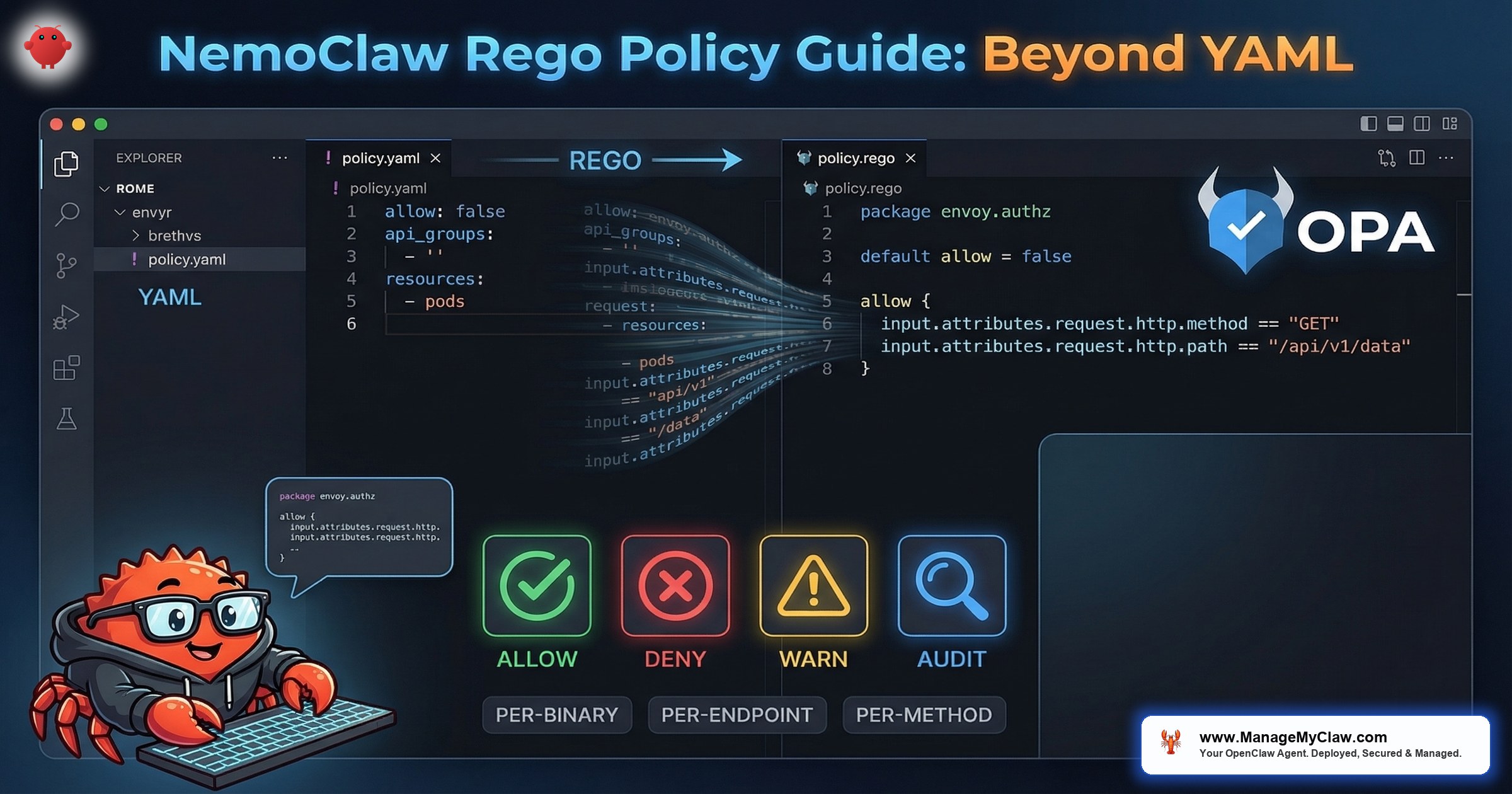
“NemoClaw’s YAML policies cover 80% of authorization scenarios. The remaining 20% — conditional access, time-based rules, request body inspection, multi-factor decisions — require Rego. That is where NemoClaw’s OPA integration becomes essential.”
— NVIDIA NemoClaw Documentation, network-policies reference, March 2026
NemoClaw is NVIDIA’s enterprise security wrapper for OpenClaw — the open-source AI agent framework that combines kernel-level sandboxing via OpenShell, a YAML policy engine for per-action authorization, and an OPA (Open Policy Agent) integration for advanced network policy decisions. While the YAML policy engine handles static rules (binary allowlists, destination restrictions, filesystem boundaries), Rego policies provide the dynamic, conditional authorization layer that enterprise deployments require for complex workflows.
This guide covers the Rego layer — the part of NemoClaw’s policy engine that most teams skip during initial deployment and then urgently need three weeks later when a CISO asks “can we restrict API access by time of day?” or “can we block POST requests that contain PII in the body?” The answer to both is yes, but the answer lives in Rego, not YAML. Rego is a declarative query language purpose-built for authorization, configuration validation, and data filtering. The full language reference is available at openpolicyagent.org, and Styra’s blog post “How to Write Your First Rules in Rego” provides an accessible introduction for teams new to policy-as-code.
If you have not yet configured basic YAML policies, start with our Policy Engine Cookbook for production-ready YAML configurations. If you want to understand the 4-level evaluation model that Rego operates within, read our Architecture Deep Dive. This post assumes you have working YAML policies and need to extend them with conditional logic that YAML cannot express.
Static Policies vs. Dynamic Policies
NemoClaw enforces security through two distinct policy mechanisms. Understanding when to use each is the foundation for effective policy engineering.
| Property | Static Policies (YAML) | Dynamic Policies (Rego) |
|---|---|---|
| Enforcement layer | Kernel (Landlock, seccomp) + YAML engine | OPA sidecar + HTTP CONNECT proxy |
| When locked | At sandbox creation — immutable during runtime | Hot-reloadable without sandbox restart |
| What it controls | Binary allowlists, filesystem paths, basic network destinations | Per-request decisions: method, path, headers, body, time, source |
| Inspection depth | L3/L4 (IP, port, protocol) | L7 (HTTP method, URL path, headers, request body) |
| TLS handling | Passthrough — cannot inspect encrypted traffic | Terminates TLS at proxy for full L7 visibility |
| Use case | Baseline security boundary — what is fundamentally allowed | Conditional authorization — context-dependent decisions |
Landlock and seccomp policies are locked at sandbox creation. You cannot add new binary permissions, filesystem paths, or syscall allowances to a running sandbox. If you need to change a static policy, you must destroy and recreate the sandbox. Plan your static policy layer for the maximum required permissions, then use Rego to dynamically restrict within that boundary.
The design philosophy: static policies define the outer boundary (what is ever possible), dynamic policies define the inner boundary (what is allowed right now, for this request, in this context). Rego policies can only deny what YAML permits — they cannot grant access that the static layer has already blocked. If you are familiar with OPA Rego from Kubernetes admission control — such as the 2026 tutorials on custom admission webhooks that use the same policy evaluation patterns — the concepts transfer directly. The same Rego patterns used to enforce which container images are allowed in a K8s cluster can enforce which API endpoints a NemoClaw agent can reach, including restricting egress traffic to specific subnets. Gocodeo.com’s guide “Writing Rego Policies with OPA: Enforcing Governance and Compliance” covers these enterprise governance patterns in depth.
How OPA/Rego Works Inside NemoClaw
NemoClaw’s HTTP CONNECT proxy sits between the sandbox and the external network. Every outbound HTTP request passes through this proxy. The proxy terminates TLS connections, inspects the full request at L7 (method, path, headers, body), and queries OPA for an authorization decision before forwarding the request to the upstream server.
Request Flow
- Agent sends HTTP request inside the sandbox (e.g., POST to api.openai.com/v1/chat/completions).
- Request hits the HTTP CONNECT proxy at the sandbox boundary.
- Proxy terminates TLS — decrypts the request to inspect method, path, headers, and body.
- Proxy queries OPA with the full request context as a JSON input document.
- OPA evaluates Rego policies against the input and returns allow/deny.
- If allowed: proxy re-encrypts and forwards the request to the upstream server.
- If denied: proxy returns 403 Forbidden to the agent with a policy violation reason.
{
  "input": {
    "request": {
      "method": "POST",
      "host": "api.openai.com",
      "path": "/v1/chat/completions",
      "headers": {
        "content-type": "application/json",
        "authorization": "Bearer sk-..."
      },
      "body": {
        "model": "gpt-4",
        "messages": [...]
      }
    },
    "source": {
      "binary": "python3",
      "pid": 1234,
      "sandbox_id": "agent-prod-01"
    },
    "timestamp": "2026-03-20T14:30:00Z"
  }
}Your First Rego Policy: Method Restriction
The NVIDIA documentation’s first-network-policy tutorial starts with a simple case: restrict an agent to GET requests only. No POST, PUT, DELETE, or PATCH. This is the read-only agent pattern — the agent can consume information from APIs but cannot modify anything.
package nemoclaw.network

# Default deny — every request must be explicitly allowed
default allow := false

# Allow only GET requests
allow {
    input.request.method == "GET"
}

# Deny reason for audit logging
deny_reason[msg] {
    input.request.method != "GET"
    msg := sprintf("Method %s not allowed — agent is read-only", [input.request.method])
}# Copy the policy to NemoClaw's policy directory
$ cp policies/network/readonly.rego $(nemoclaw config get policy.dir)/network/
# Reload policies (hot-reload — no sandbox restart needed)
$ nemoclaw policy reload
# Policy reloaded: network/readonly.rego
# Test with a GET request (should succeed)
$ nemoclaw sandbox exec -- curl -s https://api.github.com/repos/nvidia/openshell
# Returns JSON — allowed
# Test with a POST request (should be denied)
$ nemoclaw sandbox exec -- curl -s -X POST https://api.github.com/repos/nvidia/openshell/issues
# Returns 403 Forbidden — denied by policy
# Check policy violation in audit log
$ nemoclaw logs --component policy | tail -5
# DENY: Method POST not allowed — agent is read-onlyTime-Based Access Control
A common enterprise requirement: agents should only access production APIs during business hours. Outside business hours, the agent is restricted to staging endpoints. This prevents automated agents from modifying production systems during off-hours when human oversight is reduced.
package nemoclaw.network

import rego.v1

default allow := false

# Parse the request timestamp
request_hour := hour {
    t := time.parse_rfc3339_ns(input.timestamp)
    [_, _, _, hour, _, _, _] := time.date(t)
}

# Business hours: 8 AM to 6 PM UTC
is_business_hours {
    request_hour >= 8
    request_hour < 18
}

# Production endpoints allowed during business hours only
allow {
    is_business_hours
    input.request.host == "api.production.company.com"
}

# Staging endpoints allowed 24/7
allow {
    input.request.host == "api.staging.company.com"
}

# Inference endpoints allowed 24/7
allow {
    input.request.host == "inference.local"
}

deny_reason[msg] {
    not is_business_hours
    input.request.host == "api.production.company.com"
    msg := sprintf("Production access denied outside business hours (current hour: %d UTC)", [request_hour])
}Per-Binary, Per-Endpoint Enforcement
NemoClaw’s OPA input includes the source.binary field — which executable initiated the network request. This enables policies that allow node to call specific APIs but deny python3 from calling those same APIs. This directly addresses the GitHub #272 preset gap where network policies did not restrict which binaries could access allowed endpoints.
package nemoclaw.network

import rego.v1

default allow := false

# Node.js agent can call OpenAI and Slack
allow {
    input.source.binary == "node"
    input.request.host == "api.openai.com"
}

allow {
    input.source.binary == "node"
    input.request.host == "slack.com"
    input.request.method == "POST"
    startswith(input.request.path, "/api/chat.postMessage")
}

# Python can call internal APIs only — not external services
allow {
    input.source.binary == "python3"
    endswith(input.request.host, ".internal.company.com")
}

# curl and wget are always denied
deny_reason[msg] {
    input.source.binary == "curl"
    msg := "curl is not allowed — use the agent's HTTP client"
}

deny_reason[msg] {
    input.source.binary == "wget"
    msg := "wget is not allowed — potential data exfiltration vector"
}Per-binary Rego policies directly mitigate the data exfiltration risk documented by Penligent.ai and tracked in our Architecture Deep Dive. Even if a prompt injection causes the agent to spawn a curl subprocess, the Rego policy denies all curl network requests. The attacker’s exfiltration channel is closed at the policy layer, not the binary layer.
Request Body Inspection: PII Detection
Because NemoClaw’s proxy terminates TLS and parses request bodies, Rego policies can inspect the content of outbound requests. This enables PII detection: deny any outbound request whose body contains patterns that match Social Security numbers, credit card numbers, or other sensitive data formats.
package nemoclaw.network

import rego.v1

default allow := true

# Deny if request body contains SSN pattern (###-##-####)
deny[msg] {
    body_str := json.marshal(input.request.body)
    regex.match(`\d{3}-\d{2}-\d{4}`, body_str)
    msg := "Request body contains SSN pattern — blocked by PII guard"
}

# Deny if request body contains credit card pattern
deny[msg] {
    body_str := json.marshal(input.request.body)
    regex.match(`\b\d{4}[\s-]?\d{4}[\s-]?\d{4}[\s-]?\d{4}\b`, body_str)
    msg := "Request body contains credit card pattern — blocked by PII guard"
}

# Override default allow if any deny rule matches
allow := false {
    count(deny) > 0
}Regex-based PII detection catches obvious patterns but misses obfuscated or encoded data. An SSN written as “123 45 6789” or base64-encoded will pass the regex filter. For production PII compliance (HIPAA, CCPA, GDPR), combine Rego body inspection with NemoClaw’s privacy router for inference-based PII detection using Nemotron’s classification capabilities. Rego is the first line of defense, not the only one.
Hot-Reloading Rego Policies in Production
Unlike static YAML/Landlock/seccomp policies that are locked at sandbox creation, Rego policies are hot-reloadable. You can update, add, or remove Rego policies without restarting the sandbox or interrupting running agents. This is the operational advantage of the dynamic policy layer: respond to security events in real-time.
# Edit a Rego policy
$ vim $(nemoclaw config get policy.dir)/network/pii-guard.rego

# Validate the policy syntax before deploying
$ opa check $(nemoclaw config get policy.dir)/network/pii-guard.rego
# No errors

# Run OPA tests (if you have test files)
$ opa test $(nemoclaw config get policy.dir)/network/ -v
# PASS: 5/5 tests

# Hot-reload without sandbox restart
$ nemoclaw policy reload
# Reloaded: network/pii-guard.rego (updated)

# Verify the new policy is active
$ nemoclaw policy list --component network
# network/readonly.rego        active
# network/business-hours.rego   active
# network/binary-scoped.rego    active
# network/pii-guard.rego        active (updated 30s ago)
For the policy presets directory structure and the complete set of YAML configurations that work alongside Rego, see our NemoClaw Security Audit Checklist.
Testing Rego Policies Before Deployment
Every Rego policy should have corresponding test files. OPA includes a built-in test framework. Write tests that verify both the allow and deny paths for each policy rule.
package nemoclaw.network

import rego.v1

# Test: GET requests are allowed
test_get_allowed {
    allow with input as {
        "request": {"method": "GET", "host": "api.example.com"}
    }
}

# Test: POST requests are denied
test_post_denied {
    not allow with input as {
        "request": {"method": "POST", "host": "api.example.com"}
    }
}

# Test: DELETE requests are denied
test_delete_denied {
    not allow with input as {
        "request": {"method": "DELETE", "host": "api.example.com"}
    }
}

# Test: deny_reason includes method in message
test_deny_reason_message {
    msg := deny_reason with input as {
        "request": {"method": "PUT", "host": "api.example.com"}
    }
    count(msg) > 0
}# Run all tests in the network policy directory
$ opa test policies/network/ -v
# policies/network/readonly_test.rego:
# data.nemoclaw.network.test_get_allowed: PASS (1.2ms)
# data.nemoclaw.network.test_post_denied: PASS (0.8ms)
# data.nemoclaw.network.test_delete_denied: PASS (0.7ms)
# data.nemoclaw.network.test_deny_reason_message: PASS (1.1ms)
# -----------------------------------------------
# PASS: 4/4
# Run tests with coverage report
$ opa test policies/network/ --coverage --format=json
# Shows which lines of your Rego policies are exercised by testsFrequently Asked Questions
Can Rego policies grant access that YAML policies deny?
No. Rego policies operate within the boundary set by static YAML/Landlock/seccomp policies. If your YAML policy blocks all network access, no Rego policy can override that. Think of YAML as the outer fence and Rego as the inner gate. Rego can deny what YAML allows, but it cannot allow what YAML denies. This is a security design decision — the kernel-level enforcement cannot be overridden by a user-space policy engine.
What is the performance impact of TLS termination?
NemoClaw’s proxy terminates and re-encrypts every outbound TLS connection for L7 inspection. This adds latency — typically 2-10ms per request depending on payload size. For agents making hundreds of API calls per minute, the cumulative overhead is measurable but not usually a bottleneck. If latency is critical, consider using YAML-only policies (L3/L4) for high-frequency, low-sensitivity endpoints and reserving Rego (L7) inspection for sensitive endpoints where body inspection matters.
How do I debug a Rego policy that denies requests unexpectedly?
Use OPA’s built-in REPL to test your policy against specific input documents: opa eval -d policies/network/ -i test-input.json "data.nemoclaw.network.allow". This evaluates the policy with your test input and shows the decision. For production debugging, check NemoClaw’s policy audit log: nemoclaw logs --component policy | grep DENY. Each denial includes the deny_reason message from your Rego rules.
Can I use external data in Rego decisions?
Yes. OPA supports external data bundles. You can maintain a JSON file with IP allowlists, user role mappings, or schedule definitions and load it as external data. NemoClaw’s OPA integration supports bundle updates via the nemoclaw policy data update command. This is how enterprise teams implement role-based access control — maintain a role mapping in external data and reference it in Rego rules.


