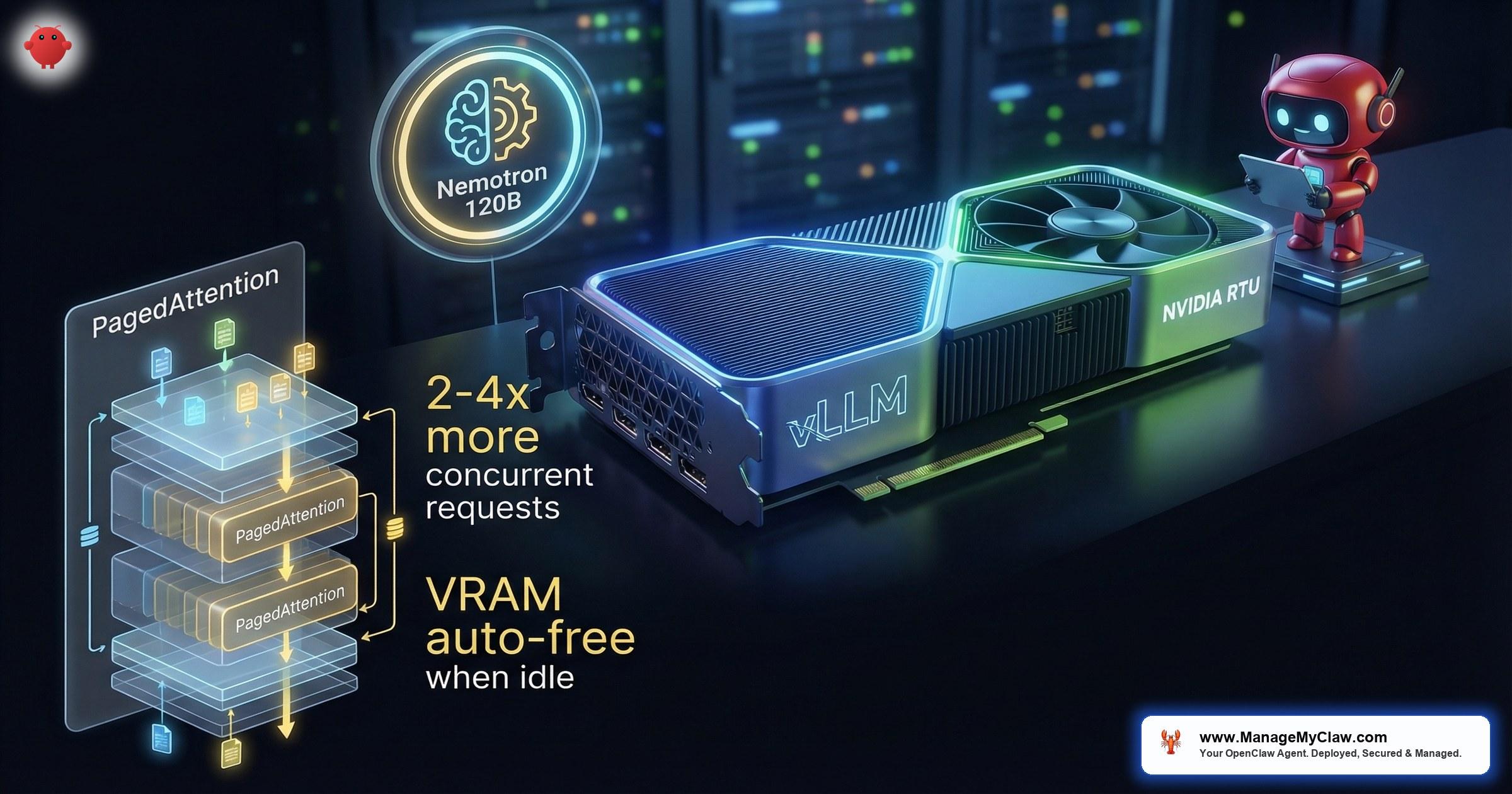
“Punching through NemoClaw’s sandbox to hit local vLLM on RTX 5090 — this is the configuration that gives you genuine data sovereignty, not just a marketing checkbox.”
— DEV Community post, NemoClaw local inference configuration, 2026
NemoClaw is NVIDIA’s enterprise security wrapper for agentic AI — the sandboxed runtime environment that adds kernel-level isolation, a YAML policy engine, and a privacy router to the open-source OpenClaw agent framework. When NemoClaw connects to a local vLLM inference server instead of a cloud API, every token of reasoning stays on hardware you physically control. No API calls leave the machine. No data crosses a network boundary. This is the configuration that turns NemoClaw from a security layer into a fully sovereign AI agent stack.
vLLM is the open-source inference engine that NemoClaw uses natively through its vllm-local provider. It is not a third-party integration or a community plugin. NVIDIA built vLLM support directly into NemoClaw’s provider architecture because local inference is the only way to deliver the data privacy guarantees that regulated enterprises require. This article covers the complete technical path: hardware selection, vLLM installation, NemoClaw provider configuration, PagedAttention tuning for concurrent agent workloads, and the gateway VRAM management system that prevents idle inference servers from consuming GPU memory.
For the hardware decision framework behind these configurations, see our NemoClaw Hardware Guide. For the architecture that connects the privacy router to local inference, see our NemoClaw Architecture Deep Dive. For pricing on managed deployment of this stack, see our Pricing page.
Why Local vLLM Inference Changes the NemoClaw Security Model
NemoClaw’s privacy router can route requests to cloud LLM endpoints while stripping PII, but cloud routing always involves a trust boundary. The cloud provider sees the sanitized prompt. The network path between your host and the API endpoint is encrypted but traverses infrastructure you do not own. Compliance auditors for HIPAA, ITAR, and classified workloads will not accept this architecture regardless of how thorough the PII stripping is.
Local vLLM inference eliminates the network trust boundary entirely. The inference engine runs on the same physical machine — or the same air-gapped rack — as the NemoClaw sandbox. The privacy router’s role shifts from “strip PII before sending to cloud” to “verify that no request accidentally escapes to an external endpoint.” This is a fundamentally stronger security posture because the failure mode changes from “data leaked with PII removed” to “data never left the machine.”
vLLM is an open-source inference engine that serves LLMs through an OpenAI-compatible API. Its core innovation is PagedAttention — a memory management algorithm that dynamically allocates memory blocks across the GPU like virtual memory paging in operating systems. Instead of pre-allocating contiguous GPU memory for each request’s full context window, PagedAttention allocates memory in non-contiguous blocks on demand. This allows vLLM to serve 2–4x more concurrent requests from the same GPU hardware compared to naive inference implementations. For NemoClaw, this means multiple agent sessions can share a single GPU without memory contention.
Nemotron 3 Super: The Model Built for Local Agent Inference
NVIDIA’s Nemotron 3 Super family is purpose-built for NemoClaw deployments. Two variants are currently active: the 120B parameter model for production workloads and the 12B parameter model for development, testing, and edge deployments. Both use a hybrid Mixture-of-Experts (MoE) architecture that activates only a subset of parameters per token, delivering the quality of a dense model at a fraction of the compute cost.
The 120B model supports a 1-million-token context window. This is not a marketing number — it is the operational context that allows an agent to ingest an entire codebase, a complete regulatory filing, or months of email history in a single session without truncation. For agentic workflows where the agent needs to reference earlier actions, tool outputs, and accumulated context across dozens of steps, the 1M context window eliminates the retrieval-augmented generation workarounds that smaller context models require.
| Specification | Nemotron 3 Super 120B | Nemotron 3 Super 12B |
|---|---|---|
| Parameters | 120 billion | 12 billion |
| Architecture | Hybrid MoE | Hybrid MoE |
| Context Window | 1,000,000 tokens | 128,000 tokens |
| Primary Use | Production agent workloads | Dev/test, edge deployment |
| Minimum GPU | DGX / multi-GPU (80GB+ VRAM) | RTX 5090 (32GB VRAM) |
| Quantization | NVFP4, FP8 | NVFP4, FP8, GPTQ-INT4 |
The hybrid MoE architecture means that while the model has 120B total parameters, each forward pass activates roughly 40B parameters. This is why a model that would normally require 240GB of VRAM in FP16 can run on significantly less memory with quantization — and why NVFP4 on Blackwell GPUs delivers 4x the throughput compared to FP8 on the previous-generation H100.
NVFP4 on Blackwell: 4x Throughput vs FP8 on H100
NVIDIA’s Blackwell architecture (B200, GB200, GB10 in DGX Spark) introduces native NVFP4 — a 4-bit floating-point format with hardware-level support in the Tensor Cores. Previous-generation H100 GPUs top out at FP8 precision for inference. The H200 — NVIDIA’s highest-memory inference chip as of March 2026 — still uses Hopper architecture and lacks native NVFP4 support. The jump from FP8 to NVFP4 is not just a 2x memory reduction — Blackwell’s Tensor Cores are architecturally designed to deliver 4x higher throughput vs FP8 on H100 while maintaining accuracy.
For NemoClaw local inference, this means a single RTX 5090 (32GB GDDR7, Blackwell architecture) running Nemotron 3 Super 12B in NVFP4 can serve concurrent agent requests at throughput levels that previously required an H100 GPU costing 5–10x more. The DGX Spark with its GB10 Grace Blackwell SoC can run the full 120B model in NVFP4 with headroom for PagedAttention’s dynamic memory allocation.
NVFP4 quantization is a Blackwell-specific feature. It will not work on Ampere (A100, A6000) or Hopper (H100) GPUs. If you are running H100 hardware, use FP8 quantization instead. The 4x throughput advantage only applies when comparing NVFP4 on Blackwell to FP8 on H100. Running FP8 on Blackwell delivers approximately 2x improvement over H100 FP8, not 4x.
Recommended Dev Spec for Nemotron Nano 30B
For teams working with the Nemotron Nano 30B model — the mid-range option between the 12B dev model and the 120B production model — the following hardware specification provides a smooth local development experience with vLLM. The official NVIDIA vLLM Recipes user guide documents these requirements for the Nemotron-3-Nano-30B model.
| Component | Minimum Spec | Notes |
|---|---|---|
| GPU VRAM | 24GB (RTX 3090 / RTX 4090) | NVFP4 on RTX 5090 (32GB) provides best throughput |
| System RAM | 32GB+ | Required for model loading and KV-cache swap space |
| Storage | 50GB+ free | Model weights (~15GB quantized) plus vLLM cache and logs |
| CPU Cores | 6+ cores | Handles tokenization, request scheduling, and KV-cache swap |
Installing vLLM and Configuring the NemoClaw Provider
The vLLM blog published an official Nemotron 3 Super integration guide that covers the model download and server startup process. The following walkthrough adapts that guide for NemoClaw’s specific provider configuration and adds the gateway VRAM management that the official guide omits.
Prerequisites
- NemoClaw installed and running (see our Implementation Guide if starting fresh)
- NVIDIA GPU with 24GB+ VRAM (RTX 3090, RTX 4090, RTX 5090, A100, H100, or DGX)
- CUDA 12.4+ and cuDNN 9.x installed
- Python 3.10+ with pip
- Hugging Face account with access to Nemotron 3 Super model (requires NVIDIA license acceptance)
Step 1: Install vLLM with NVIDIA Extensions
# Install vLLM with CUDA 12.4 support
$ pip install vllm --extra-index-url https://download.pytorch.org/whl/cu124

# Verify GPU detection
$ python -c "import vllm; print(vllm.__version__)"
0.8.3

# Verify CUDA is available
$ python -c "import torch; print(torch.cuda.get_device_name(0))"
NVIDIA GeForce RTX 5090
Step 2: Download and Serve Nemotron 3 Super
# Start vLLM serving Nemotron 3 Super 12B with NVFP4 quantization
$ vllm serve nvidia/nemotron-3-super-12b \
    --quantization nvfp4 \
    --max-model-len 131072 \
    --gpu-memory-utilization 0.85 \
    --enable-chunked-prefill \
    --port 8000 \
    --host 127.0.0.1

# For the 120B model on multi-GPU (DGX or 4x H100):
$ vllm serve nvidia/nemotron-3-super-120b \
    --quantization nvfp4 \
    --tensor-parallel-size 4 \
    --max-model-len 1048576 \
    --gpu-memory-utilization 0.90 \
    --enable-chunked-prefill \
    --port 8000 \
--host 127.0.0.1--host 127.0.0.1 binds vLLM to localhost only — the inference server is never exposed to the network. --gpu-memory-utilization 0.85 reserves 15% of VRAM for PagedAttention’s dynamic KV-cache allocation. --enable-chunked-prefill allows vLLM to process long prompts in chunks, preventing a single large request from blocking the GPU for other concurrent agent sessions.
Step 3: Configure NemoClaw’s vllm-local Provider
providers:
  default: vllm-local
  vllm-local:
    endpoint: "http://127.0.0.1:8000/v1"
    model: "nvidia/nemotron-3-super-12b"
    max_tokens: 8192
    temperature: 0.1
    timeout_seconds: 120

privacy_router:
  mode: local-only
  block_external: true
  allowed_endpoints:
    - "127.0.0.1:8000"
Setting privacy_router.mode: local-only and block_external: true ensures that even if a future configuration change adds a cloud provider, the privacy router will block any request that attempts to leave the machine. The allowed_endpoints list is a whitelist — only the local vLLM server on port 8000 will receive inference requests.
Step 4: Verify End-to-End Local Inference
# Test that NemoClaw is using the local vLLM provider
$ nemoclaw provider status
Active Provider: vllm-local
Endpoint: http://127.0.0.1:8000/v1
Model: nvidia/nemotron-3-super-12b
Status: CONNECTED
Privacy Router: local-only (external blocked)

# Send a test prompt through the sandboxed agent
$ nemoclaw run --prompt "List the files in /tmp" --dry-run
[sandbox] Agent would execute: ls /tmp
[provider] Request routed to: 127.0.0.1:8000 (local)
[privacy] External endpoint check: PASS (no external calls)

# Verify no network traffic leaves the host
$ ss -tnp | grep 8000
ESTAB 0 0 127.0.0.1:52340 127.0.0.1:8000 users:(("nemoclaw",pid=12345))PagedAttention Tuning for Concurrent Agent Throughput
The default vLLM configuration is optimized for general-purpose inference — chatbots, single-user completions, batch processing. NemoClaw agent workloads have a different profile: multiple concurrent sessions, each with long context windows, issuing tool calls that generate bursts of short requests followed by idle periods. Tuning PagedAttention for this profile requires adjusting three parameters.
$ vllm serve nvidia/nemotron-3-super-12b \
    --quantization nvfp4 \
    --max-model-len 131072 \
    --gpu-memory-utilization 0.85 \
    --enable-chunked-prefill \
    --max-num-seqs 16 \
    --max-paddings 512 \
    --swap-space 8 \
    --port 8000 \
    --host 127.0.0.1

# --max-num-seqs 16    : Allow up to 16 concurrent agent sessions
# --max-paddings 512   : Reduce wasted memory from padding
# --swap-space 8       : 8GB CPU swap for KV-cache overflow
--max-num-seqs 16 sets the maximum number of sequences (agent sessions) that vLLM will process concurrently. The default is 256, which is appropriate for chatbot workloads with short contexts but wastes memory pre-allocation for agent workloads where each session uses a much larger context window. Setting this to 16 tells PagedAttention to allocate KV-cache capacity for 16 long-context sessions rather than 256 short ones.
--swap-space 8 enables KV-cache swapping to CPU memory. When all GPU VRAM is consumed by active sessions, PagedAttention will swap the KV-cache of idle sessions to CPU RAM rather than rejecting new requests. This is essential for NemoClaw because agent sessions frequently pause while waiting for tool execution results — those paused sessions should release GPU memory for active sessions.
Gateway VRAM Management: On-Demand vLLM Startup and Shutdown
A running vLLM server with Nemotron 3 Super 12B loaded consumes approximately 12–14GB of VRAM even when idle — no requests, no active sessions, just the model weights sitting in GPU memory. On a workstation that also runs development tools, rendering software, or other GPU-accelerated workloads, this idle VRAM consumption is unacceptable.
NemoClaw’s gateway manages on-demand vLLM startup and shutdown to free VRAM when the inference server is idle. The gateway sits between NemoClaw’s provider interface and the vLLM server. When an agent session requires inference, the gateway starts the vLLM server, waits for the model to load, routes the request, and starts an idle timer. When no requests have been received for the configured idle period, the gateway sends a SIGTERM to the vLLM process, waits for graceful shutdown, and the VRAM is freed back to the system. This is particularly valuable on developer workstations where the same GPU serves both NemoClaw inference and other tasks like rendering, training, or IDE GPU-accelerated features.
gateway:
  enabled: true
  idle_timeout_minutes: 15
  startup_timeout_seconds: 120
  health_check_interval: 30
  vllm_command: "vllm serve nvidia/nemotron-3-super-12b --quantization nvfp4 --max-model-len 131072 --gpu-memory-utilization 0.85 --enable-chunked-prefill --port 8000 --host 127.0.0.1"
  shutdown_signal: SIGTERM
  graceful_shutdown_seconds: 30
The tradeoff is cold-start latency. Loading Nemotron 3 Super 12B in NVFP4 on an RTX 5090 takes approximately 15–25 seconds. For the 120B model on DGX, expect 45–90 seconds. If your agents run continuously throughout the workday, disable the gateway and keep vLLM running permanently. If your agents are used intermittently — a few sessions per hour — the gateway saves 12–14GB of VRAM during idle periods, which is significant on a 32GB GPU.
NemoClaw GitHub issue #341 reports that the gateway’s default startup_timeout_seconds: 60 is too short for the 120B model on some DGX configurations, causing the gateway to kill the vLLM process before the model finishes loading. Set startup_timeout_seconds: 120 or higher for the 120B model. The 12B model loads well within the 60-second default on all tested hardware.
Common Issues and Fixes
| Symptom | Cause | Fix |
|---|---|---|
CUDA out of memory on startup |
Other processes using VRAM | Run nvidia-smi to identify competing processes. Kill them or reduce --gpu-memory-utilization to 0.70. |
| vLLM starts but NemoClaw cannot connect | Endpoint mismatch | Verify nemoclaw-config.yaml endpoint matches vLLM’s --host and --port. Both must be 127.0.0.1:8000. |
| Slow first response after idle | Gateway cold-start | Expected behavior. Reduce idle_timeout_minutes to avoid shutdown, or accept the 15–25 second startup delay. |
KV-cache swap space exhausted |
Too many concurrent sessions with long contexts | Increase --swap-space or reduce --max-num-seqs. Each long-context session can consume 2–4GB of swap. |
| Privacy router blocks local requests | allowed_endpoints missing localhost |
Add 127.0.0.1:8000 to the allowed_endpoints list in the privacy router configuration. |
Frequently Asked Questions
Where can I find community setup guides for NemoClaw + vLLM?
Several community guides cover practical local inference configurations. DEV Community has “Punching Through NemoClaw’s Sandbox to Hit Local vLLM on RTX 5090” which walks through the RTX-specific configuration. Codersera published “NemoClaw + OpenClaw: Secure Sandbox Guide for Local vLLM Agents” covering the security boundary between the sandbox and the inference server. PacketMoat has “OpenClaw + NemoClaw + Nemotron: Local Setup Guide” for a full-stack walkthrough. For official model documentation, the vLLM Recipes repository includes the NVIDIA Nemotron-3-Nano-30B user guide with validated configurations.
Can I run vLLM with NemoClaw on an RTX 4090 instead of the 5090?
Yes, but without NVFP4 support. The RTX 4090 uses the Ada Lovelace architecture, which supports FP8 but not NVFP4. You can run Nemotron 3 Super 12B in FP8 on the 4090’s 24GB VRAM, but throughput will be approximately 4x lower than NVFP4 on an RTX 5090. The 120B model will not fit on a single 4090. For the hardware comparison, see our NemoClaw Hardware Guide.
Does the gateway VRAM management work with Docker deployments?
Yes, but the gateway must have access to the Docker socket to start and stop the vLLM container. Set vllm_command to a docker start / docker stop command pair instead of the direct vLLM binary. The VRAM release behavior depends on the NVIDIA Container Toolkit correctly unmapping GPU memory when the container stops — verify with nvidia-smi after a gateway-triggered shutdown.
What is the difference between vllm-local and using the NVIDIA API catalog?
The vllm-local provider sends inference requests to a vLLM server running on your hardware — no data leaves the machine. The NVIDIA API catalog (build.nvidia.com) is a cloud endpoint where NVIDIA hosts the model. Using the API catalog means your prompts traverse the network to NVIDIA’s infrastructure. For regulated workloads requiring data sovereignty, vllm-local is the only compliant option. For development and non-sensitive workloads, the API catalog is faster to set up because there is no hardware requirement.
How do I monitor vLLM performance under NemoClaw agent workloads?
vLLM exposes Prometheus metrics on /metrics by default. Key metrics to monitor: vllm:num_requests_running (concurrent active sessions), vllm:gpu_cache_usage_perc (KV-cache utilization — alert at 90%), vllm:avg_generation_throughput_toks_per_s (tokens per second — baseline and track degradation), and vllm:num_requests_swapped (sessions swapped to CPU — high counts indicate VRAM pressure). Pipe these into Grafana or your existing monitoring stack.


