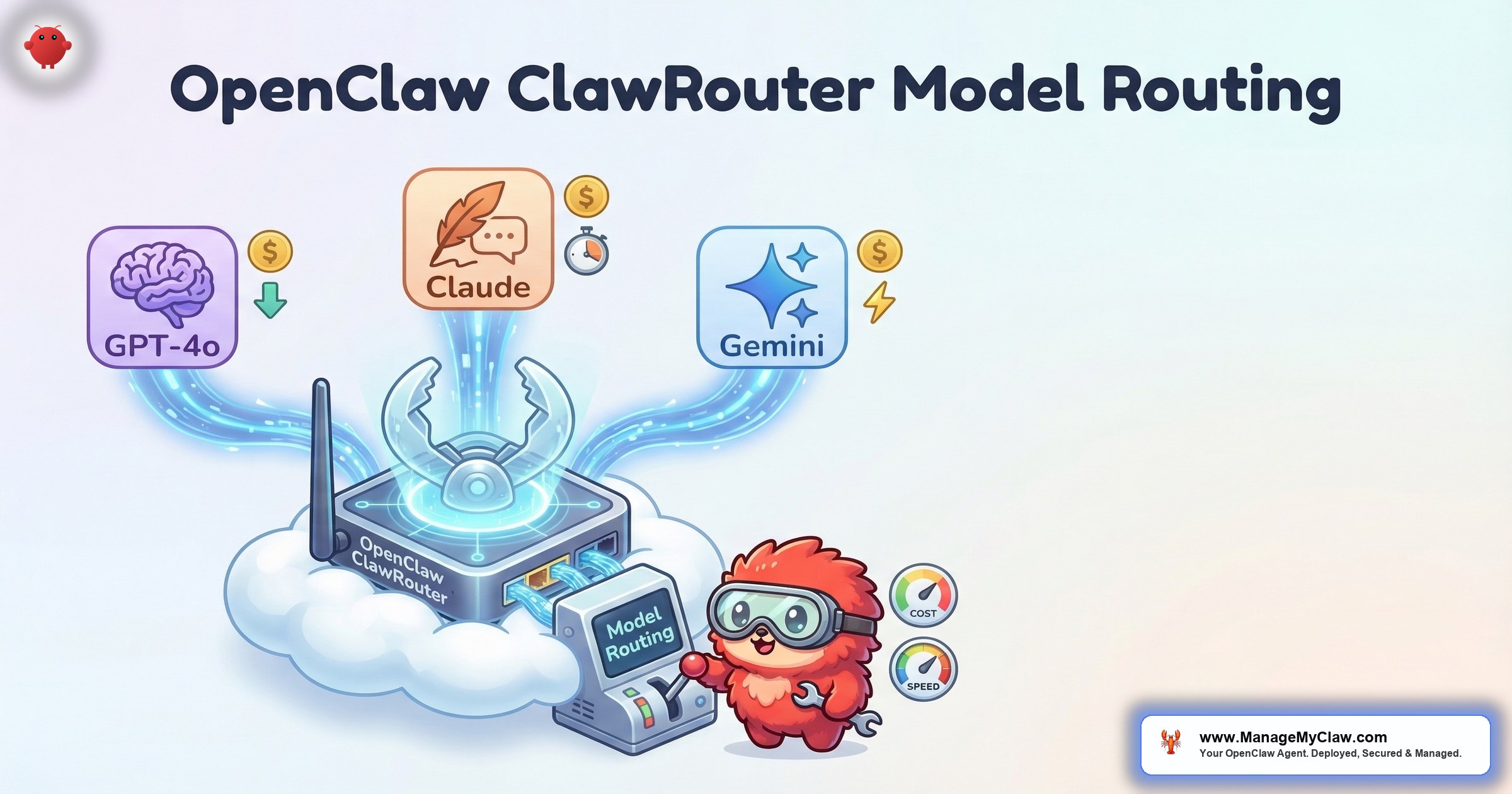
A typical OpenClaw deployment sends every task to the same model. Email categorization, draft writing, KPI analysis, morning briefing generation — all routed to Claude Sonnet or GPT-4o. That’s like hiring a senior engineer to sort your mail. The work gets done, but you’re overpaying for 60% of it.
OpenClaw’s ClawRouter solves this. It routes tasks to different models based on complexity — simple classification to fast, cheap models and complex reasoning to capable, expensive ones. The result: 40-60% lower API costs with no measurable loss in output quality for the tasks that matter.
The most expensive line in your API bill is the one where you used Opus to decide whether an email is spam.
This guide covers the full ClawRouter model routing configuration — how it works, which tasks to route where, and the cost math that makes it worth the 15 minutes of setup.
How ClawRouter Works
ClawRouter sits between OpenClaw’s task queue and the AI model API. When a task enters the queue, ClawRouter evaluates it against a set of routing rules and sends it to the appropriate model. The routing happens before the API call — there’s no “try the cheap model first and escalate” overhead.
Routing rules can match on:
- Task type: Categorization, drafting, analysis, summarization
- Workflow name: Email triage, morning briefing, client onboarding
- Input size: Short inputs (under 1,000 tokens) vs. long inputs (over 10,000 tokens)
- Priority level: High-priority tasks get the best model; routine tasks get the cheapest
The Model Tier System
| Tier | Models | Best For | Relative Cost |
|---|---|---|---|
| Fast | Haiku, GPT-4o mini | Classification, categorization, yes/no decisions, formatting | 1x (baseline) |
| Standard | Sonnet, GPT-4o | Drafting, summarization, moderate analysis | 3–5x |
| Advanced | Opus, GPT-4 | Complex reasoning, multi-step analysis, creative content | 15–30x |
In a typical email triage workflow, 70% of the work is categorization (Fast tier) and 30% is drafting responses (Standard tier). Without routing, 100% goes to Standard. With routing, you save 40-60% on the categorization calls while getting identical quality on the drafts that actually matter.
Configuration Example
{
  "router": {
    "enabled": true,
    "default_model": "claude-sonnet-4-20250514",
    "rules": [
      {
        "match": {"task_type": "categorization"},
        "model": "claude-haiku-3-20250307",
        "reason": "Simple classification doesn't need Sonnet"
      },
      {
        "match": {"task_type": "formatting"},
        "model": "claude-haiku-3-20250307",
        "reason": "Structured data formatting is mechanical"
      },
      {
        "match": {"task_type": "drafting"},
        "model": "claude-sonnet-4-20250514",
        "reason": "Drafts need quality writing"
      },
      {
        "match": {"task_type": "analysis", "input_tokens_gt": 10000},
        "model": "claude-opus-4-20250514",
        "reason": "Long-context analysis needs top-tier model"
      },
      {
        "match": {"workflow": "morning-briefing"},
        "model": "claude-sonnet-4-20250514",
        "reason": "Briefings need coherent synthesis"
      }
    ]
  }
}
Each rule has a reason field. This isn’t functional — ClawRouter ignores it. It’s documentation for you. When you review your routing rules in 3 months, you’ll know why each one exists.
The Cost Math: Before and After Routing
Here’s the real cost impact for a typical email triage workflow processing 50 emails per day:
| Configuration | Categorization | Drafting | Monthly Cost |
|---|---|---|---|
| No routing (all Sonnet) | Sonnet | Sonnet | ~$35 |
| With routing (Haiku + Sonnet) | Haiku | Sonnet | ~$18 |
| Monthly savings | — | — | ~$17 (49% reduction) |
Scale that across 3 workflows and a year of operation: $200-$400 in annual savings from 15 minutes of configuration.
On r/AI_Agents, a user shared their routing results: “Switched email categorization from GPT-4o to GPT-4o mini. Accuracy dropped from 97% to 95% on edge cases. Cost dropped 80%. I’ll take that trade all day.” (31 upvotes)
Why this matters: API costs are the largest ongoing expense of running OpenClaw — larger than VPS hosting, larger than managed care. Model routing is the highest-leverage cost optimization available, and most deployments don’t use it because the default config sends everything to one model.
Routing Recommendations by Workflow
| Workflow | Sub-Task | Recommended Tier |
|---|---|---|
| Email Triage | Categorize by urgency | Fast |
| Email Triage | Draft response | Standard |
| Morning Briefing | Data collection | Fast |
| Morning Briefing | Synthesis and writing | Standard |
| Client Onboarding | Template population | Fast |
| Client Onboarding | Personalized welcome email | Standard |
| KPI Reporting | Data formatting | Fast |
| KPI Reporting | Trend analysis and narrative | Standard |
| Customer Service | FAQ matching | Fast |
| Customer Service | Complex issue resolution | Advanced |
The Bottom Line
ClawRouter is 15 minutes of configuration for 40-60% cost savings. Route classification and formatting to cheap, fast models. Keep drafting and analysis on capable models. The quality difference on simple tasks is negligible. The cost difference is $200-$400 per year for a typical 3-workflow setup.
ManageMyClaw’s quarterly API cost optimization review includes model routing analysis — we identify which tasks are being over-served by expensive models and configure routing rules that cut costs without cutting quality. Typical savings from routing optimization alone: 20-40%.
Frequently Asked Questions
Does ClawRouter add latency to API calls?
Negligible. The routing decision happens locally before the API call — it’s a simple rule match, not another API round-trip. In most cases, routing to a faster model (Haiku instead of Sonnet) actually reduces total latency because the cheaper model responds faster.
Can I use models from different providers in the same router?
Yes. ClawRouter supports multi-provider routing — Anthropic models for some tasks, OpenAI for others. This is useful if one provider has better pricing on certain model tiers or if you want provider diversity as a reliability measure. Each routing rule specifies both the provider and the model name.
What if the cheap model gives a bad result on a task I routed to it?
Monitor your workflow success rates after enabling routing. If categorization accuracy drops below your threshold, move that sub-task back to the Standard tier. The routing rules are easy to adjust — change the model name and restart. Start conservative: route only the clearly simple tasks (categorization, formatting) and leave everything else on your current model.
Is ClawRouter built into OpenClaw or a separate tool?
ClawRouter is a configuration feature within OpenClaw — it’s part of the openclaw.json configuration file. No additional installation required. Enable it by adding the router section to your config and defining your routing rules.
How does ManageMyClaw optimize model routing for clients?
The quarterly API cost optimization review included in Managed Care analyzes your token consumption by workflow and sub-task. We identify tasks where an expensive model is being used for simple work, configure routing rules, and verify that output quality is maintained. Typical savings from routing optimization alone: 20-40%. Combined with other optimizations (prompt length, context management), total savings often exceed the Managed Care cost.
API Cost Optimization Included in Managed Care
ManageMyClaw Managed Care includes quarterly API cost optimization reviews — model routing, prompt tuning, and context management that saves 20-40% on your API bill. Learn about Managed Care.
See Plans and Pricing

