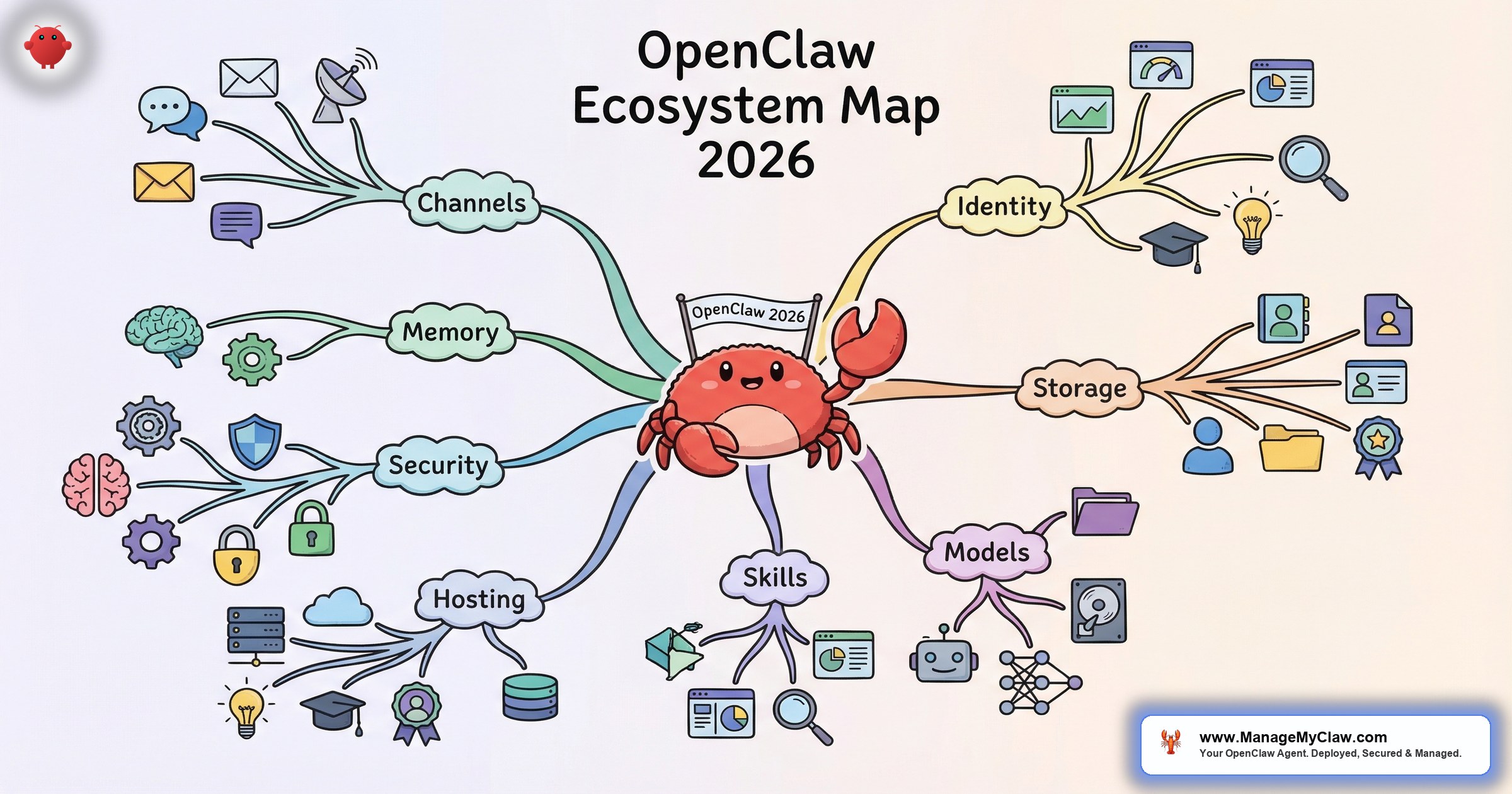
OpenClaw’s ecosystem in 2026 has 39 tools, plugins, and services across 9 categories. From deployment tooling to monitoring stacks to security hardening to managed services — the ecosystem around OpenClaw has grown from “download and configure it yourself” to a full landscape of options at every layer.
The challenge isn’t finding tools. It’s knowing which ones matter, which ones overlap, and which ones create security risks. ClawHub alone has 13,729+ skills — and Snyk’s ToxicSkills audit found 36.82% had security flaws.
An ecosystem this large is simultaneously OpenClaw’s greatest strength and its biggest attack surface.
This is the complete OpenClaw ecosystem tools map for 2026 — 39 tools organized by category, with notes on what each does, when you need it, and what to watch out for.
Category 1: Core Platform (4 tools)
OpenClaw Core — The agent framework itself. 250,000+ GitHub stars, 196 contributors. Handles task execution, tool use, memory management, and scheduling.
OpenClaw Gateway — The web interface and API layer. Provides the chat UI, REST API, and WebSocket connections for real-time communication with the agent.
ClawHub — The skill marketplace. 13,729+ skills. Browse, install, and publish skills. Requires vetting — the ClawHavoc attack planted 2,400+ malicious skills here.
ClawRouter — Model routing engine. Routes tasks to different AI models based on complexity for cost optimization. Built into OpenClaw core.
Category 2: Authentication and Credentials (4 tools)
Composio — OAuth middleware. Handles authentication between OpenClaw and 60+ external services. The agent never touches raw passwords or API tokens. Includes kill switch for instant access revocation.
1Password Secrets Automation — Secrets management for infrastructure credentials. Stores API keys, gateway tokens, and database passwords outside config files.
Bitwarden Secrets Manager — Alternative to 1Password with a free tier. Supports up to 3 machine accounts and 200 secrets.
Docker Secrets — Built-in Docker credential storage. Simpler but lacks rotation and auditing features of dedicated secrets managers.
Category 3: Deployment and Infrastructure (6 tools)
Docker — Container runtime. Every production OpenClaw deployment runs in Docker with sandboxing (non-root, cap-drop, read-only filesystem).
Docker Compose — Multi-container orchestration. Used for multi-agent deployments and monitoring stacks.
Tailscale — Mesh VPN for secure remote access. Zero-config, zero port forwarding. The remote access layer for every production deployment.
UFW + DOCKER-USER chain — Firewall configuration. UFW alone isn’t enough — Docker bypasses it entirely. The DOCKER-USER iptables chain is the fix most tutorials skip.
Hetzner / DigitalOcean / Linode — VPS providers commonly used for OpenClaw hosting. $12-$24/month for 4-8GB RAM instances.
Raspberry Pi — Local hardware option. Pi 5 with 8GB runs OpenClaw for under $100 in hardware. Best for home automation and privacy-first setups.
Category 4: Monitoring and Observability (5 tools)
Grafana — Dashboard and visualization. The production monitoring dashboard for OpenClaw deployments.
Prometheus — Metrics collection and storage. Scrapes system, process, and workflow metrics at configurable intervals.
Node Exporter — System metrics exporter. Exposes CPU, memory, disk, and network metrics for Prometheus to scrape.
Uptime Kuma — Lightweight heartbeat monitor. Good for basic “is it running?” checks. Doesn’t replace Grafana for production monitoring but serves as a simpler alternative for small setups.
cAdvisor — Container metrics. Monitors Docker container resource usage specifically. Useful for multi-agent setups where you need per-container resource attribution.
Category 5: AI Model Providers (4 tools)
Anthropic (Claude) — Haiku, Sonnet, Opus. The most common model provider for OpenClaw deployments. Strong reasoning, good instruction following.
OpenAI (GPT) — GPT-4o mini, GPT-4o, GPT-4. Alternative provider. Broader plugin ecosystem.
Ollama — Local model runner. Runs open-source models (Llama, Mistral, etc.) on your own hardware. No API costs but requires GPU for reasonable performance.
OpenRouter — Multi-model API proxy. Single API key for accessing models from multiple providers. Useful for ClawRouter configurations that span providers.
Category 6: Memory and Context (3 tools)
Supermemory — Long-term memory system for OpenClaw. Stores conversation history, learned preferences, and persistent knowledge across sessions.
Chroma / Pinecone — Vector databases for knowledge base retrieval. Used when the agent needs to search through documents, FAQs, or custom datasets.
Context compaction engine — Built into OpenClaw. Compresses conversation history when context windows fill up. Critical to configure correctly — the inbox-wipe incident happened because safety instructions weren’t pinned.
Category 7: Integration Tools (5 tools)
Tavily — Web search API. Gives the agent internet search capabilities for research, content monitoring, and real-time data.
Home Assistant — Smart home integration. Connects OpenClaw to lights, climate, sensors, and media devices.
n8n / Make — Workflow automation platforms. Can trigger OpenClaw tasks from external events or be triggered by OpenClaw outputs. Useful for complex multi-system workflows.
Telegram / Slack / WhatsApp — Message delivery channels. Where your agent sends morning briefings, triage summaries, and notifications.
Stripe / HubSpot / CRM integrations — Business tool connections through Composio OAuth. Used for client onboarding automation, KPI reporting, and lead response workflows.
Category 8: Enterprise and Security (4 tools)
NemoClaw — NVIDIA’s enterprise AI agent platform. Kernel-level sandboxing (OpenShell), YAML policy engine, privacy router for data sovereignty. For organizations with compliance requirements (SOC2, HIPAA, EU AI Act).
CrowdStrike Falcon — Enterprise endpoint security. Integrates with NemoClaw for AI-native threat detection and incident response.
JetPatch — Enterprise governance control plane for NemoClaw. Centralized policy management for multi-agent deployments.
OWASP Agentic Top 10 — Security framework (ASI01-ASI10). Not a tool but the reference standard for evaluating AI agent security. Covers excessive agency, prompt injection, insecure tool use, and more.
Category 9: Managed Services (4 tools)
ManageMyClaw — Managed OpenClaw deployment and care. Setup starting at $499. Managed Care at $299/month. Security hardening included at every tier.
SetupClaw — OpenClaw setup service. $3,000-$6,000 for setup. One-person operation with strong social proof.
SuperClaw — OpenClaw deployment and training. $1,200-$2,400 setup, $250-$1,250/month managed care. In-person training available in Austin.
Fiverr/Upwork freelancers — Individual OpenClaw setup services. $40-$175 per gig. Variable quality, no managed care, no security hardening guarantees.
Why this matters: 39 tools is a lot to evaluate. For most deployments, you need about 8-12 of these: OpenClaw core, Docker, a VPS, Tailscale, Composio, a model provider, a message channel, and optionally monitoring and a secrets manager. The ecosystem map helps you see which pieces you need and which ones you can skip.
The Bottom Line
OpenClaw’s ecosystem is mature, diverse, and growing. 39 tools across 9 categories give you options at every layer. The risk is complexity — each additional tool is another dependency, another potential vulnerability, another thing to maintain. Start with the essentials and add tools only when you have a specific problem they solve.
Frequently Asked Questions
How many of these 39 tools do I actually need?
A minimal production deployment uses 8: OpenClaw core, Docker, a VPS, Tailscale, Composio, an AI model provider, a message channel (Telegram/Slack), and UFW with DOCKER-USER chain. Add monitoring (Grafana + Prometheus) for production-grade visibility. Everything else is optional and depends on your specific use case.
Are there any tools in this list I should avoid?
Be cautious with ClawHub skills. The marketplace has 13,729+ skills, but 36.82% had security flaws in the ToxicSkills audit. Vet every skill before installation. Build custom skills for critical functionality rather than trusting unknown third-party code.
What’s the total monthly cost to run the full stack?
VPS hosting ($12-$24) + AI API costs ($50-$200) + optional Managed Care ($299). Total: $62-$523/month depending on your setup. Most solopreneurs run at $80-$120/month. Teams with multiple workflows and Managed Care run at $350-$500/month.
Is the ecosystem growing or consolidating?
Both. The skill marketplace is growing rapidly (new skills daily). The managed services space is consolidating as more providers enter. The security tooling is expanding as threats like ClawHavoc drive demand for better vetting and hardening tools. Expect the enterprise layer (NemoClaw, CrowdStrike) to grow significantly through 2026.
Does ManageMyClaw handle tool selection and integration?
Yes. Every ManageMyClaw deployment includes the full production stack: Docker sandboxing, Tailscale VPN, Composio OAuth, firewall hardening, skill vetting, and optional monitoring. We select and configure the right tools for your specific workflows so you don’t have to evaluate 39 options.
The Ecosystem, Managed for You
ManageMyClaw selects, configures, and maintains the right tools from the OpenClaw ecosystem for your specific workflows. Starting at $499 for setup.
Get Started — No Call Required

