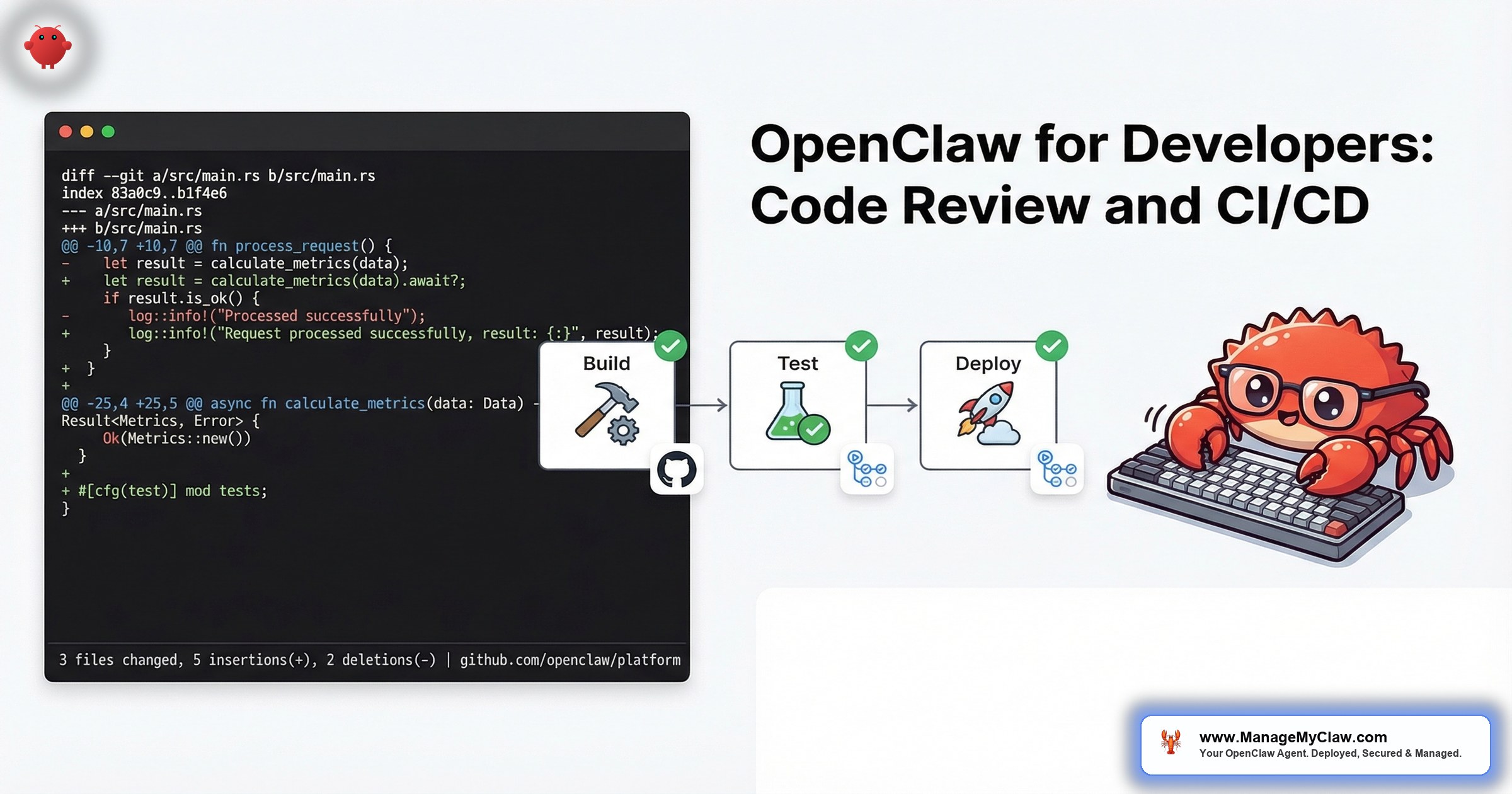
GitHub’s 2025 Octoverse report documented that developers spend 41% of their time on non-coding activities — code review, CI/CD debugging, issue triage, documentation, and deployment management. Google’s research on developer productivity found that code review turnaround time is the single largest predictor of engineering velocity, with teams averaging 24–48 hours per review cycle.
OpenClaw, connected to GitHub through Composio OAuth, handles the repetitive parts of the developer workflow: first-pass code review, PR labeling and triage, CI/CD pipeline monitoring, deployment notifications, and issue management. The agent does not replace the senior engineer who makes architectural decisions. It handles the work that senior engineers should not be doing manually.
Your best engineers are reading PRs for missing null checks, inconsistent naming, and forgotten test cases. An agent handles that in 30 seconds. Your engineers can focus on the design review that actually requires human judgment.
Workflow One: Automated Code Review
The agent monitors your GitHub repository for new pull requests. When a PR is opened, it performs a first-pass review within minutes — not hours or days.
What the agent checks:
- Code quality: Naming conventions, function length, cyclomatic complexity, dead code, unused imports
- Security patterns: SQL injection vectors, unvalidated inputs, hardcoded credentials, insecure dependencies
- Test coverage: Whether new code paths have corresponding tests, whether edge cases are covered
- Documentation: Missing docstrings, outdated comments, changelog entries
- Style compliance: Formatting, linting rules, project-specific conventions defined in the system prompt
The agent posts its review as a GitHub comment with inline annotations. It flags issues by severity: blockers (security, data loss risk), warnings (quality, maintainability), and suggestions (style, readability). The human reviewer then focuses on architecture, business logic, and design decisions — the things that require context an agent does not have.
What it does NOT do: The agent does not approve or merge PRs. It does not make commits. Tool permission allowlists restrict it to read access on the repository and write access only for PR comments. The agent informs; humans decide.
Monthly API cost: $20–$60 depending on PR volume and diff size. A team generating 20 PRs/week with average diffs of 200 lines runs approximately $40/month.
Why this matters: Google’s engineering productivity research shows that reducing review turnaround from 24 hours to under 4 hours increases merge frequency by 40%. An agent that provides first-pass review in 5 minutes means human reviewers start with annotated code instead of raw diffs. The review cycle compresses from days to hours.
Workflow Two: PR Management and Triage
Beyond code review, the agent handles the organizational overhead around pull requests.
Auto-labeling: Based on the files changed, the agent applies labels: frontend, backend, database, security, docs. PRs touching migrations get needs-db-review. PRs touching auth get security-review.
Reviewer assignment: Based on CODEOWNERS rules and recent activity, the agent assigns reviewers. If your backend lead is on vacation, the agent knows and assigns the backup. If a PR touches both frontend and backend, both reviewers get assigned.
Stale PR detection: PRs that have not been updated in 3+ days get a Slack notification to the author and reviewer. PRs that are 7+ days without activity get escalated to the team lead. No PR falls through the cracks.
PR summary generation: For every PR, the agent generates a human-readable summary: what changed, why it matters, what to focus on during review. This replaces the low-effort “Updated stuff” PR descriptions that make reviewers sigh.
Workflow Three: CI/CD Pipeline Monitoring
CI/CD pipelines fail. When they do, developers spend 30–60 minutes diagnosing the failure, finding the relevant log lines, and determining whether the failure is a code issue, a flaky test, or an infrastructure problem.
What the agent does:
- Failure triage: When a CI build fails, the agent reads the build logs, identifies the failure point, and posts a summary: “Build failed at test step. 2 tests failing: test_user_auth and test_payment_webhook. Error: connection timeout to test database.” The developer gets the diagnosis, not a link to a 500-line log.
- Flaky test detection: The agent tracks test results across builds. If test_payment_webhook has failed 3 times in the last 10 builds with different code changes, it flags it as flaky and separates it from genuine failures.
- Deployment notifications: When a deployment succeeds, the agent sends a Slack message to the team: “v2.3.1 deployed to staging. Changes: 4 PRs merged (user auth refactor, payment webhook fix, docs update, dependency bump). Smoke tests: all passing.”
- Rollback alerts: If post-deployment monitoring detects elevated error rates, the agent alerts the on-call engineer with context: which deployment, what changed, and what errors are spiking.
Monthly API cost: $10–$30. Build log analysis is text processing — relatively inexpensive per operation. A team running 50 builds/week spends approximately $20/month.
Workflow Four: Issue and Project Management
The agent connects to GitHub Issues (or Linear, or Jira through Composio) and handles the triage work that product managers and team leads spend hours on.
Bug report triage: When a new bug report comes in, the agent categorizes it by severity and component, checks for duplicates against open issues, and adds relevant context (recent deployments, related PRs, similar past bugs).
Feature request processing: The agent tags feature requests by theme, links them to related issues, and surfaces patterns: “5 feature requests in the last 30 days mention better webhook configuration.”
Sprint reporting: At the end of each sprint, the agent compiles a summary: issues completed, issues carried over, blocked items with reasons, and velocity trends. Delivered to Slack or email on your schedule.
Security for Developer Workflows
A developer-focused OpenClaw agent has access to your source code, your CI/CD infrastructure, and your deployment pipeline. The security configuration is critical.
- Read-only repository access. The agent reads code and diffs. It does not push commits, approve PRs, or merge branches. All write operations are limited to PR comments and issue labels.
- No credential access. The agent connects through Composio OAuth tokens, not personal access tokens with admin scope. Tokens are scoped to the minimum permissions needed.
- Audit logging. Every action the agent takes — every PR comment, every label applied, every notification sent — is logged with timestamp and context. Your team can audit exactly what the agent did and why.
- No deployment authority. The agent monitors deployments. It does not trigger them. Deployment authority stays with human engineers and your existing CI/CD tooling.
An AI agent with write access to your production deployment pipeline is not a developer tool. It is a risk your security team will not approve. Keep the agent in the observation and notification layer, not the action layer.
The Full Stack Cost
| Component | Monthly Cost |
|---|---|
| VPS hosting | $12–$24 |
| Code review API | $20–$60 |
| CI/CD monitoring API | $10–$30 |
| Issue triage API | $5–$15 |
| Total monthly (team of 5) | $47–$129 |
At approximately $90/month for a 5-person team, the agent costs less than 1 hour of a senior developer’s time per month. If it saves each developer 2 hours per week on code review and CI/CD debugging alone, the ROI is 40x.
The Bottom Line
Developers lose 41% of their time to non-coding work. Code review, CI/CD debugging, PR management, and issue triage are necessary but repetitive. OpenClaw handles the repetitive layers — first-pass review, log analysis, auto-labeling, stale PR detection — while keeping architectural decisions, merge authority, and deployment control with human engineers.
The agent does not replace your senior engineers. It gives them back the hours they spend on work that does not require their judgment.
Frequently Asked Questions
Can OpenClaw push code or merge pull requests?
Not in a properly configured deployment. Tool permission allowlists restrict the agent to read-only repository access and write access only for PR comments, labels, and issue updates. The agent cannot push commits, approve PRs, merge branches, or trigger deployments. These restrictions are enforced at the tool level through Composio OAuth scoping, not through prompt instructions that could be overridden.
How does the code review agent handle proprietary code security?
The agent reads diffs through the GitHub API — the same access model used by any CI/CD tool. Code is processed by the AI model API (Anthropic, OpenAI, or others) for review. If code confidentiality is a concern, NemoClaw’s privacy router can direct inference to local Nemotron models, keeping all code within your infrastructure. For most teams, standard API-based review is acceptable because the major model providers do not train on API input data.
Does the agent replace tools like SonarQube or CodeClimate?
No. Static analysis tools like SonarQube check for defined patterns with zero false-positive tolerance. OpenClaw’s code review is natural-language analysis that catches contextual issues static tools miss — “this function name implies it’s pure but it has side effects” or “this error handling catches everything, which will hide bugs.” Use both. Static analysis for known patterns. Agent review for contextual quality.
What if the agent gives bad review feedback?
It will, especially in the first 2 weeks. The system prompt needs calibration — teach it your codebase conventions, your preferred patterns, and what to ignore. Include examples of good and bad review comments in the prompt. After 2–3 weeks of iteration, accuracy improves significantly. The agent’s review is a first pass, not the final word. Human reviewers always have the last call.
Can I use this for a monorepo with multiple services?
Yes. The agent’s system prompt can include repository structure context — which directories correspond to which services, which teams own which code, and service-specific review standards. For monorepos with 10+ services, you may want separate agent configurations per service area rather than a single agent reviewing everything, to keep review quality high and prompt context focused.
Get your developer agent deployed.
ManageMyClaw configures OpenClaw for developer workflows — code review, CI/CD monitoring, and PR management — starting at $499, with security hardening at every tier. Live in under 60 minutes.
See Plans and PricingRelated reading: Managed OpenClaw Deployment • OpenClaw for Personal Productivity • How OpenClaw Actually Works: Architecture Explained
Not affiliated with or endorsed by the OpenClaw open-source project.


