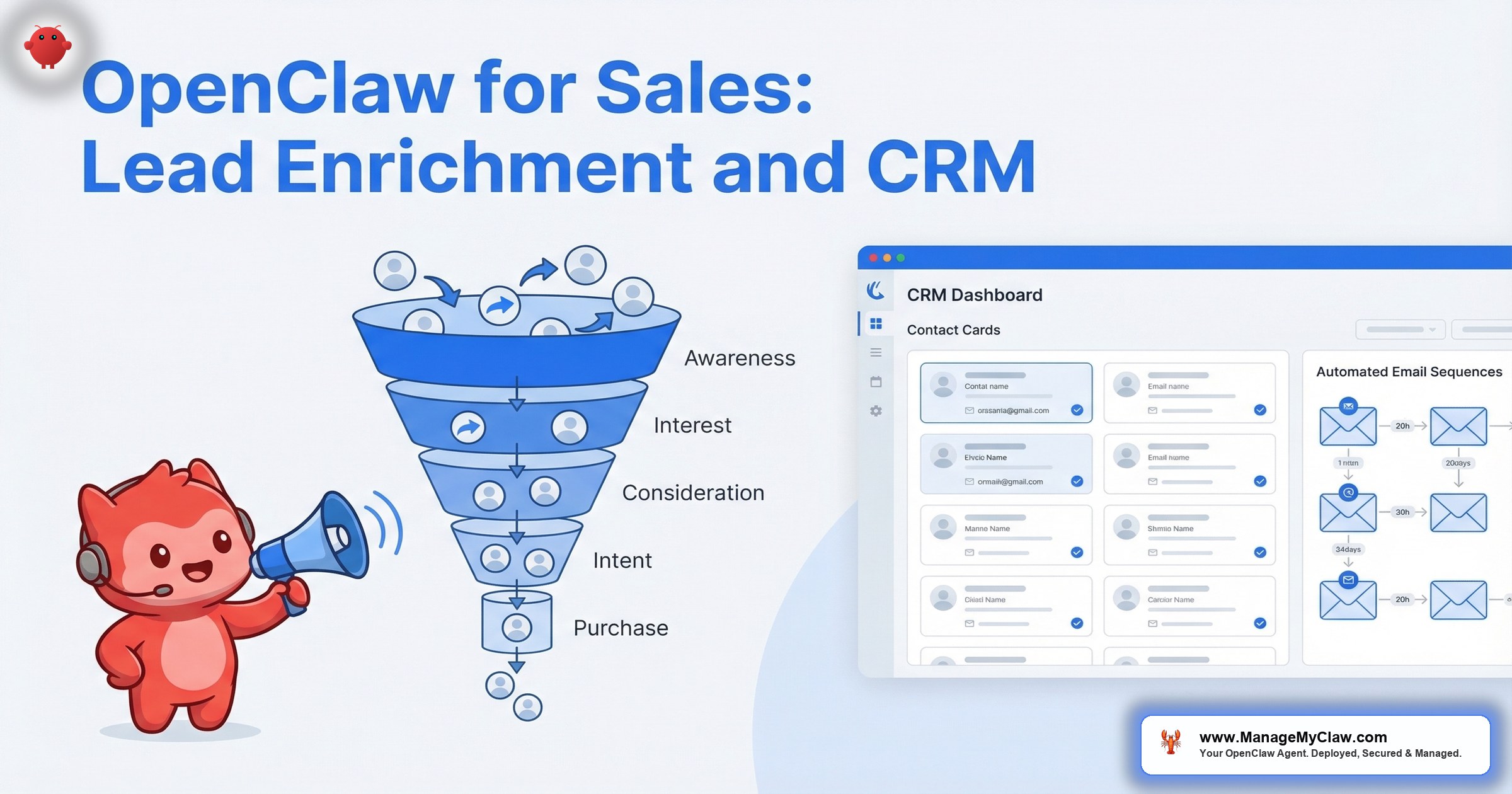
HubSpot’s 2025 State of Sales report found that sales reps spend only 28% of their time actually selling. The other 72% goes to data entry, lead research, CRM updates, email drafting, and administrative tasks. Salesforce’s research puts the number even lower: 34% of a rep’s time is spent on non-selling activities like manual data entry alone.
OpenClaw, connected to your CRM and enrichment tools through Composio OAuth, handles the 72% so your team can focus on the 28% that generates revenue. Lead enrichment, scoring, CRM hygiene, follow-up sequences, and pipeline reporting — all running 24/7 on a $12/month VPS.
Your best closer should not be spending 2 hours per day copying LinkedIn data into HubSpot. That is a $150,000/year employee doing a $15/hour task.
Workflow One: Lead Enrichment
When a new lead enters your pipeline — from a form submission, a Stripe trial signup, a webinar registration, or a manual CRM entry — the agent enriches it automatically.
What the agent pulls:
- Company data: Industry, company size, revenue range, funding status, tech stack (via Apollo, Clearbit, or web scraping)
- Contact data: Title, seniority level, department, LinkedIn profile, recent activity
- Fit signals: Does the company match your ideal customer profile? Is the contact a decision-maker or an influencer? What is their likely budget range?
- Intent signals: Recent job postings (hiring for AI or automation), technology changes, funding rounds, company news
The agent writes the enriched data directly to the CRM record. A lead that entered as “Jane, jane@company.com” becomes “Jane Smith, VP of Operations at TechCorp (Series B, 85 employees, uses HubSpot + Slack, hiring for automation engineer).” Your rep walks into the first call with context that used to take 20 minutes of manual research per lead.
At scale: A team processing 50 new leads per day spends approximately 16 hours/day on manual research at 20 minutes per lead. The agent handles it in real time at an API cost of $30–$60/month. At $40/hour for SDR time, that is $640/day in manual labor replaced by $2/day in API costs.
On r/sales, a recurring complaint is “I spend more time in the CRM than on the phone.” Lead enrichment automation is the most immediate fix for that problem.
Workflow Two: Lead Scoring
Once enriched, the agent scores each lead based on criteria you define.
Scoring dimensions:
- Fit score: Does the company match your ICP? Right industry, right size, right tech stack, right budget range. Scored 1–100.
- Intent score: Has the contact engaged with your content? Visited pricing page? Downloaded a resource? Replied to an outreach email? Higher engagement = higher score.
- Timing score: Is the company showing buying signals? Recent funding, new leadership, technology evaluation, competitor churn signals.
The combined score determines routing: hot leads (score 80+) go directly to your closer with a Slack notification. Warm leads (50–79) enter a nurture sequence. Cold leads (below 50) get a lower-touch follow-up cadence. Scoring criteria live in the system prompt and update as your ICP evolves.
Why this matters: Forrester’s research shows that companies with lead scoring have 77% more lead generation ROI than those without. But most small teams skip scoring because it requires manual evaluation or expensive third-party tools. OpenClaw makes it a configuration exercise, not a software purchase.
Workflow Three: Follow-Up Sequences
80% of sales require 5 follow-ups. 44% of reps give up after 1. The gap between those 2 numbers is where revenue dies.
OpenClaw manages multi-step follow-up sequences that adapt based on lead behavior.
How it works:
- Step 1 (Day 0): Initial outreach email drafted and sent (or drafted for review, depending on your permission configuration). Personalized using enrichment data — not “Hi [First Name]” but “Hi Jane, saw TechCorp just closed Series B and is hiring for automation — relevant to what we do.”
- Step 2 (Day 3): If no reply, follow-up with different angle. The agent adjusts messaging based on which part of step 1 the contact engaged with (email opens, link clicks).
- Step 3 (Day 7): Value-add touchpoint. Share a relevant resource, case study, or industry insight related to the contact’s company or role.
- Step 4 (Day 14): Direct ask. Meeting request with 2–3 specific time options pulled from your calendar.
- Step 5 (Day 21): Breakup email. Acknowledges they may not be interested, leaves the door open, removes them from the active sequence.
Key distinction: These are not mail merge templates. Each email is generated by the agent using the lead’s enrichment data, their engagement history, and the context of previous touchpoints. “Jane opened email 2 and clicked the pricing link but did not reply” produces a different step 3 than “Jane did not open email 2 at all.”
Monthly API cost: $20–$50 depending on volume. At 50 active sequences running simultaneously with 5 touchpoints each, approximately $35/month.
Workflow Four: CRM Hygiene and Pipeline Reporting
CRM data decays at approximately 30% per year. Contacts change jobs. Companies rebrand. Phone numbers go stale. And reps create duplicate records, leave fields blank, or move deals to the wrong pipeline stage.
What the agent maintains:
- Duplicate detection: Flags records with matching emails, phone numbers, or company names for merge or deletion
- Field completion: Identifies records missing required fields and enriches them automatically or flags them for rep attention
- Stale deal detection: Deals that have not progressed in 14+ days get flagged to the rep and manager: “Deal with TechCorp ($15,000, demo completed) has been in ‘Proposal Sent’ for 18 days. No activity since March 3.”
- Pipeline reporting: Daily or weekly Slack summary of pipeline health — total pipeline value, deal movement, win/loss trends, and at-risk deals
A CRM is only as good as the data in it. Most sales teams know this. Very few have the discipline to maintain it manually. An agent that runs hygiene checks every night is the difference between “our CRM is a mess” and “our CRM is our competitive advantage.”
Integration Architecture
OpenClaw connects to sales tools through Composio OAuth. The integrations relevant to sales teams:
| Tool | Function | Access Level |
|---|---|---|
| HubSpot | CRM read/write, deal management, contact enrichment | Read + write (scoped to contacts and deals) |
| Apollo | Lead enrichment, contact search, company data | Read-only (data pull) |
| Gmail | Follow-up sequences, email tracking | Read + draft (send requires approval) |
| Google Calendar | Meeting scheduling, availability checks | Read + propose (no direct booking) |
| Slack | Notifications, pipeline alerts, deal updates | Write to designated channels only |
| Stripe | Payment triggers for onboarding sequences | Read-only (payment events) |
All credentials are handled through Composio OAuth. The agent never holds raw API tokens or passwords. The kill switch revokes all access instantly.
The Bottom Line
Sales teams generate revenue. Everything else — data entry, research, CRM updates, follow-up scheduling — is operational overhead that reduces selling time. OpenClaw handles the overhead at $50–$150/month in total costs, giving your reps back 3–5 hours per day of selling time.
A rep who spends 5 hours selling instead of 2 hours selling is not 150% more productive. They are 150% more productive at the one activity that generates all of your revenue.
Frequently Asked Questions
Can OpenClaw send emails on behalf of my sales reps automatically?
It depends on your configuration. The default (and recommended) setup has the agent draft emails for rep review before sending. For high-volume outreach (cold sequences to 100+ leads), you can grant send permissions with guardrails: maximum sends per day, required fields in every email, and automatic pause if bounce rates exceed a threshold. The choice is yours — fully automated or human-in-the-loop.
Does the agent work with HubSpot, Salesforce, or both?
Through Composio OAuth, OpenClaw connects to HubSpot, Salesforce, Pipedrive, and 60+ other tools. The workflows described in this post work with any CRM that Composio supports. The system prompt is configured to your specific CRM’s field structure and pipeline stages.
How does lead enrichment compare to tools like Apollo or ZoomInfo used directly?
OpenClaw does not replace Apollo or ZoomInfo — it uses them as data sources. The value is in the automation layer: instead of a rep manually searching Apollo, copying data to HubSpot, and updating fields, the agent does it automatically when a lead enters the pipeline. You still pay for Apollo or ZoomInfo access. The agent eliminates the manual steps between the enrichment data and your CRM.
What if the agent sends a follow-up to someone who already replied?
The agent monitors the inbox for replies. When a lead responds to any email in the sequence, the agent automatically pauses the sequence for that contact and notifies the assigned rep. If the reply is a positive response (meeting request, question about pricing), the agent flags it as a hot lead. If it is an unsubscribe or not-interested response, the agent removes the contact from the sequence permanently.
Is it safe to give an AI agent access to our CRM data?
With proper configuration, yes. Composio OAuth provides token-based access scoped to specific CRM objects (contacts, deals) — not admin-level access. The agent cannot delete CRM records, export bulk data, or modify account settings. Docker sandboxing, system-level constraints, and audit logging provide additional layers. The kill switch revokes all access instantly if needed. These are the same controls described in the security hardening guide.
Get your sales agent deployed this week.
ManageMyClaw configures OpenClaw for sales workflows — lead enrichment, CRM automation, and follow-up sequences — starting at $499 with security hardening at every tier. Live in under 60 minutes.
See Plans and PricingRelated reading: Managed OpenClaw Deployment • OpenClaw for Business: The Complete Guide • OpenClaw for Customer Service: Multi-Channel Support Bot Setup
Not affiliated with or endorsed by the OpenClaw open-source project.


