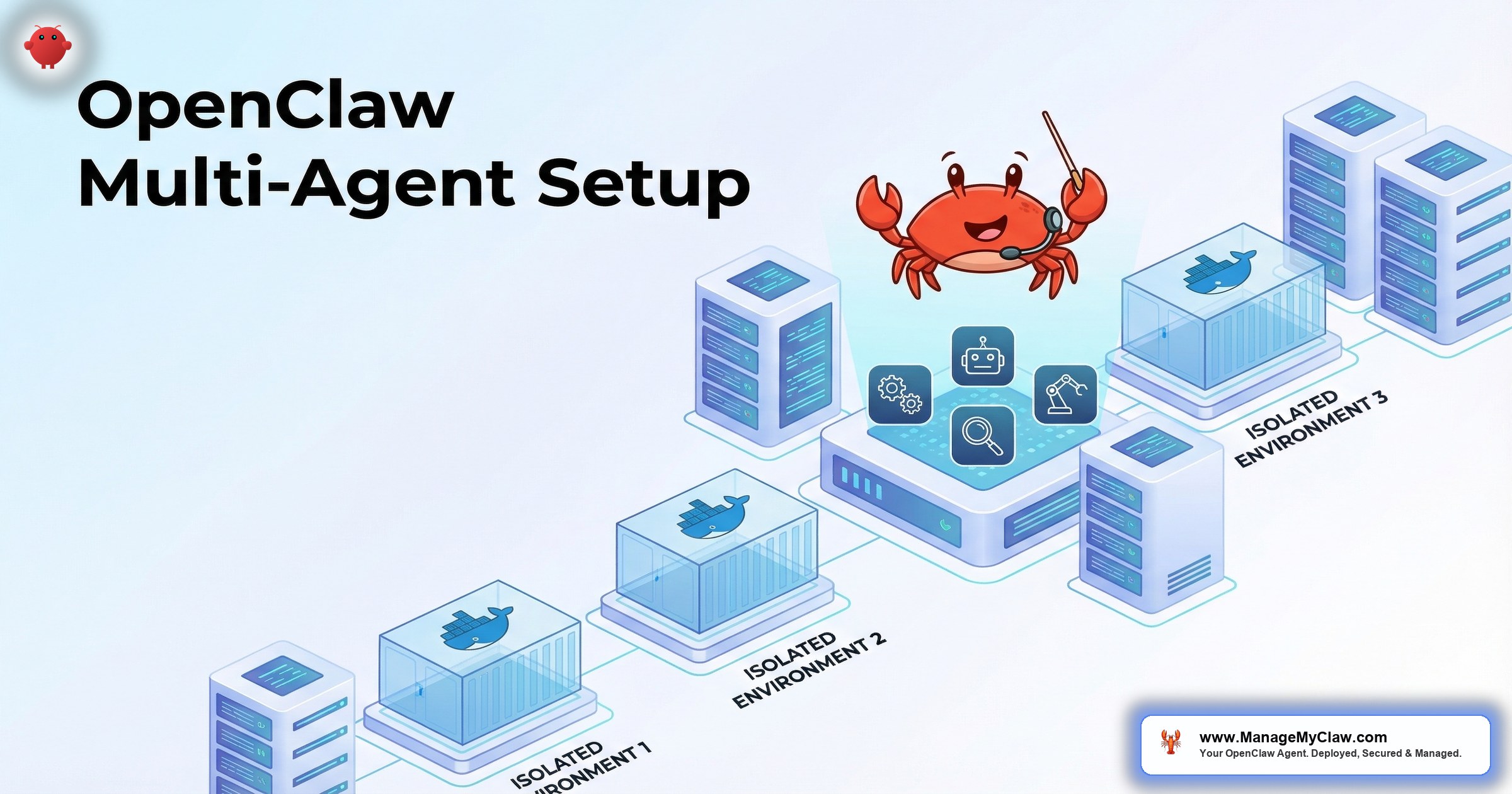
A single OpenClaw agent handles email triage, morning briefings, and client onboarding — all on 1 cron schedule, with 1 set of permissions, using 1 API key. That works for solopreneurs. Once you’re running workflows for different team members, departments, or clients, the single-agent model breaks down.
The marketing team’s social media agent shouldn’t have access to the finance team’s Stripe dashboard. The client-facing support agent shouldn’t share memory context with the internal ops agent. And when one agent hits its API rate limit, it shouldn’t take down every other workflow on the server.
Multiple agents on 1 server is a resource problem and a security boundary problem. Most guides cover the first one. The second one is where the real risk lives.
This guide covers the full OpenClaw multi-agent setup — resource sizing, Docker isolation, permission boundaries, and API key separation — so each agent operates independently without compromising the others.
When You Need Multiple Agents (and When You Don’t)
Not every multi-workflow setup needs multiple agents. Here’s the decision framework:
Single agent is fine when: All workflows serve the same person, use the same tool permissions, and share the same security context. A solopreneur running email triage + morning briefing + KPI reporting doesn’t need 3 agents — 1 agent with 3 workflows is simpler and cheaper.
Multiple agents are needed when:
- Different permission scopes. The support agent needs customer database access. The content agent needs social media access. Neither should have both.
- Different users. Each team member’s email triage agent needs access to their inbox, not everyone else’s.
- Isolation requirements. A client-facing agent should have separate memory, separate error handling, and a separate kill switch from internal agents.
- Cost attribution. When you need to track API spend per department or per client, separate agents with separate API keys make accounting straightforward.
Resource Sizing: How Many Agents Can Your VPS Handle?
Each OpenClaw agent consumes resources even when idle — the gateway process, memory for context, and background processes for scheduled tasks. Here’s the sizing math:
| VPS Specs | Agents Supported | Monthly Cost | Best For |
|---|---|---|---|
| 4GB RAM / 2 vCPU | 1 agent | $12–$18 | Solopreneurs |
| 8GB RAM / 4 vCPU | 2–3 agents | $24–$36 | Small teams |
| 16GB RAM / 6 vCPU | 4–6 agents | $48–$72 | Agencies, growing companies |
Budget roughly 2GB RAM per agent as a baseline. Agents with large context windows, Supermemory integration, or high-frequency cron jobs use more. Monitor actual memory consumption for the first week and adjust the VPS size accordingly.
On r/selfhosted, a user running 4 OpenClaw agents on a single 16GB VPS reported: “Memory is the bottleneck, not CPU. Each agent idles around 1.5GB. When they’re all processing tasks simultaneously, it spikes to 2-2.5GB each. 16GB gives comfortable headroom.” (42 upvotes)
Architecture: Docker Compose for Multi-Agent Isolation
Each agent runs in its own Docker container with its own configuration, its own network namespace, and its own gateway port. Docker Compose orchestrates the entire stack:
version: "3.8"
services:
  agent-ops:
    image: openclaw/openclaw:latest
    container_name: openclaw-ops
    volumes:
      - ./configs/ops:/config
      - ./data/ops:/data
    ports:
      - "127.0.0.1:3001:3000"
    environment:
      - ANTHROPIC_API_KEY=${OPS_API_KEY}
    security_opt:
      - no-new-privileges
    cap_drop:
      - ALL
    read_only: true
    restart: unless-stopped

  agent-support:
    image: openclaw/openclaw:latest
    container_name: openclaw-support
    volumes:
      - ./configs/support:/config
      - ./data/support:/data
    ports:
      - "127.0.0.1:3002:3000"
    environment:
      - ANTHROPIC_API_KEY=${SUPPORT_API_KEY}
    security_opt:
      - no-new-privileges
    cap_drop:
      - ALL
    read_only: true
    restart: unless-stopped

  agent-content:
    image: openclaw/openclaw:latest
    container_name: openclaw-content
    volumes:
      - ./configs/content:/config
      - ./data/content:/data
    ports:
      - "127.0.0.1:3003:3000"
    environment:
      - ANTHROPIC_API_KEY=${CONTENT_API_KEY}
    security_opt:
      - no-new-privileges
    cap_drop:
      - ALL
    read_only: true
    restart: unless-stopped
Key design decisions:
- Separate config directories. Each agent has its own
openclaw.json, its own skills, its own system prompt. No shared configuration means no accidental permission leaks. - Separate API keys. Each agent gets its own API key with its own spending limit. Agent-ops burning through its budget doesn’t affect agent-support.
- Separate gateway ports. Each gateway binds to a different localhost port. Access each agent individually through Tailscale Serve.
- Same security hardening. Every container gets
cap_drop: ALL,no-new-privileges, andread_only: true. Security doesn’t scale by adding containers — it scales by applying the same hardening to every container.
Permission Boundaries: The Security Model
Multi-agent setups multiply the attack surface. If 1 agent has a vulnerability, can it access the other agents’ data? The answer should be no — and Docker isolation makes this achievable:
1. Separate Composio OAuth connections. Each agent authenticates to different services through separate Composio workspaces. The ops agent connects to the team’s Google Workspace. The support agent connects to the customer-facing email. The kill switch for each agent is independent.
2. Separate tool permission allowlists. The content agent can post to X and LinkedIn but can’t read email. The ops agent can read email and calendar but can’t post to social media. Each agent’s permissions reflect its job description — nothing more.
3. No shared volumes. Each agent has its own data directory. No shared filesystem means one compromised agent can’t access another agent’s conversation history, memory, or configuration.
4. Network isolation. By default, Docker Compose containers on the same network can communicate. For multi-agent setups, put each agent on its own Docker network to prevent inter-container communication unless explicitly needed.
Why this matters: The Summer Yue inbox wipe happened with a single agent that had too many permissions. Multiply that by 3 agents sharing permissions, and the blast radius of any misconfiguration triples. Multi-agent setups require tighter boundaries, not looser ones.
Managing and Monitoring Multiple Agents
With 3 agents running on 1 server, you need a consolidated view. A Grafana dashboard with per-agent panels is the right tool. Create a dashboard variable for agent name and filter every panel by it — so you can see the aggregate health or drill into a specific agent.
Critical alerts for multi-agent setups:
- Per-agent container status. If any agent container stops, alert immediately.
- Aggregate memory usage. If total memory exceeds 85%, alert before the OOM killer starts terminating containers.
- Per-agent API spend. Each agent should have its own cost tracking. A spike in one agent shouldn’t be masked by normal spend in the others.
The Bottom Line
Multiple agents on 1 server is a solved problem — if you get the boundaries right. Docker Compose handles the orchestration. Separate configs, API keys, and Composio connections handle the isolation. The resource math is straightforward: 2GB RAM per agent, and monitor for the first week to adjust. The hard part isn’t running multiple agents. It’s making sure each one can only do what it’s supposed to do.
Frequently Asked Questions
Can multiple OpenClaw agents share the same API key?
Technically yes, but don’t. Shared API keys make cost attribution impossible and mean one agent’s rate limit affects all agents. Create a separate API key for each agent in your provider’s dashboard. It takes 2 minutes per key and gives you independent spending limits and cost tracking.
Do I need a separate VPS for each agent?
No. A single VPS with adequate RAM handles multiple agents efficiently. Separate VPS instances add cost and management overhead without improving isolation — Docker already provides process and filesystem isolation. The exception is if you need geographic separation (agents in different regions for latency) or if you’re running 6+ agents that exceed your single VPS capacity.
Can agents communicate with each other?
Not by default, and usually they shouldn’t. If you genuinely need inter-agent communication (one agent handing off a task to another), the secure approach is a shared message queue or webhook — not shared filesystem access. For most setups, agents should be fully independent with no cross-communication.
How does ManageMyClaw handle multi-agent deployments?
The Business tier ($2,999) includes up to 2 agents with full isolation — separate configs, separate API keys, separate Composio connections, and separate tool permission allowlists. Additional agents are available as add-ons at $499-$699 per agent. Each agent gets the same security hardening stack applied to every ManageMyClaw deployment.
What happens if one agent crashes? Does it affect the others?
With proper Docker isolation, no. Each agent runs in its own container with restart: unless-stopped. If one container crashes, Docker automatically restarts it while the other agents continue running. The exception is an OOM kill — if the server runs out of memory, the kernel may kill any container, not just the one that caused the problem. That’s why aggregate memory monitoring matters.
Multi-Agent Deployments, Fully Managed
ManageMyClaw Business tier includes up to 2 agents with complete isolation and security hardening. Need more agents? Add-ons start at $499 per agent.
View Plans — No Call Required

