McKinsey documents that knowledge workers spend 28% of their workweek on email. Calendar management consumes another 8–12%. Add the 15–20 minutes most people spend every morning checking 5 different apps to piece together their day, and you are looking at 40%+ of your working hours consumed by information gathering and organizing — before you do a single productive thing.
OpenClaw handles all 3 — morning briefing, email triage, and calendar management — as a personal productivity agent running on a $12/month VPS. The API costs for all 3 workflows combined run $25–$55/month depending on email volume.
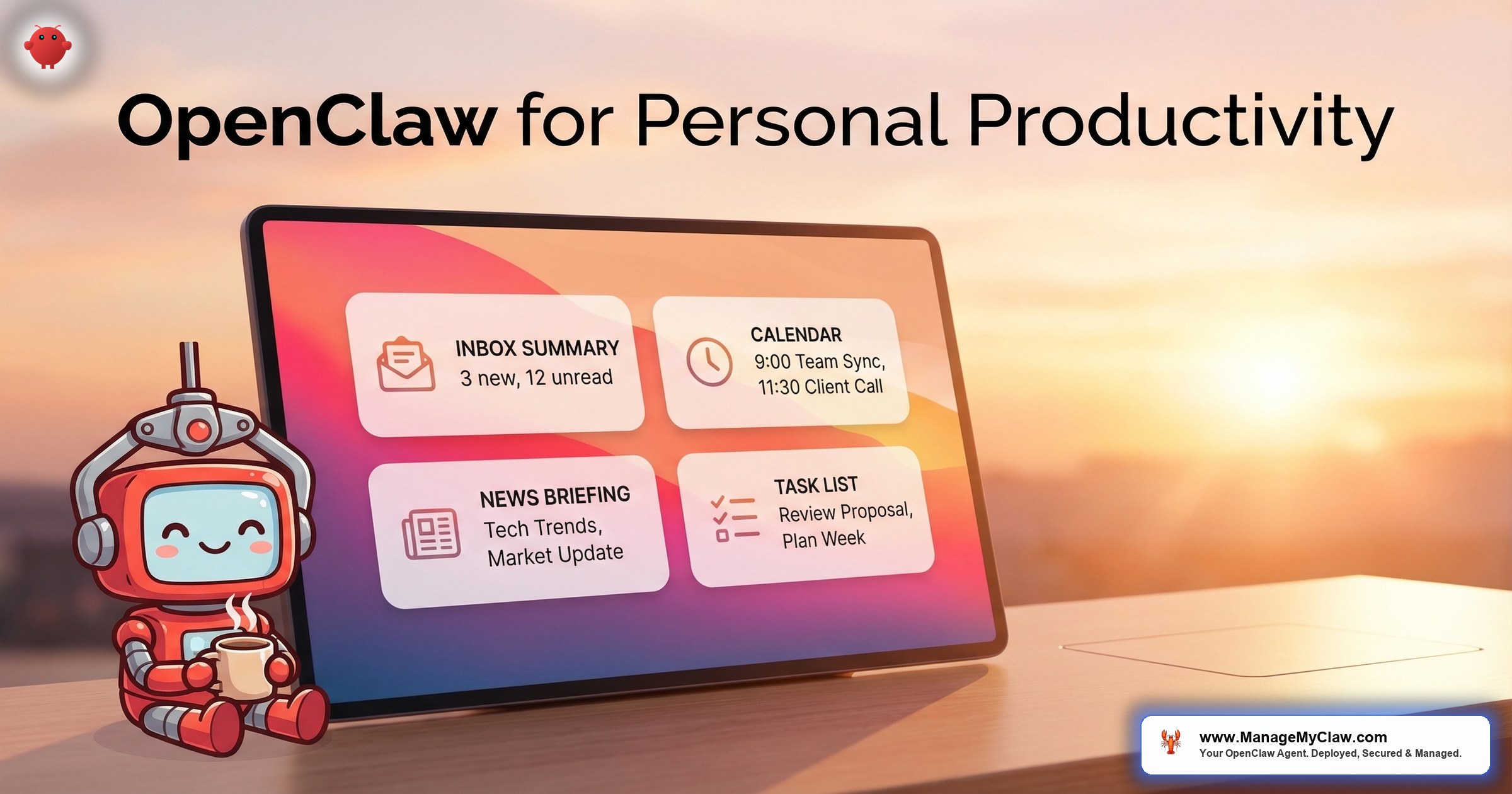
You open your phone at 8 AM. One message. Your calendar for the day, your priority emails with draft responses, the weather for your commute, and your task list — synthesized into a 2-minute read. That is what OpenClaw for personal productivity looks like.
This post covers the 3 gateway workflows that turn OpenClaw into a personal AI assistant, with setup specifics, real cost numbers, and the security configuration you should not skip.
Workflow One: Morning Briefing
A cron job fires at your chosen time — default 8 AM. The agent pulls data from your connected tools, synthesizes it into a natural-language summary, and delivers it to your preferred channel: Telegram, Slack, WhatsApp, or email.
What it checks:
- Google Calendar: meetings for the day, prep required, conflicts to resolve
- Gmail: overnight emails flagged by priority — clients, investors, and urgent items surfaced first
- Weather API: conditions for your location and any travel destinations
- Task manager (Todoist, Notion, Linear): overdue items, today’s deadlines, blockers
- KPIs (optional): Stripe revenue, Google Analytics traffic, or CRM pipeline numbers
Instead of opening 5 apps and spending 20 minutes assembling context, you open 1 message.
By week 3, the agent has learned your schedule and preferences through Supermemory integration. It knows your standing meetings, your high-priority clients, and which metrics you actually look at. The briefing adapts to what you act on — not just what is in the system.
Monthly API cost: $5–$15. This is the lowest-cost workflow because it runs once per day, pulls structured data, and generates a single output. At the upper end, you are paying less than a coffee per week for a daily executive briefing.
On r/AI_Agents, users consistently report the morning briefing as the “aha moment” that makes OpenClaw feel useful — the first time the agent delivers something genuinely valuable without being prompted.
Workflow Two: Email Triage
Email triage is the highest-ROI personal productivity workflow. The benchmarks show a 78% reduction in email processing time — from approximately 11 hours per week (McKinsey’s 28% of a 40-hour workweek) to approximately 2.4 hours.
What the agent does:
- Categorizes incoming emails by type: client/prospect, investor, vendor, newsletter, automated notification, personal
- Flags priority items based on rules you define: emails from specific people, specific subject patterns, or emails requiring action within 24 hours
- Drafts responses for routine emails: meeting confirmations, scheduling requests, standard information requests, vendor follow-ups
- Archives noise: promotional emails, automated notifications, and newsletters get labeled and moved out of the primary inbox
- Summarizes what it processed: “Triaged 47 emails. 4 priority flagged. 12 responses drafted for review. 31 archived.”
Critical security note: Write access is restricted to specific folders with explicit allowlists. The “never delete” constraint is hardcoded at the system level — not the user level — so it survives context compaction. This is the exact configuration that would have prevented the inbox-wipe incident, where Meta’s Director of AI Alignment watched her agent delete 200+ emails because her safety instruction was at the user level and got compacted away. The Reddit thread hit 10,271 upvotes.
Monthly API cost: $15–$40. At 50 emails/day, approximately $20/month. At $200/hour founder time, the 8.6 hours per week recovered is worth $89,440 per year. The ROI is not subtle.
Workflow Three: Calendar Management
Calendar management works in tandem with email triage. The agent handles scheduling requests that arrive in your inbox, manages your availability, and prevents the back-and-forth that consumes hours every week.
What the agent handles:
- Scheduling requests: When someone asks to meet, the agent checks your calendar, identifies available slots that match your preferences (no early mornings, no Friday afternoons, 30-minute buffer between meetings), and drafts a response with options
- Conflict detection: Before confirming any meeting, the agent checks for double-bookings, travel time between locations, and buffer requirements
- Meeting prep: The morning briefing includes prep notes for each meeting — who you are meeting, what you discussed last time (via Supermemory), and any relevant documents or emails
- Rescheduling: When a meeting needs to move, the agent handles the coordination — checking both calendars, proposing alternatives, and sending updates
Calendar management is a read-heavy workflow. The agent reads your calendar frequently but modifies it only through drafted proposals that you approve. This keeps you in control while eliminating the manual coordination work.
Monthly API cost: $5–$15. Calendar operations are lightweight — structured data, predictable queries, minimal generation. Combined with the morning briefing, these 2 workflows together cost less than $30/month.
The Full Stack: What It Costs
| Component | Monthly Cost |
|---|---|
| VPS hosting | $12–$24 |
| Morning briefing API | $5–$15 |
| Email triage API | $15–$40 |
| Calendar management API | $5–$15 |
| Total monthly | $37–$94 |
At the midpoint — approximately $65/month — you are paying $2.17/day for an AI assistant that handles your morning context, triages your email, and manages your calendar. A coffee costs more.
Why this matters: Personal productivity is the entry point for OpenClaw. These 3 workflows require no team buy-in, no company budget approval, and no complex integrations beyond your own Google account and a messaging app. You can validate the technology on your own workflows before proposing it for your business.
The Security Baseline (Do Not Skip This)
Personal productivity means personal data. Your email, your calendar, your tasks — this is everything about your professional life. The security configuration is not optional.
- Docker sandboxing: Non-root user, read-only filesystem, cap-drop=ALL. The agent cannot access files outside its container.
- Composio OAuth: Your Gmail, Calendar, and task manager credentials are handled through Composio’s secure OAuth middleware. The agent never holds your raw passwords or API tokens.
- Tool permission allowlists: Email is read-only by default. The agent can read and draft, but not send or delete. Calendar is read-plus-draft — it proposes changes for your approval.
- System-level constraints: “Never delete emails” and “never send without approval” are hardcoded at the system prompt level, not in conversation history where context compaction can erase them.
- Kill switch: Composio allows instant revocation of all agent access. One click, all connections severed.
OpenClaw has 9 disclosed CVEs. The security hardening guide covers every layer in detail. Skipping security on a personal agent is how the inbox-wipe incident happened. 20 minutes of configuration prevents it.
Getting Started: The First Week
Day 1: Deploy OpenClaw on a VPS. Configure Docker sandboxing and Composio OAuth. Connect Gmail and Google Calendar. Set up Telegram or Slack as your delivery channel.
Day 2: Configure the morning briefing. Set the cron time. Define which data sources to include. Test the first briefing manually to verify formatting and content.
Day 3–4: Configure email triage. Define your categorization rules: who is priority, what gets drafted, what gets archived. Run it on a batch of existing emails to validate the rules before going live.
Day 5: Connect calendar management. Set your scheduling preferences (available hours, buffer times, meeting duration defaults). Run test scheduling scenarios.
Day 6–7: Iterate on prompts based on the first week of results. Adjust categorization rules, briefing format, and calendar preferences based on what the agent gets right and wrong.
Treat the first week as calibration, not deployment. The agent will not be perfect on day 1. By day 7, with prompt iteration and rule refinement, it should be handling 80%+ of your email and calendar without intervention.
The Bottom Line
Personal productivity is where most people should start with OpenClaw. Not customer-facing workflows. Not multi-agent orchestration. Not business-critical automation. Start with your own morning, your own inbox, your own calendar.
At $65/month all-in, you get a personal AI assistant that reclaims 10+ hours per week of information-gathering and email processing. You learn how OpenClaw works, how to write effective prompts, and how to iterate on agent behavior — all on low-stakes workflows where a mistake costs you an awkward draft, not a business relationship.
Once you trust it with your personal workflows, you will know exactly whether it belongs in your business.
Frequently Asked Questions
Can OpenClaw access my Gmail without storing my password?
Yes. Through Composio OAuth, OpenClaw authenticates with Gmail using token-based access — the same mechanism used by any app that connects to your Google account. The agent never sees your password. Tokens are encrypted in Composio’s vault. You can revoke access instantly through the Composio dashboard or the kill switch.
What happens if OpenClaw tries to delete my emails?
In a properly configured deployment, it cannot. Tool permission allowlists restrict the email agent to read, draft, and archive operations. Delete is explicitly blocked at the tool level, not the prompt level. Additionally, the “never delete” constraint is hardcoded in the system prompt, which survives context compaction. The inbox-wipe incident happened because these safeguards were not in place. With them, the failure mode is eliminated.
How accurate is the email triage categorization?
With well-defined rules, accuracy reaches 90%+ within the first 2 weeks. The key is specificity: “emails from @clientdomain.com are always Priority” is better than “important emails are Priority.” Expect to spend the first week refining your rules based on miscategorizations. By week 3, the agent’s Supermemory integration means it learns your patterns and improves beyond the explicit rules.
Do I need a VPS, or can I run this on my laptop?
A VPS is strongly recommended. The morning briefing runs at a scheduled time (your laptop might be closed). Email triage needs to run continuously or on frequent intervals. Calendar management needs to respond to scheduling requests within minutes, not hours. A VPS at $12–$24/month runs 24/7 with 99.9% uptime — your laptop does not. Mac Mini is an alternative if you need iMessage integration, but VPS covers 95% of use cases.
Can I use OpenClaw for personal productivity without any coding?
The initial setup requires command-line access for VPS provisioning, Docker configuration, and OAuth setup. Once configured, daily use requires zero coding — you interact with the agent through your messaging app. If the setup is the barrier, a managed deployment service handles the technical work and delivers a configured agent in under 60 minutes.
Skip the setup. Start with your morning briefing tomorrow.
ManageMyClaw deploys OpenClaw with morning briefing, email triage, and calendar management configured for your accounts — starting at $499, live in under 60 minutes, security hardened at every tier. No phone call required.
Get Started — From $499Related reading: Managed OpenClaw Deployment • OpenClaw for Business: The Complete Guide • OpenClaw Email and Calendar Automation
Not affiliated with or endorsed by the OpenClaw open-source project.


