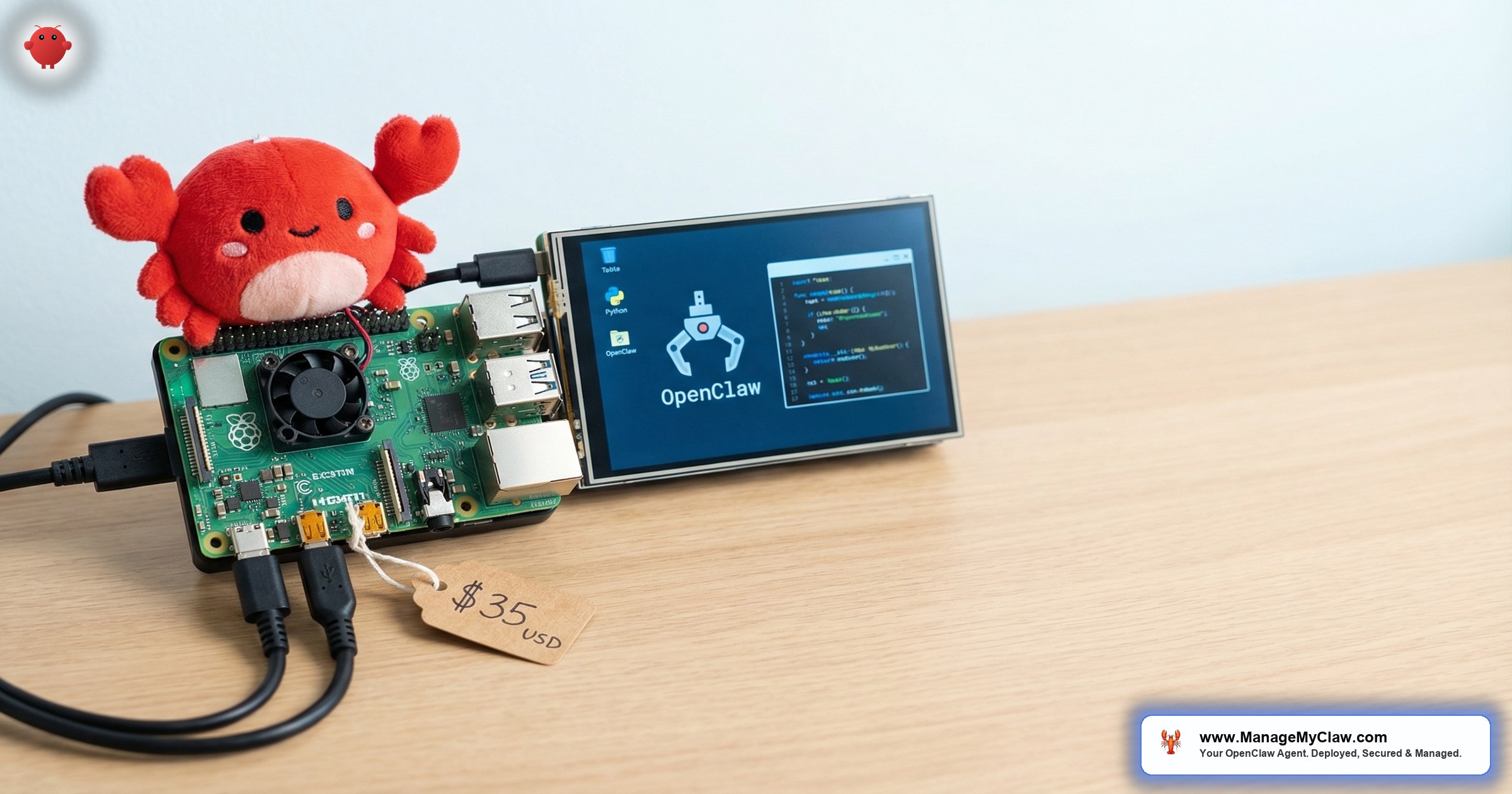
A Raspberry Pi 5 with 8GB RAM costs $80. A microSD card costs $10-$15. A USB-C power supply costs $12. For under $100 in hardware and $0/month in hosting, you can run an OpenClaw AI agent from your desk drawer.
That’s the appeal. The reality is more nuanced. A Raspberry Pi setup trades monthly hosting costs ($12-$24/month on a VPS) for a different set of tradeoffs: power outages take your agent offline, home internet goes down and your agent goes dark, and the ARM architecture has compatibility quirks that x86 VPS instances don’t.
The Pi isn’t the cheapest way to run OpenClaw — a $12/month VPS costs $144/year, and the Pi hardware costs $100 upfront. The Pi is the most private way to run OpenClaw, because nothing leaves your network.
This guide covers the complete OpenClaw Raspberry Pi setup — hardware selection, OS configuration, Docker installation, performance tuning, and an honest comparison with VPS hosting so you can make the right choice for your setup.
Hardware Requirements
| Component | Minimum | Recommended | Estimated Cost |
|---|---|---|---|
| Board | Raspberry Pi 5, 4GB | Raspberry Pi 5, 8GB | $60–$80 |
| Storage | 32GB microSD (A2 rated) | NVMe SSD via HAT | $10–$40 |
| Power | USB-C 5V/5A PSU | Official Pi 5 PSU | $12 |
| Cooling | Passive heatsink | Active cooler or case with fan | $5–$15 |
| Total | — | — | $87–$147 |
The 4GB model will work for a single agent with 1-2 lightweight workflows (morning briefing, basic email triage). The 8GB model is recommended for anything more — email triage at 50+ emails/day, client onboarding, or any workflow that processes large context windows. At 4GB, you’ll hit memory pressure quickly, and the OOM killer will crash your agent without warning.
On r/raspberry_pi, a thread about running AI tools on the Pi 5 (189 upvotes) included this reality check: “8GB model is the minimum for anything that talks to an LLM API. The API calls aren’t the problem — it’s the memory needed to manage context, run Docker, and keep the OS happy simultaneously.”
Setup Guide: From Bare Board to Running Agent
Step 1: Flash Raspberry Pi OS Lite (64-bit)
Use Raspberry Pi Imager. Choose “Raspberry Pi OS Lite (64-bit)” — no desktop environment, which saves 500MB+ of RAM for your agent. Enable SSH in the imager settings so you can configure everything remotely.
Step 2: Install Docker
curl -fsSL https://get.docker.com | sh
sudo usermod -aG docker $USER
# Log out and back in for group changes to take effect
Docker’s official install script supports ARM64 on the Pi 5. Verify the architecture is correct:
docker info | grep Architecture
# Expected: aarch64
Step 3: Deploy OpenClaw with Security Hardening
The Docker deployment is identical to a VPS setup — same image, same security hardening, same configuration structure. The only difference is performance characteristics.
docker run -d
  --name openclaw
  --restart unless-stopped
  --security-opt no-new-privileges
  --cap-drop ALL
  --read-only
  -p 127.0.0.1:3000:3000
  -v ./config:/config
  -v ./data:/data
  -e ANTHROPIC_API_KEY=your-key
  openclaw/openclaw:latest
Step 4: Configure Remote Access with Tailscale
Since the Pi is on your home network, you need Tailscale VPN to access your agent remotely. Install it the same way as on a VPS:
curl -fsSL https://tailscale.com/install.sh | sh
sudo tailscale up
This is even more important on a Pi than a VPS. A VPS has a static public IP and professional firewall infrastructure. Your home network has a dynamic IP, a consumer router, and possibly CGNAT from your ISP. Tailscale sidesteps all of it.
Raspberry Pi vs. VPS: The Honest Comparison
| Factor | Raspberry Pi 5 | VPS ($12–$24/mo) |
|---|---|---|
| Year 1 cost | $87–$147 + electricity | $144–$288 |
| Year 2 cost | Electricity only (~$5–$10) | $144–$288 |
| Uptime | Depends on your power/internet | 99.9% SLA typical |
| Data privacy | 100% on your hardware | On provider’s infrastructure |
| Remote access | Requires Tailscale + stable internet | Always accessible via static IP |
| Performance | Good for 1–2 workflows | Good for 3–6 workflows |
| Maintenance | You manage hardware + software | Provider manages hardware |
The verdict: VPS for 95% of use cases. The Raspberry Pi wins on 2 dimensions only: privacy (your data never leaves your network) and long-term cost (Year 2+ is essentially free). For anything where uptime matters — a morning briefing your team relies on, email triage that runs your inbox, client onboarding automation — the VPS’s 99.9% uptime is worth $12-$24/month.
The Pi is a great learning environment and a legitimate home agent platform. It’s not a production business agent platform. A power outage at 2 AM means your 8 AM morning briefing doesn’t arrive — and you won’t know until you check.
Performance Tuning Tips
1. Use an NVMe SSD instead of a microSD card. The Pi 5 supports NVMe via the M.2 HAT. microSD cards have limited write endurance and slow random I/O. Docker’s layer storage writes heavily to disk, and an SSD improves container startup time by 3-5x.
2. Reduce swap aggressiveness. Set vm.swappiness=10 in /etc/sysctl.conf. The default (60) causes the Pi to swap too early, which kills performance on microSD storage.
3. Keep cooling adequate. The Pi 5’s CPU throttles at 85 degrees Celsius. Under sustained Docker workloads, passive heatsinks often aren’t enough. An active cooler (fan + heatsink) keeps temperatures below 60 degrees and prevents thermal throttling.
4. Set up a UPS. A small USB-C UPS ($20-$40) gives you 15-30 minutes of backup power — enough to survive a brief outage or give the agent time for a graceful shutdown. Without a UPS, sudden power loss can corrupt the microSD card.
The Bottom Line
A Raspberry Pi 5 can run OpenClaw — and for under $100, it’s the cheapest way to get started. The tradeoffs are real: uptime depends on your power and internet, performance is limited to 1-2 workflows, and you’re responsible for all hardware maintenance. For learning, experimentation, and personal home automation (especially combined with Home Assistant), it’s a great platform. For business-critical workflows, a VPS is the right choice.
Frequently Asked Questions
Can I use a Raspberry Pi 4 instead of a Pi 5?
The Pi 4 with 8GB can run OpenClaw, but it’s noticeably slower. The Pi 5’s CPU is 2-3x faster than the Pi 4’s, and Docker operations (image pulls, container restarts) benefit significantly from the improved I/O. If you already own a Pi 4 with 8GB, try it. If you’re buying new hardware, get the Pi 5.
How much electricity does a Raspberry Pi running OpenClaw use?
The Pi 5 draws 3-12 watts depending on load. Running 24/7 at an average of 7 watts, that’s about 61 kWh per year. At $0.15/kWh, that’s roughly $9/year in electricity. Compared to a VPS at $144-$288/year, the electricity cost is negligible.
Do I still need all the security hardening on a Pi that sits on my home network?
Yes. Docker sandboxing, non-root containers, and tool permission allowlists protect you from the agent itself — not from external attackers. The inbox-wipe incident happened on a Mac Mini on a home network with no external access. The threat isn’t someone breaking in. It’s your agent doing something you didn’t intend. The security hardening guide applies regardless of where the hardware sits.
Can I run a monitoring stack (Grafana + Prometheus) on the same Pi?
On an 8GB Pi 5, it’s tight but possible. OpenClaw uses 1.5-2.5GB. The monitoring stack adds 300-500MB. You’ll have roughly 5GB for the OS, Docker overhead, and any peaks. If you want both, an NVMe SSD is strongly recommended — Prometheus writes constantly, and a microSD card won’t handle the I/O well.
What’s the best use case for OpenClaw on a Raspberry Pi?
Personal home automation. An OpenClaw agent on a Pi connected to Home Assistant gives you a natural-language smart home controller that runs entirely on your local network. No cloud dependency for home automation, no subscription fees, and complete privacy. For business workflows, start with the Pi to learn, then move to a managed VPS deployment when you’re ready for production.
Ready for Production?
ManageMyClaw deploys OpenClaw on production VPS infrastructure with 99.5% uptime SLA, security hardening, and ongoing managed care. Starting at $499.
See Plans and Pricing

