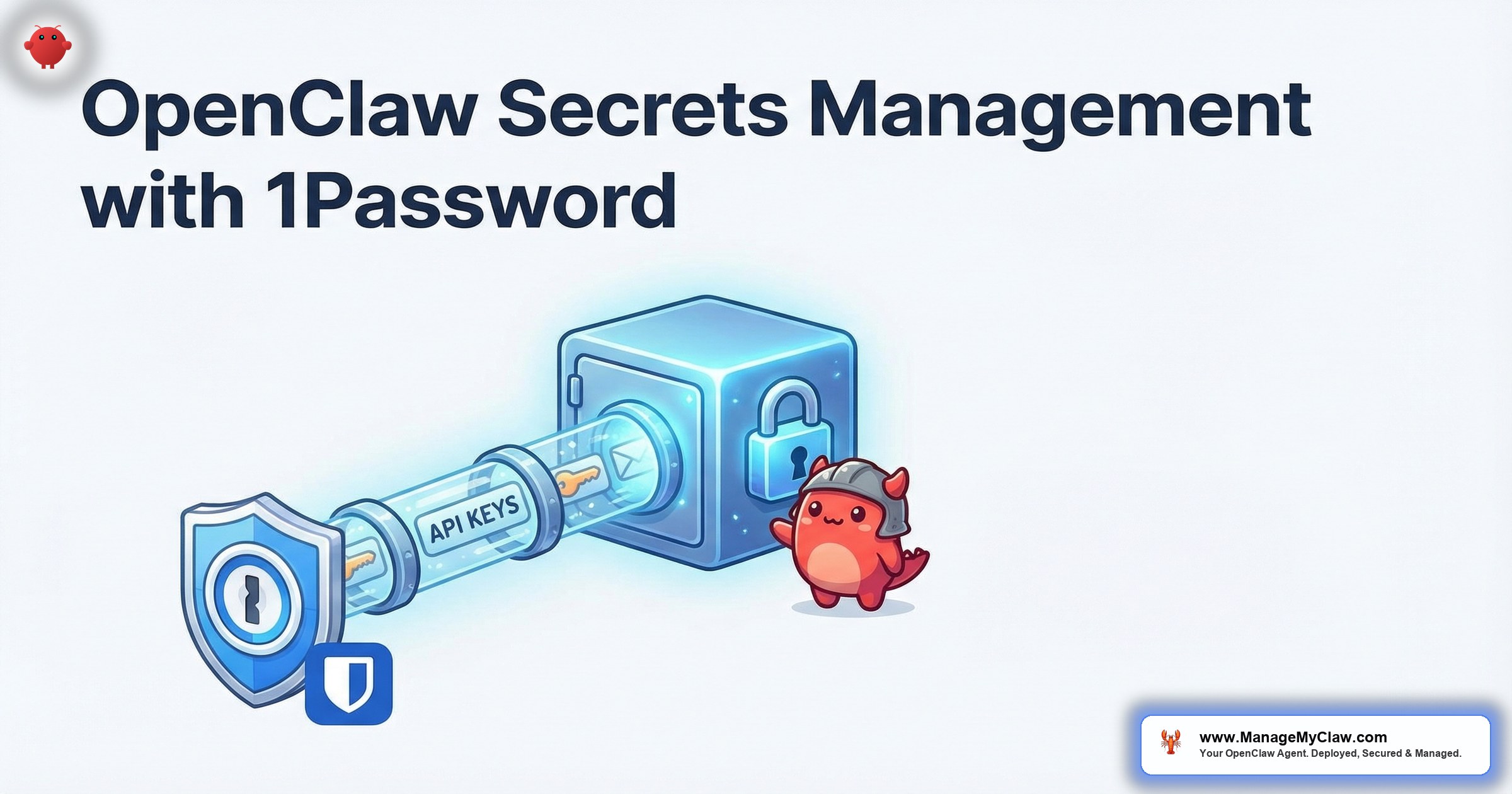
The ClawHavoc attack exfiltrated SSH keys and API tokens from OpenClaw deployments. The malicious skills didn’t need to crack encryption or bypass firewalls. They just read the plaintext credentials sitting in config files, environment variables, and shell history.
That’s the dirty secret of most OpenClaw setups: the Anthropic API key, the Composio token, the Gmail OAuth credentials, the Tailscale auth key — they’re all sitting in openclaw.json, a .env file, or passed as Docker environment variables that any process inside the container can read.
Your agent has access to your email, your calendar, your CRM, and your financial tools. The keys to all of those are stored in a plaintext file on a VPS you manage yourself. That should make you uncomfortable.
This guide covers OpenClaw secrets management using 1Password and Bitwarden — how to store credentials outside your config files, inject them at runtime, rotate them safely, and audit who accessed what.
Why Environment Variables Aren’t Enough
The standard advice is “use environment variables instead of hardcoding secrets.” That’s better than plaintext in config files, but it’s not secure:
- Process inspection: Any process running as the same user can read environment variables through
/proc/[pid]/environ. - Docker inspect:
docker inspectshows all environment variables for a container in plaintext. - Log leakage: Debug logging, crash reports, and stack traces frequently include environment variable dumps.
- No rotation: Changing an environment variable requires restarting the container. No audit trail of who set it or when it changed.
- No access control: Everyone with SSH access to the VPS can see every secret. There’s no “this person can see the Gmail token but not the Stripe key” granularity.
On r/devops, a thread about secrets management (1,245 upvotes) had this top comment: “Environment variables are the new plaintext config files. They were never designed for secrets. They were designed for things like PATH and LANG. The fact that we use them for API keys is a convention, not a security practice.”
Option 1: 1Password Secrets Automation
1Password’s Secrets Automation (formerly Connect) lets you inject secrets from your 1Password vault into Docker containers at runtime. The secrets never touch disk, never appear in docker inspect, and every access is logged.
How It Works
1. Store your OpenClaw secrets in a 1Password vault: API keys, OAuth tokens, gateway auth token.
2. Install the 1Password CLI on your VPS and authenticate with a service account token.
3. Reference secrets in your Docker Compose or startup script using op:// URIs:
# Inject secrets at container start
export ANTHROPIC_API_KEY=$(op read "op://OpenClaw/Anthropic/api-key")
export COMPOSIO_TOKEN=$(op read "op://OpenClaw/Composio/token")
export HA_TOKEN=$(op read "op://OpenClaw/HomeAssistant/token")

docker run -d
  --name openclaw
  -e ANTHROPIC_API_KEY
  -e COMPOSIO_TOKEN
  -e HA_TOKEN
  openclaw/openclaw:latest
The secrets are fetched from 1Password at container startup, injected as environment variables for that process only, and never written to disk. Rotating a key is as simple as updating it in 1Password and restarting the container.
Option 2: Bitwarden Secrets Manager
Bitwarden Secrets Manager works similarly to 1Password’s solution but at a lower price point. The free tier supports up to 3 machine accounts and 200 secrets — more than enough for an OpenClaw deployment.
Setup
1. Create a project in Bitwarden Secrets Manager. Add your OpenClaw secrets.
2. Create a machine account with read-only access to the project.
3. Install the Bitwarden CLI and use the access token:
export BWS_ACCESS_TOKEN="your-machine-account-token"

# Fetch secrets
export ANTHROPIC_API_KEY=$(bws secret get "anthropic-api-key" | jq -r '.value')
export COMPOSIO_TOKEN=$(bws secret get "composio-token" | jq -r '.value')
The tradeoff between 1Password and Bitwarden for OpenClaw secrets management is cost vs. ecosystem. 1Password integrates more deeply with Docker and has better CLI tooling. Bitwarden has a free tier that works for most deployments. Both are dramatically better than plaintext config files.
What Secrets to Manage
| Secret | Risk if Exposed | Rotation Frequency |
|---|---|---|
| AI model API key | Unauthorized API usage, cost overruns | Every 90 days |
| Composio OAuth token | Access to all connected services (email, calendar, CRM) | Every 90 days |
| Gateway auth token | Agent control, prompt injection | Every 90 days |
| Tailscale auth key | Network access to your tailnet | On expiry (default 90 days) |
| Database credentials | Direct data access | Every 90 days |
Why this matters: If the ClawHavoc attackers got your Anthropic API key, they’d run up your bill. If they got your Composio token, they’d have access to your Gmail, your calendar, and your CRM. The Composio token is the highest-value secret in your OpenClaw deployment — it’s the key to everything your agent can access. Keep it out of config files.
The Bottom Line
Plaintext API keys in config files are the most common security gap in OpenClaw deployments. 1Password or Bitwarden fix it in under 30 minutes. Your secrets get encrypted storage, access logging, rotation capability, and granular access control. The setup is a one-time investment. The alternative is hoping nobody ever reads your .env file — which is exactly what the ClawHavoc attackers counted on.
Frequently Asked Questions
Do I need 1Password or Bitwarden if I’m already using Composio OAuth?
They solve different problems. Composio handles authentication between your agent and external services (Gmail, Slack, etc.) — the agent never holds raw passwords. A secrets manager handles the Composio token itself, plus your API keys and gateway credentials. Composio is the agent’s credential manager. 1Password/Bitwarden is your credential manager for the infrastructure secrets.
What happens if 1Password or Bitwarden is down when my container restarts?
The container won’t start because it can’t fetch the secrets. This is a tradeoff: availability depends on the secrets manager being reachable. In practice, 1Password and Bitwarden have 99.9%+ uptime. For critical deployments, cache the last-fetched secrets in Docker secrets or an encrypted file as a fallback — but make the cache auto-expire after 24 hours.
Is Docker Secrets a viable alternative?
Docker Secrets (part of Docker Swarm) stores secrets in encrypted form and mounts them as files inside containers. It’s a step up from environment variables but lacks the rotation, auditing, and team access control that 1Password and Bitwarden provide. For a solo operator who doesn’t want an external dependency, Docker Secrets is acceptable. For teams, a proper secrets manager is the better choice.
How often should I rotate my OpenClaw API keys?
Every 90 days is a reasonable cadence for most deployments. If you suspect a compromise (unexpected API charges, unauthorized access), rotate immediately. With a secrets manager, rotation is a 2-minute process: update the secret in the vault, restart the container. Without one, you’re updating config files across every deployment manually.
Does ManageMyClaw handle secrets management on deployments?
ManageMyClaw uses Composio OAuth for all agent-to-service authentication, ensuring the agent never handles raw credentials. Infrastructure secrets (API keys, gateway tokens) are managed securely as part of the deployment and managed care service. Managed Care includes credential rotation and security patching for critical CVEs within 24 hours.
Security Hardening Included at Every Tier
ManageMyClaw handles Composio OAuth, secret management, and security hardening on every deployment. Starting at $499, no sales call required.
View Plans and Pricing

