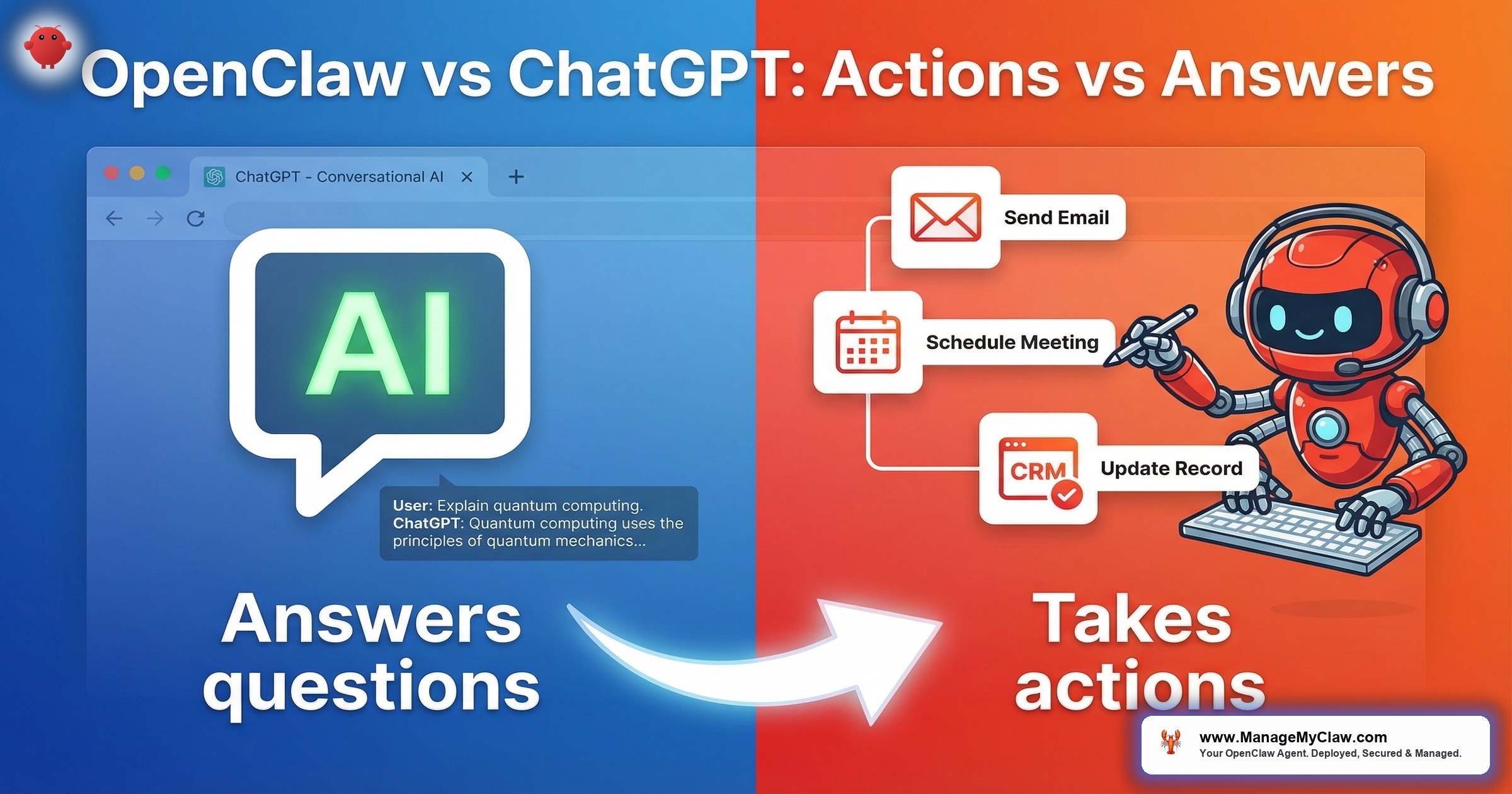
ChatGPT is the coworker who gives great advice but never actually does the thing. OpenClaw does the thing. That single sentence captures a distinction that matters more than model benchmarks, pricing tiers, or feature lists — because the gap between knowing what to do and doing it is where founders lose 10–15 hours per week.
You can ask ChatGPT “draft a follow-up email to the client who ghosted my proposal.” You’ll get a perfect email in the chat window. Then you copy it, switch to Gmail, paste it, adjust the subject line, CC the right people, and hit send. OpenClaw skips all of that. It reads your inbox, identifies the ghosted proposal, writes the follow-up, and sends it — while you’re doing something else entirely.
OpenClaw is an open-source AI agent framework that runs on your own hardware — a VPS or Mac Mini — and takes autonomous actions across your business tools: Gmail, Google Calendar, Slack, CRM, messaging channels, and more. It maintains persistent memory through MEMORY.md files that survive between sessions, connects to 12+ messaging channels via Composio OAuth, and operates 24/7 without being asked. ChatGPT is a cloud-hosted conversational AI by OpenAI that answers questions in a browser tab or mobile app, with no persistent memory across sessions, no autonomous actions, and no connection to your business infrastructure.
Both can use the same underlying language models — GPT-4, Claude, and others. The difference isn’t intelligence. It’s architecture. One is a brain in a jar. The other has hands.
The Core Difference: Session vs. System
ChatGPT operates in sessions. You open a tab, type a question, get an answer, close the tab. The next time you open it, the AI doesn’t remember your last conversation unless you manually reference it. There’s no state that persists. No context that accumulates over time. Every conversation starts from close to zero.
OpenClaw operates as a system. It runs continuously on your infrastructure, maintaining persistent memory in MEMORY.md — a file that records your preferences, your clients, your workflow patterns, and everything it learns about how you work. After 30 days, an OpenClaw agent that handles your email triage knows your high-priority clients by name, understands which meeting requests are automatic yeses versus which need your review, and has calibrated its urgency thresholds to match your actual behavior.
Why this matters: ChatGPT can tell you how to organize your inbox. OpenClaw organizes your inbox. ChatGPT can write a meeting prep document if you describe the meeting. OpenClaw pulls your calendar, researches each attendee, checks your prior correspondence with them, and delivers the briefing to your phone before the meeting starts — without being asked.
What Each One Can (and Can’t) Actually Do
| Capability | ChatGPT | OpenClaw |
|---|---|---|
| Send emails on your behalf | No | Yes (via Gmail + Composio OAuth) |
| Update your CRM | No | Yes (Salesforce, HubSpot, Pipedrive) |
| Schedule meetings | No | Yes (conflict detection, rescheduling) |
| Triage your inbox automatically | No | Yes (78% processing time reduction) |
| Run without being prompted | No — requires human input | Yes — cron jobs, webhooks, triggers |
| Persistent memory | No (session-based) | Yes (MEMORY.md, Supermemory) |
| Messaging channels | Browser + mobile app | 12+ channels (Slack, Telegram, WhatsApp, etc.) |
| Onboard a new client | Can draft templates | End-to-end: 2 hrs → 10 min (12x faster) |
| Generate KPI reports | If you paste data into it | Pulls data, generates, delivers (4 hrs → 5 min) |
| Answer questions | Excellent | Excellent (same underlying models) |
| Source code | Proprietary (OpenAI) | Open source |
| Where it runs | OpenAI’s cloud | Your VPS or Mac Mini |
The table makes the pattern clear: ChatGPT excels at answering questions when you ask them. OpenClaw excels at completing tasks whether you ask or not. They solve different problems entirely.
Cost Comparison: What You Actually Pay
ChatGPT’s pricing is straightforward: $20/month for Plus, $200/month for Pro. Cloud-hosted. No infrastructure to manage. No setup.
OpenClaw’s pricing works differently because you self-host. The software is free and open source. You pay for three things: the AI model API costs ($50–200/month depending on usage), VPS or Mac Mini hosting ($12–24/month for a VPS), and optionally a deployment service to handle the setup and ongoing maintenance.
| Cost Component | ChatGPT | OpenClaw |
|---|---|---|
| Software | $20/mo (Plus) or $200/mo (Pro) | Free (open source) |
| AI model API costs | Included in subscription | $50–200/month |
| Hosting | Cloud (OpenAI manages) | $12–24/month (VPS) |
| Setup | None | DIY (15+ hrs) or managed ($499+) |
| Self-hosting option | No | Yes — it’s the only option |
| Monthly total (typical) | $20–200 | $62–224 (API + hosting) |
The cost comparison is misleading without context. ChatGPT at $20/month is cheaper than any OpenClaw setup. But ChatGPT at $20/month can’t send an email, can’t update a CRM record, can’t schedule a meeting, and can’t generate a KPI report from your actual data. Comparing monthly costs without comparing capabilities is like comparing the price of a calculator to the price of an accountant.
The real cost question is: how many hours per week do you spend on tasks that OpenClaw can automate but ChatGPT can’t? At founder rates of $200–$500/hour, even 5 hours per week of recovered time pays for the entire OpenClaw infrastructure in the first month. See the full breakdown in our ROI calculator.
When ChatGPT Is the Right Choice
ChatGPT isn’t worse than OpenClaw. It’s a different tool for a different job. Here’s when it’s the better choice:
- You need answers, not actions. Research, brainstorming, writing assistance, code review, analysis. ChatGPT is excellent at all of these and requires zero infrastructure.
- You don’t want to manage infrastructure. No VPS, no Docker, no firewalls, no updates. Open a browser tab and start talking.
- You need it right now. ChatGPT is a 2-minute signup. OpenClaw is a 15+ hour setup (DIY) or a 60-minute managed deployment.
- Your team needs a shared AI tool. ChatGPT Team ($25/user/month) gives everyone access to the same AI assistant with a familiar interface.
- Budget is under $25/month. At that price point, ChatGPT Plus delivers more value than any self-hosted alternative.
Think of ChatGPT like Google: you ask, it answers. It’s incredibly useful for that. But nobody expects Google to send your emails for you.
When OpenClaw Is the Right Choice
OpenClaw makes sense when the bottleneck isn’t knowledge — it’s execution. Specifically:
- You spend 10+ hours/week on repetitive admin. Email triage, meeting prep, client onboarding, reporting, social media scheduling. These are tasks with clear inputs, clear outputs, and rules that a well-configured agent can follow.
- You need 24/7 availability. OpenClaw runs on your VPS around the clock. It doesn’t need a browser tab open. It can respond to client inquiries at 3 AM, triage your overnight inbox before you wake up, and send a morning briefing to your phone before your first meeting.
- You want your data on your infrastructure. OpenClaw is open source and self-hosted. Your prompts, your client data, your business logic — none of it passes through a third-party cloud service you don’t control.
- You need tool integrations. Gmail, Calendar, Slack, CRM, WhatsApp, Telegram — OpenClaw connects to the tools where your work actually happens via Composio OAuth, with scoped permissions and tool allowlists.
- You’ve outgrown “advice” and need “action.” You already know what to do. You need something that does it for you while you focus on the work only you can do.
Real-World Performance: What the Numbers Show
The gap between “answers” and “actions” shows up in measurable outcomes. Here’s what OpenClaw delivers in production workflows that ChatGPT structurally cannot replicate:
| Workflow | Before OpenClaw | After OpenClaw |
|---|---|---|
| Email triage (121 emails/day) | ~2.5 hours/day | ~33 minutes/day (78% reduction) |
| Client onboarding | 2 hours per client | 10 minutes per client (12x faster) |
| KPI reporting | 4 hours per report | 5 minutes per report |
| Morning context-gathering | ~20 minutes across 5 apps | 1 message on your phone |
ChatGPT cannot replicate any of these outcomes. Not because it’s less intelligent — it’s often using the same GPT-4 model — but because it has no persistent access to your email, your calendar, your CRM, or your messaging channels. Intelligence without access is advice. Intelligence with access is an employee. For more detail on each workflow, see the OpenClaw workflow library.
Can You Use Both?
Yes. Most founders should. The two tools don’t compete. They complement each other.
Use ChatGPT for ad-hoc thinking: brainstorming product strategy, analyzing a competitor’s pricing page, reviewing a contract clause, writing a tricky email you want to draft yourself. Use OpenClaw for recurring execution: the workflows that happen every day, the admin that doesn’t need your judgment, the tasks that follow predictable patterns.
ChatGPT is your thinking partner. OpenClaw is your operations team. Replacing one with the other misses the point of both.
The Setup Reality
ChatGPT’s setup is a browser tab and a credit card. OpenClaw’s setup includes VPS provisioning, Docker sandboxing, firewall configuration, Composio OAuth for tool connections, workflow configuration, memory setup, and security hardening. That’s 15+ hours of DIY work and a long list of security steps most tutorials skip.
That setup complexity is the reason managed deployment services exist. ManageMyClaw handles the entire deployment in under 60 minutes — Docker sandboxing, DOCKER-USER firewall chain, Composio OAuth, tool permission lockdown, and security hardening at every tier — starting at $499 with no sales call required. The result is the same: a running, secured, workflow-configured OpenClaw agent. The difference is whether you spend 15 hours or 0 hours getting there.
The Bottom Line
The openclaw vs chatgpt difference is not about which AI is smarter. They often run the same models. The difference is what they can do with that intelligence.
ChatGPT gives you answers. OpenClaw takes actions. ChatGPT lives in a browser tab. OpenClaw lives in your infrastructure. ChatGPT waits for you to ask. OpenClaw works while you sleep.
If your bottleneck is knowledge, ChatGPT is the better tool. If your bottleneck is execution, OpenClaw is the better tool. If you’re like most founders, you need both.
For a deeper look at how OpenClaw performs in real business contexts, see OpenClaw for business.
Frequently Asked Questions
Is OpenClaw better than ChatGPT?
They solve different problems. ChatGPT is a conversational AI that excels at answering questions, writing, analysis, and brainstorming — it requires no setup and costs $20–200/month. OpenClaw is an autonomous agent that takes actions on your behalf — email triage, client onboarding, KPI reporting, calendar management — running 24/7 on your own hardware with persistent memory. If you need answers, use ChatGPT. If you need actions, use OpenClaw. Most founders benefit from both.
Can ChatGPT do what OpenClaw does?
No. ChatGPT cannot send emails, update CRM records, schedule meetings, run background cron jobs, or connect to your business tools autonomously. It operates in a browser session and responds only when prompted. OpenClaw connects to Gmail, Calendar, Slack, CRM, and 12+ messaging channels via Composio OAuth and takes actions without being asked. They can use the same underlying language models (GPT-4, Claude), but the architecture is fundamentally different.
Does OpenClaw use the same AI models as ChatGPT?
Yes. OpenClaw supports multiple language models including GPT-4, Claude, and others via API. The intelligence is comparable. The difference is what the system does with that intelligence — ChatGPT keeps it in a browser window, while OpenClaw connects it to your actual business tools and runs it autonomously on your infrastructure. You choose and pay for your own model API access, which typically costs $50–200/month depending on usage volume.
How much does OpenClaw cost compared to ChatGPT?
ChatGPT costs $20/month (Plus) or $200/month (Pro) with no infrastructure to manage. OpenClaw is free software, but you pay $50–200/month for AI model API costs plus $12–24/month for VPS hosting. The setup takes 15+ hours DIY or starts at $499 through a managed deployment service like ManageMyClaw. The monthly operating cost is comparable, but OpenClaw delivers autonomous actions that ChatGPT structurally cannot provide.
Do I need technical skills to run OpenClaw?
To use OpenClaw day-to-day, no — you interact with it in plain language across your preferred messaging channel. The technical complexity is entirely in the deployment: Docker sandboxing, firewall configuration, OAuth setup, tool permission scoping, and security hardening. That’s the part that takes 15+ hours of DIY work and where most security gaps happen. Managed deployment services like ManageMyClaw handle all of that in under 60 minutes, starting at $499 with no sales call required, so you go straight to using your agent.
ManageMyClaw deploys your OpenClaw agent in under 60 minutes — fully secured, workflow-configured, and connected to your tools. Starting at $499.
Deploy My Agent


