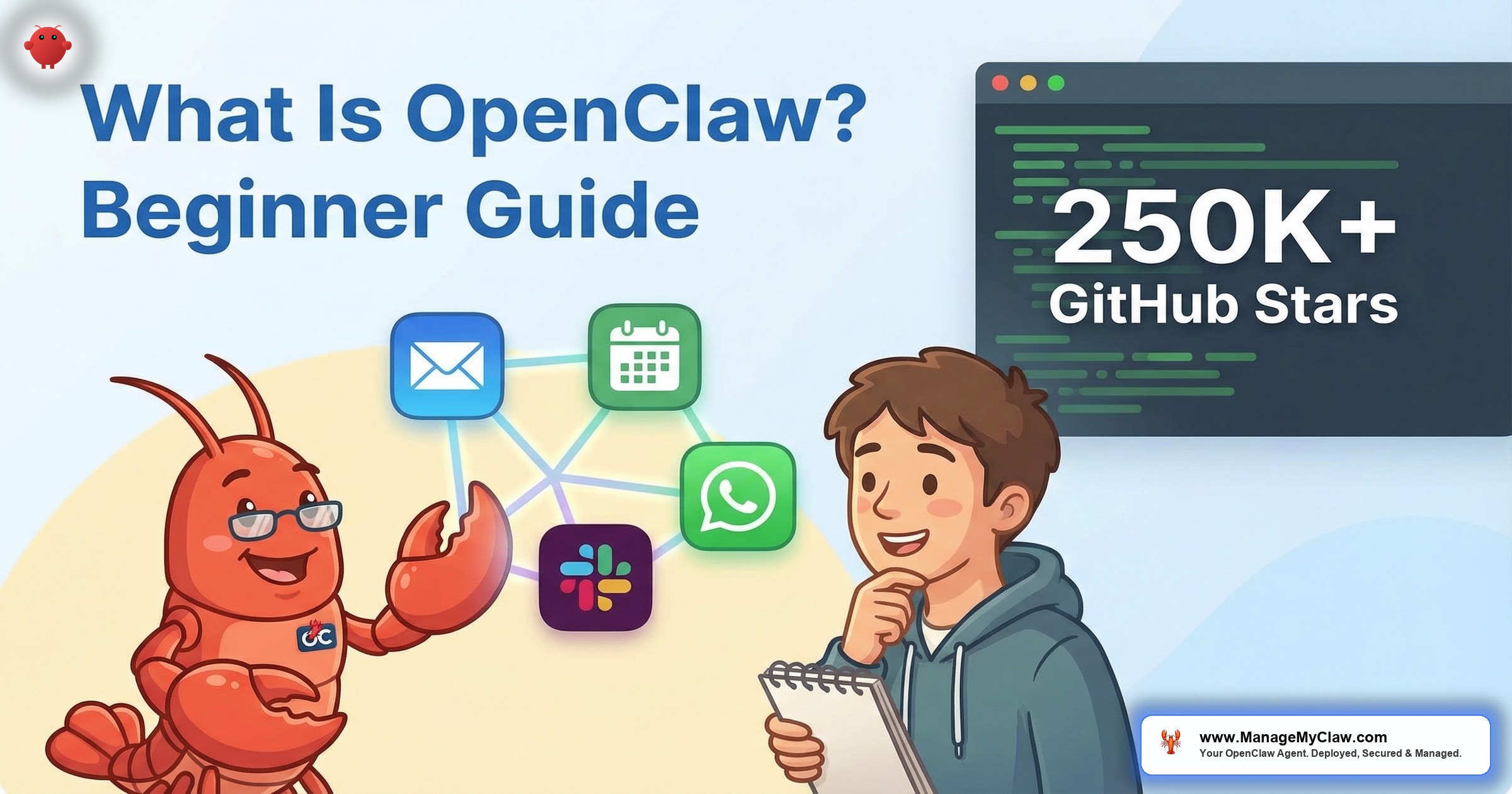
“ChatGPT answers questions. OpenClaw takes actions. That single distinction — answering vs doing — is the reason 250,000+ developers have starred it on GitHub and why it’s the most forked AI project in open-source history.”
OpenClaw is an open-source AI agent framework that runs 24/7 on your own hardware — a VPS or a Mac Mini — and takes actions on your behalf: checking your calendar, drafting emails, flagging invoices, posting to social media, and running workflows across 12 messaging channels simultaneously. Unlike ChatGPT or Claude, which wait for you to ask a question and then answer it, OpenClaw is autonomous. It monitors, decides, and acts without being prompted. It’s the difference between a search engine and an employee.
If you’ve never heard of OpenClaw before, this guide covers everything you need to know: what it actually does, how it’s different from the AI tools you already use, what it takes to run one, and who it’s for. No jargon, no assumptions about your technical background.
This guide reflects OpenClaw as of March 2026. The project moves fast — 250,000+ GitHub stars, 13,700+ skills on ClawHub, and updates shipping weekly.
GitHub stars — the most popular open-source AI agent framework
What OpenClaw Actually Is (In Plain English)
Think of OpenClaw as hiring a digital employee who never sleeps. You install it on a computer that stays on 24/7 (usually a cloud server or a Mac Mini at your desk), connect it to your email, calendar, messaging apps, and business tools, and then tell it what you want done. From that point forward, it works autonomously.
Here’s a concrete example. You tell OpenClaw: “Every morning at 7am, check my calendar for the day, scan my inbox for anything urgent, and send me a briefing on Telegram.” OpenClaw doesn’t just set a reminder. It actually opens your calendar API, reads your events, scans your Gmail, identifies urgent items based on criteria you’ve defined, writes a summary, and sends it to your Telegram. Every morning. Without you asking again.
ChatGPT is a conversation partner. You ask it something, it answers, and the interaction ends. OpenClaw is an autonomous agent. You give it instructions once, and it executes them continuously. ChatGPT lives inside a browser tab. OpenClaw runs on a server and connects to your actual tools — Gmail, Google Calendar, Slack, Telegram, WhatsApp, Discord, and more. ChatGPT answers questions. OpenClaw takes actions.
12 Channels, One Shared Memory
OpenClaw supports 12 messaging channels simultaneously: Telegram, WhatsApp, Discord, Slack, Twitter/X, Instagram, Facebook Messenger, SMS, email, web chat, LINE, and Microsoft Teams. The breakthrough feature is shared memory — your agent remembers every conversation across all channels. If you tell it something on Telegram, it remembers when you message it on WhatsApp. If a client emails a request and then follows up on Slack, the agent has the full context without you re-explaining.
This shared memory system uses MEMORY.md files and Supermemory to persist knowledge between sessions. Your agent doesn’t start fresh every time you interact with it — it accumulates knowledge about your business, your preferences, your contacts, and your workflows over time.
Privacy-First: Your Data Stays on Your Machine
Because OpenClaw runs on your own hardware, your data stays on your machine by default. Conversations, files, memories, and workflow outputs are stored locally. The only data that leaves your server is the text sent to an AI model API (Anthropic, OpenAI, or a fully local model through Ollama) for processing. If you run a local model, nothing leaves your network at all.
This is a fundamental architectural difference from SaaS AI tools. With ChatGPT, your conversations live on OpenAI’s servers. With OpenClaw, you control the hardware, the data, and the retention policy. For founders handling client data, this distinction matters.
What Can OpenClaw Actually Do?
OpenClaw’s capabilities come from two sources: its core framework (messaging, memory, scheduling) and skills — plugins from the ClawHub marketplace that add specific abilities. As of March 2026, there are 13,700+ skills available on ClawHub.
Skills available on ClawHub marketplace
Here are the most common use cases for non-technical founders:
| Use Case | What OpenClaw Does | Tools Connected |
|---|---|---|
| Morning briefing | Scans calendar, email, and news; sends summary at your chosen time | Gmail, Google Calendar, Telegram |
| Email triage | Flags urgent emails, drafts replies, categorizes by priority | Gmail, Slack |
| Client onboarding | Sends welcome sequence, collects info, creates project in PM tool | Gmail, Notion, Slack |
| Social media | Drafts posts, schedules publishing, monitors mentions | Twitter/X, LinkedIn, Buffer |
| Meeting prep | Pulls attendee info, past conversations, and agenda before each meeting | Google Calendar, Gmail, CRM |
| Invoice tracking | Monitors for overdue invoices, sends reminders, flags anomalies | QuickBooks, Stripe, email |
The common thread: OpenClaw handles the repetitive tasks that eat 2–4 hours of your day. It doesn’t replace your judgment on important decisions. It eliminates the operational busywork that prevents you from making those decisions.
How OpenClaw Works (Without the Jargon)
OpenClaw has four layers. You don’t need to understand the technical details to use it, but knowing the architecture helps you understand what’s possible and where the limits are.
“OpenClaw is like having an employee who remembers everything you’ve ever told them, works across every platform your business uses, and never takes a day off. The catch is that someone has to hire, train, and supervise that employee — which is the setup and configuration work.”
Where OpenClaw Came From
OpenClaw has had three names in four months — which tells you how fast this space moves:
- ClawdBot (November 2025): The original project name when it launched as a Claude-powered Telegram bot. Community adoption was immediate — developers recognized the potential for an open-source autonomous agent.
- MoltBot (January 2026): A brief rebrand that lasted less than two weeks. The community had already adopted “Claw” as the category name, and the MoltBot name didn’t stick.
- OpenClaw (January 30, 2026): The current name. The rebrand to “OpenClaw” signaled the project’s ambition: to be the open-source standard for AI agents, the way Linux became the open-source standard for operating systems.
Since the OpenClaw rebrand, growth has been explosive. The project crossed 250,000 GitHub stars, freeCodeCamp published a full tutorial, Every.to published a comprehensive guide, and the ClawHub marketplace grew to 13,700+ skills. NVIDIA chose OpenClaw as the foundation for NemoClaw, their enterprise AI agent security stack — the strongest signal yet that OpenClaw is becoming the industry default.
What You Need to Run OpenClaw
Here’s what a working OpenClaw deployment requires:
OpenClaw Requirements
- A server that stays on 24/7 — either a VPS (cloud server, $12–24/month) or a Mac Mini / Linux machine at your desk
- Node.js 22 or newer — the runtime environment OpenClaw is built on
- An AI model API key — from Anthropic (Claude), OpenAI (GPT), or a free local model through Ollama
- Docker — the containerization system that isolates OpenClaw from the rest of your server
- OAuth credentials — for each service you want to connect (Gmail, Calendar, Slack, etc.)
- Time for setup and configuration — DIY takes 32–48 hours; a managed service takes under 60 minutes
The technical bar is real. OpenClaw’s DIY setup requires 5 distinct technical disciplines: Linux administration, Docker, networking/firewalls, OAuth configuration, and prompt engineering. If you have that background, self-hosting is free (minus server and API costs). If you don’t, the 32–48 hour learning curve is where most people stall.
OpenClaw’s default installation is not production-ready from a security standpoint. Security researchers found 42,665 exposed instances with a 93.4% authentication bypass rate. If you self-host, you need Docker sandboxing, firewall hardening, and tool permission lockdown at minimum. Read our 5 security essentials before deploying.
Who Should (And Shouldn’t) Use OpenClaw
OpenClaw is a good fit if: you run a business with repetitive operational tasks, you want an AI agent that takes actions (not just answers questions), you’re comfortable with either technical setup work or paying a managed service to handle it, and you value owning your data rather than storing it on someone else’s servers.
OpenClaw is probably not for you if: you just need a chatbot for your website (simpler tools exist), you want zero technical involvement and no ongoing management (even managed services require some configuration input from you), or you’re looking for a plug-and-play solution with no setup at all.
| If You Want… | Use This Instead | Use OpenClaw When |
|---|---|---|
| A chatbot for your website | Intercom, Drift, Tidio | You need the chatbot to also manage email, calendar, and CRM |
| A writing assistant | ChatGPT, Claude | You want the assistant to also publish, schedule, and distribute |
| Simple task automation | Zapier, Make | You need the automation to make decisions, not just follow if/then rules |
| An AI-powered search tool | Perplexity, Google AI | You want search results to trigger automated follow-up actions |
The pattern: OpenClaw makes sense when you need an AI that acts autonomously across multiple tools and channels. It’s overkill for single-purpose AI use cases where existing SaaS tools are simpler and cheaper.
Two Paths: DIY or Managed Deployment
You have two paths to a running OpenClaw agent:
Path 1: Do It Yourself (Free + 32–48 Hours)
The OpenClaw documentation, freeCodeCamp tutorial, and Every.to guide are all excellent starting points. You’ll provision a server, install Docker, configure OpenClaw, set up OAuth connections, harden security, and configure workflows. The software is free. You pay for hosting ($12–24/month) and AI model API costs ($50–200/month depending on usage). The investment is your time: 32–48 hours for someone with the technical prerequisites, potentially more if you’re learning as you go.
Path 2: Managed Deployment (Starting at $499)
A managed service handles the technical setup for you: VPS provisioning, Docker sandboxing, firewall hardening, OAuth configuration, workflow setup, and security hardening. You go from zero to a running, secure agent in under 60 minutes. The tradeoff is cost: setup starts at $499 with optional ongoing managed care at $299/month for monitoring, updates, and security patching.
“Setting up OpenClaw yourself is like building a custom PC. Completely doable if you enjoy it and have the skills. But if you just want a computer that works, you buy a pre-built one. Neither choice is wrong — they serve different people.”
Frequently Asked Questions
Is OpenClaw free?
The software is free and open-source. You pay for two things: hosting (a cloud server costs $12–24/month, or you can use a Mac Mini you already own) and AI model API costs ($50–200/month depending on which model you use and how much your agent processes). If you use a fully local model through Ollama, the API cost drops to $0 but you need a machine with enough RAM to run the model. For a full cost breakdown, see our pricing page.
Is OpenClaw safe to use with my business data?
OpenClaw itself is a tool — its safety depends entirely on how it’s configured. The default installation has known security gaps (42,665 exposed instances were found by security researchers). With proper hardening — Docker sandboxing, firewall rules, tool permission lockdown, and ongoing security patching — it can be run securely. We recommend reading our 5 security essentials before deploying, whether you self-host or use a managed service.
Do I need to know how to code to use OpenClaw?
To use an already-deployed OpenClaw agent, no. You interact with it through messaging apps (Telegram, WhatsApp, Slack) using natural language. To set it up yourself, you need Linux command line, Docker, and networking knowledge — not traditional coding, but definitely technical skills. If you don’t have those skills, a managed deployment service handles the technical setup so you can focus on using the agent, not building the infrastructure.
What happened to ClawdBot and MoltBot?
Same project, different names. It launched as ClawdBot in November 2025, briefly rebranded to MoltBot in January 2026, and became OpenClaw on January 30, 2026. The OpenClaw name stuck because it signals the project’s goal: to be the open-source standard for AI agents. All three names refer to the same codebase and community. If you see references to ClawdBot or MoltBot in older tutorials, they’re talking about OpenClaw.
How is OpenClaw different from Zapier or Make?
Zapier and Make follow if/then rules: “If I receive an email with ‘invoice’ in the subject, move it to this folder.” OpenClaw makes decisions: “Read this email, determine if it’s urgent based on context, draft an appropriate reply, and flag it for my review if the amount exceeds $5,000.” Zapier is deterministic automation. OpenClaw is autonomous decision-making. They’re complementary — many OpenClaw users also use Zapier for simple triggers — but they solve different problems. Learn more about our approach.
$499 Starter. No sales call. Secure and running in under 60 minutes.
Deploy My Agent


