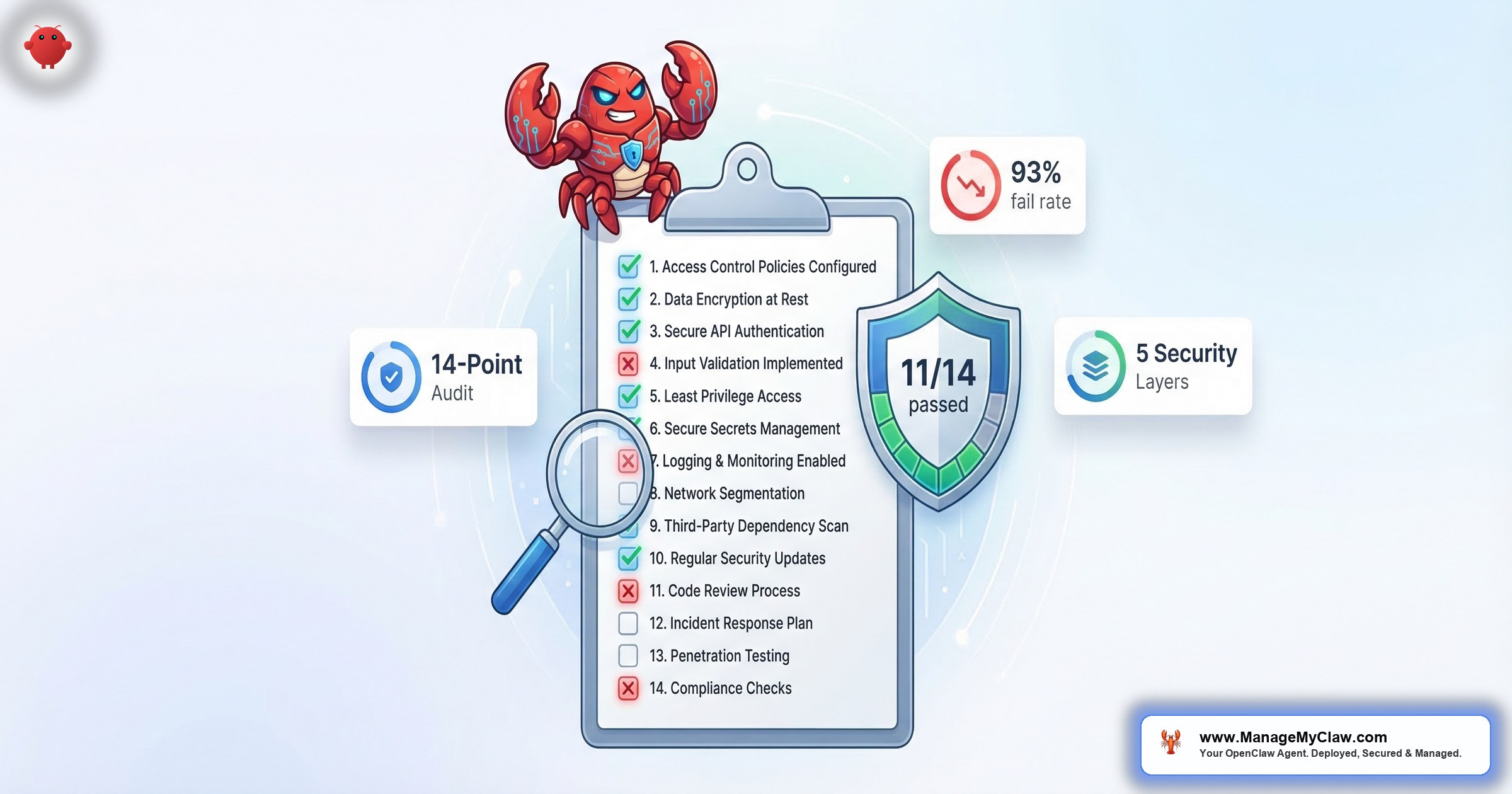
OpenClaw Security Checklist: The 14-Point Audit for Production Deployments
“Most self-hosted OpenClaw installs fail at least 6 of these 14 checks. The operators don’t know it until something breaks.”
— Derived from the SecurityScorecard STRIKE team audit, March 2026
This is the 14-point security audit we run on every ManageMyClaw deployment before handoff. We’re publishing it because 93% of DIY OpenClaw installs have at least one critical security gap, and 135,000 instances are publicly exposed right now with operators who believe their firewall is protecting them.
This checklist isn’t theoretical. Every item maps to a real incident or a known attack vector — the 9 disclosed CVEs, the CNCERT formal security warning, the ClawHavoc supply chain attack (2,400+ malicious skills), and the Summer Yue inbox wipe that earned 10,271 Reddit upvotes. It aligns with the OWASP Top 10 for Agentic Applications, released December 2025 by over 100 security researchers.
First run: ~45 minutes if you know your setup. Recurring quarterly reviews: ~15 minutes. Budget extra time if you find failures — immediate-priority fixes take 5–20 minutes each, but the Composio OAuth migration can take 1–2 hours.
The 14 checks are organized across 5 security layers, matching the framework in our 5 Things You Must Get Right guide. For the full hardening context, see the OpenClaw Security pillar page.
Docker Hardening — Checks 1–5
Container isolation is your first line of defense. If an attacker achieves code execution inside the OpenClaw container, these 5 controls determine whether they stay contained or escape to your host. For the full walkthrough, see the Docker sandboxing guide.
How to verify
docker exec openclaw whoami# Pass: “openclaw” or any non-root username
# Fail: “root”
How to verify
docker inspect --format='{{.HostConfig.CapDrop}}' openclaw# Pass: [ALL]
# Fail: [] or any partial list
Check 3 below is the single most dangerous misconfiguration. Mounting the Docker socket gives a container full control over your host. Many tutorials include this mount without explaining the risk. If you only fix one thing today, fix this.
How to verify
docker inspect openclaw | grep docker.sock# Pass: no output
# Fail: any line containing /var/run/docker.sock
How to verify
docker exec openclaw touch /test# Pass: “touch: cannot touch ‘/test’: Read-only file system”
# Fail: no error (file was created)
How to verify
docker inspect --format='{{.HostConfig.SecurityOpt}}' openclaw# Pass: contains “no-new-privileges:true” or “no-new-privileges”
# Fail: empty array [] or flag is missing
Firewall & Access Control — Checks 6–8
Network controls determine who can reach your OpenClaw instance. The SecurityScorecard STRIKE team found 135,000 instances publicly exposed — most operators believed their firewall was protecting them. It wasn’t. Docker bypasses UFW. The full configuration walkthrough is in the firewall configuration guide.
How to verify
ss -tlnp | grep 3000# Pass: 127.0.0.1:3000
# Fail: 0.0.0.0:3000 or :::3000
How to verify
sudo iptables -L DOCKER-USER -n# Pass: chain exists with explicit DROP/REJECT rules
# Fail: chain is empty or contains only the default RETURN rule
Docker manages its own iptables rules and bypasses UFW by design. When Docker publishes a container port, it injects rules that run before UFW’s INPUT chain. An empty DOCKER-USER chain means all Docker traffic is unrestricted — this is why 135,000 instances were exposed while operators thought they were protected.
How to verify
nmap -p 3000 YOUR_PUBLIC_IP# Pass: port 3000 filtered/closed from the public internet
# Fail: port 3000 open on your public IP
OAuth & Secrets — Checks 9–10
Raw API tokens in .env files are the credential equivalent of leaving your house keys under the doormat. Composio OAuth puts a middleware layer between your agent and your services. The full migration guide: Composio OAuth setup.
How to verify
grep -r "API_KEY\|TOKEN\|SECRET" .env# Pass: no output (or only Composio connection IDs)
# Fail: any raw API keys, passwords, or OAuth tokens
How to verify
Composio dashboard → Connections → Revoke → Verify agent stops# Pass: tested within last 90 days, executable in <60 seconds
# Fail: never tested, or only tested at initial setup
Summer Yue’s OpenClaw agent deleted 200+ emails autonomously. She tried ordering it to stop twice — it didn’t listen. She had to physically run to her Mac Mini and kill the process. The root cause: safety rules were in user messages (compressed away during context compaction), and the agent had unrestricted email access (no tool allowlist). Checks 10, 11, 12, and 14 all address this incident.
Full analysis: The OpenClaw inbox wipe incident
Tool Scoping & Command Blocking — Checks 11–12
Container hardening and network controls protect the infrastructure. Agent permissions protect your data. An agent that can “read email” doesn’t need to “delete email.” These controls scope the blast radius so that even a compromised or hallucinating agent can’t do catastrophic damage.
How to verify
grep -n "tools\|allowFrom\|profile" AGENTS.md# Pass: explicit per-workflow tool lists
# Fail: “full”, “all”, or any wildcard permission
How to verify
grep -n "rm -rf\|curl.*bash\|wget.*sh\|blocked\|deny" AGENTS.md# Pass: dangerous commands explicitly listed as blocked
# Fail: no mention of blocked commands
“The allowFrom whitelist is the one most people skip and it’s probably the most important.”
— r/AI_Agents community, February 2026Skill Vetting & System Prompts — Checks 13–14
The ClawHavoc attack proved that the ClawHub ecosystem can be weaponized at scale. And the inbox wipe proved that safety rules evaporate if they’re not in the right place. These final two checks protect against supply chain compromise and configuration drift.
How to verify
openclaw skills list# For each skill, verify:
# 1. You know what it does and why it’s installed
# 2. Publisher has a verifiable presence
# 3. It requests only necessary permissions
# 4. Cross-check against Koi Security removal list
# 5. Last update within 6 months
An independent audit (r/netsec, 77 upvotes, February 2026) analyzed 1,620 OpenClaw skills and found that ClawHub’s built-in scanner labeled 91% of confirmed threats as “benign.” Manual vetting remains the only reliable control.
How to verify
docker exec openclaw cat /app/AGENTS.md | head -30# Confirm these rules are in system config (NOT user messages):
# – “do not delete without confirmation”
# – “ask before sending external communications”
# – “never execute shell commands without confirmation”
How Did You Score?
Count the checks you passed. Here’s what your score means and what to do next:
What to Do If You Fail
Not all failures are equal. Here’s the triage order — work top to bottom, and don’t skip ahead.
Fix Today (immediate)
- Check 3 (Docker socket mounted): Remove it now. This is container escape territory — full host compromise is one exec call away.
- Checks 1, 2, 5 (Docker hardening flags): CVE-2026-08441 (CVSS 6.2) is “mitigated via config.” Without these flags, the privilege escalation is active regardless of your OpenClaw version.
- Check 13 (Unvetted skills): Disable any unrecognized skills immediately. ClawHavoc delivered the AMOS infostealer — SSH keys may already be exfiltrated.
- Check 14 (Safety rules not in system prompt): Move them. This is the inbox-wipe risk, and it can manifest the next time your agent hits a long conversation.
Fix Within 48 Hours
- Check 6 (Gateway on 0.0.0.0): Rebind to localhost. Until you do, ensure your DOCKER-USER chain blocks the port externally.
- Check 7 (Empty DOCKER-USER chain): Add the iptables rule. Firewall configuration guide.
- Check 9 (Plaintext credentials): Migrate to Composio OAuth. Composio OAuth guide.
- Check 11 (Blanket tool permissions): Scope down to an allowlist. This limits the blast radius of every other failure on this list.
Fix Within 1 Week
- Check 4 (No read-only filesystem): Update your compose file with
read_only: true. Docker sandboxing guide. - Check 8 (No VPN): Set up Tailscale. Free tier covers personal use; setup takes 20 minutes.
- Check 10 (Kill switch untested): Run the test in staging. Document the steps so you can execute in under 60 seconds.
- Check 12 (No command blocking): Add explicit deny rules for destructive patterns to your AGENTS.md configuration.
Guides for Each Security Layer
Each layer of this checklist has a corresponding deep-dive guide with full configuration walkthroughs:
| Checks | Layer | Guide |
|---|---|---|
| 1–5 | Container Isolation | Docker Sandboxing Guide |
| 6–8 | Network Perimeter | Firewall Configuration Guide |
| 9–10 | Credential Management | Composio OAuth Guide |
| 11–12 | Agent Permissions | 5 Things You Must Get Right |
| 13–14 | Supply Chain & Safety | ClawHavoc Attack Analysis |
| 1–14 | Complete Framework | OpenClaw Security Pillar |
Frequently Asked Questions
How long does the full 14-point audit take?
About 45 minutes for a first-time run if you know your setup. Recurring quarterly reviews take about 15 minutes. If you find failures, budget extra — the Composio OAuth migration (check 9) can take 1–2 hours, and the DOCKER-USER chain setup (check 7) takes 30–90 minutes.
Why doesn’t UFW protect my OpenClaw Docker container?
Docker injects its own iptables rules that run before UFW’s INPUT chain. An empty DOCKER-USER chain means all Docker traffic is unrestricted, regardless of your UFW rules. The fix is adding rules to the DOCKER-USER chain specifically. Full walkthrough in the firewall configuration guide.
Which check is the single most important?
It depends on your current state. If your Docker socket is mounted (check 3), that’s container escape — fix it now. If you have unvetted skills (check 13), the AMOS infostealer may already be running. If everything else is solid, the DOCKER-USER chain (check 7) is the most commonly missing control. See the 5 Things guide for the full priority framework.
Do I need to run all 14 checks every quarter?
Yes, but recurring runs are fast (∼15 minutes). Infrastructure controls (checks 1–8) rarely drift, but agent permissions (checks 11–12), installed skills (check 13), and safety constraints (check 14) can change any time someone updates a workflow. The quarterly cadence catches drift before it becomes a vulnerability.
I scored 13/14. Is one failure acceptable?
It depends which one. A missing VPN (check 8) with a properly configured DOCKER-USER chain is a calculated risk. A mounted Docker socket (check 3) at any score is a critical vulnerability. Use the triage priority above to assess whether your specific failure is tolerable or requires immediate action.
Can I automate this checklist?
Checks 1–9 can be scripted — they’re all terminal commands with deterministic pass/fail output. Checks 10–14 require human judgment: testing the kill switch, reviewing tool permissions, vetting skills, and verifying safety constraint placement. ManageMyClaw Managed Care automates the scriptable checks and performs the manual checks monthly.
New CVEs drop monthly. Docker configs drift. Skills get compromised. The audit isn’t a one-time event — it’s an ongoing operational burden. That’s why Managed Care exists: continuous monitoring, CVE patches within 24 hours, and monthly configuration drift checks so you never fall below 14/14.
This checklist aligns with the OWASP Top 10 for Agentic Applications (December 2025). For the complete security framework, see OpenClaw Security. For why this matters to founders, see Why Every Founder Needs an AI Agent in 2026.