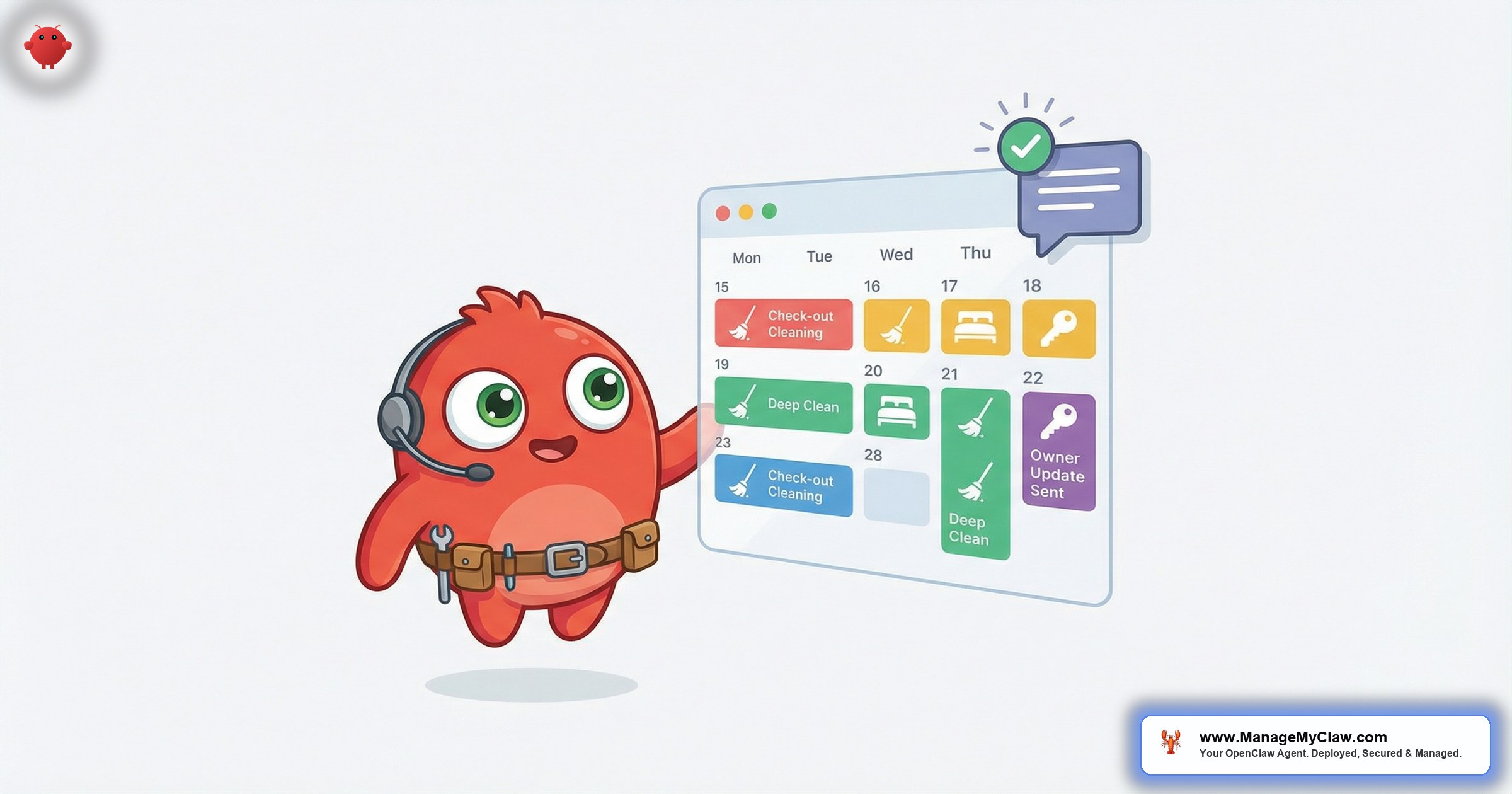
Your phone buzzes at 11:14 AM. A host just texted: “Guest checking in at 3. Can you do a turn?” You check the schedule. You’ve got 2 crews out, 1 driving between properties, and 4 more turnovers before 5 PM. Welcome to Saturday.
If you run an Airbnb cleaning company — the kind that handles turnovers for 20, 40, or 80 short-term rental properties across a metro area — you already know the math doesn’t add up. See our cleaning coordination for more. Every checkout triggers a chain: host notifies you, you check your schedule, you dispatch a crew, the crew finishes, you confirm to the host, the host tells their next guest the property is ready. Multiply that chain by 15-30 turnovers on a busy weekend, and you’ve spent more time coordinating than your crews spent cleaning.
OpenClaw is an open-source AI agent framework that runs on your own server — bare-metal, managed by systemd, authenticated through Gog OAuth. For an AI Airbnb cleaning company operation, it automates the coordination layer: receiving checkout notifications from multiple hosts, dispatching the right crew to the right property, tracking completion, and sending “property ready” confirmations back to each host. You focus on the cleaning. OpenClaw handles the logistics.
You started a cleaning company because you’re good at cleaning. Somehow you ended up running a dispatch center out of your car between jobs.
Why Airbnb Cleaning Companies Drown in Scheduling
A residential cleaning company has a fixed schedule. Mrs. Johnson every Tuesday at 10 AM. The Garcias every other Friday. You book it once, show up on schedule, done. An Airbnb cleaning company has no fixed schedule. Every job depends on when a guest checks out — and guests check out on different days, at different times, with different notice windows. Your “schedule” is a moving target that changes by the hour.
Here’s what a typical day looks like when you’re servicing 25 properties for 6 different hosts:
- 6:30 AM — Host A texts: “3 checkouts today. Units 4, 7, and 12. Guests should be out by 11.” You open your spreadsheet.
- 7:15 AM — Host B emails: “Only 1 turn today but it’s a deep clean. Guest trashed the kitchen.” You call your best crew.
- 9:00 AM — Host C messages via the Turno app: “Guest just extended 1 night. Cancel the 11 AM turn at Oak Street.” You scramble to reassign that crew.
- 11:30 AM — Crew 2 finishes at Unit 4 but can’t get into Unit 7 because the door code changed and Host A isn’t responding. Your phone rings.
- 1:45 PM — Host D calls: “Guest arriving at 3. Is the place ready?” You don’t know. Crew 3 hasn’t checked in yet. You call them. No answer.
- 3:20 PM — Host A finally sends the updated door code. Crew 2 is now 45 minutes behind on their next property.
That’s not cleaning. That’s air traffic control with a cell phone and a prayer. Every minute you spend texting, calling, checking, and confirming is a minute you’re not earning revenue from actual cleaning work.
If you charge $120 per turnover and your crews can complete 4 per day, your theoretical daily revenue per crew is $480. But if coordination delays cost each crew 1 turn per day — a locked door, a late notification, a scheduling conflict — that’s $120/day lost per crew. With 3 crews, that’s $360/day or roughly $7,200/month in lost revenue from coordination friction alone.
Your profit margin isn’t being killed by labor costs. It’s being killed by the 45 minutes between “the guest checked out” and “the crew walks through the door.”
How OpenClaw Automates the Turnover Pipeline for Cleaning Companies
OpenClaw monitors your email inbox via Gog OAuth. Your hosts send checkout notifications by email (or their PMS sends them automatically). The agent receives the notification, matches it to a property in your system, checks your crew availability, and dispatches the job. Here’s the full flow.
Step 1: Receive Checkout Notifications From Multiple Hosts
Each host sends checkout alerts differently. Some text you. Some email. Some use Turno or Breezeway. OpenClaw normalizes all of it by monitoring your inbox. You ask each host to CC or forward checkout alerts to your scheduling email address. The agent parses each notification to extract: property address, checkout date/time, next guest check-in time, and any special instructions.
For hosts using PMS platforms like Guesty, Hostaway, or Lodgify, the checkout notification arrives automatically by email. OpenClaw reads it without the host having to do anything extra. For hosts who manage manually, a simple forwarded Airbnb checkout email works. The agent handles both.
Step 2: Match Property, Check Crew Availability, Dispatch
OpenClaw maintains a simple property-to-crew mapping. You define it once: Crew A covers the north side properties, Crew B covers downtown, Crew C is your flex team. When a checkout notification arrives, the agent:
- Identifies which property needs service
- Checks which crew is assigned to that zone
- Checks whether that crew already has a conflicting job at the same time
- If there’s a conflict, assigns to the next available crew based on your priority rules
- Sends the dispatch notification to the assigned crew via email or SMS
The dispatch message includes everything the crew needs: property address, access code (pulled from the host’s notification or your property file), estimated arrival window, and any special cleaning instructions. No phone tag. No “which unit was that again?” texts.
When 2 turnovers land at the same time for the same crew, OpenClaw uses your priority rules: urgent turnovers (next guest arriving within 3 hours) go first. If both are urgent, the agent alerts you with both options and a recommendation. You make 1 decision instead of managing 10 messages.
Step 3: Track Completion and Log Time
When your crew finishes, they reply to the dispatch email with “done” — or whatever keyword you configure. OpenClaw logs the completion time, calculates the turnaround (time from dispatch to done), and updates the property status. For crews that take photos as part of the QC process, OpenClaw can accept photo emails and attach them to the job record.
This gives you something most cleaning companies don’t have: data. Average turnaround time per property. Which crew is fastest. Which properties consistently take longer (and maybe need their cleaning fee adjusted). Over 3-6 months, this data helps you price more accurately and schedule more efficiently.
Step 4: Send “Property Ready” Confirmation to Host
The moment a crew confirms completion, OpenClaw sends a “property ready” email to the host. No delay. No “let me check with my crew and get back to you.” The host knows the unit is clean and can trigger their automated check-in sequence for the next guest. For the complete end-to-end turnover workflow from the host’s perspective, see our guide on turnover team automation.
Your hosts don’t care how you coordinate your crews. They care about 1 thing: “Is the property ready?” OpenClaw answers that question the second the answer is yes.
How Automated Updates Help You Win and Keep Host Contracts
The STR cleaning market is competitive. In most metro areas, hosts can choose from 5-10 cleaning companies. Price is a factor, but it’s not the deciding one. What separates you from the competition is communication reliability. Hosts want to know their property is clean without having to chase you for confirmation.
With OpenClaw, every host gets:
- Instant dispatch confirmation — “Your turnover at 123 Oak St has been scheduled. Crew B arriving at 12:30 PM.”
- Real-time completion notification — “123 Oak St is clean and ready. Turnover completed at 2:15 PM.”
- Weekly summary report — total turnovers completed, average turnaround time, any issues flagged
- Monthly invoice — auto-generated from completed jobs, broken down by property
This level of communication is what property management companies expect from professional vendors. Most solo cleaning operators can’t provide it because they don’t have the bandwidth. OpenClaw gives you enterprise-level communication without an office or an admin assistant.
Hosts who receive automated status updates are significantly less likely to switch cleaning companies. The #1 reason hosts change vendors isn’t quality — it’s “I never know if the property is ready.” Remove that uncertainty, and you’ve locked in the contract. Hosts scaling their own portfolios need this reliability even more — see how operators scale from 5 to 50 properties and why they need vendors who can keep pace.
You don’t need a better mop to win more contracts. You need a better notification system. That’s not a cleaning problem. That’s an information problem.
Tracking Supplies and Flagging Restocks
Every turnover uses consumables: toilet paper, paper towels, trash bags, cleaning solution, laundry pods, coffee pods, shampoo. When a crew finishes a turnover, they know whether the property’s supply closet is running low. But that information usually stays in the crew’s head — or gets mentioned in a text you read 3 hours later.
OpenClaw can include a supply check in the completion workflow. After confirming “done,” the crew adds a note: “low on paper towels” or “out of coffee pods.” The agent logs the flag, associates it with the property, and includes it in the host’s completion notification: “Turnover complete. Note: paper towel supply is low — restock recommended before next guest.”
For cleaning companies that handle supply restocking as a paid add-on service, this becomes a revenue stream. The agent tracks which properties need restocking, generates a supply run list grouped by geographic zone, and sends you the list before your next round of turnovers. You buy what’s needed, bill the host, and the agent logs the expense.
The cleaning companies making real money aren’t just cleaning. They’re offering turnover-as-a-service — cleaning, supplies, inspections, and reporting. OpenClaw makes that package possible without hiring an office manager.
Getting Your AI Airbnb Cleaning Company Up and Running
OpenClaw runs on a VPS — a virtual private server that costs $12-24/month. It’s deployed on bare-metal with systemd managing the process, secured with Gog OAuth for email access. No container orchestration, no Kubernetes clusters, no infrastructure that requires a computer science degree.
Prerequisites
- OpenClaw instance — running on a VPS or Mac Mini, managed by systemd
- Email access via Gog OAuth — Gmail or Google Workspace (where host notifications arrive)
- Property roster — address, access code, special instructions for each property you service
- Crew roster — which teams cover which zones, contact info, max daily capacity
- Host contact list — email addresses for each host who should receive status updates
- 45 minutes of setup time — to configure dispatch rules, crew assignments, and notification templates
| Item | Cost | Frequency |
|---|---|---|
| OpenClaw (open-source) | $0 | — |
| VPS hosting | $12-24 | Monthly |
| API costs (dispatch + notifications) | $15-35 | Monthly |
| ManageMyClaw deployment | $499 | One-time |
| Year 1 total | $823-1,207 (vs. $18,000-25,000 for a part-time dispatcher) | |
If you’re servicing 20+ properties and want the system up and running without configuring servers yourself, ManageMyClaw deploys the entire OpenClaw setup — dispatch rules, crew assignments, host notifications, and weekly reporting — configured and tested for your specific operation. See pricing here.
Frequently Asked Questions
Do my host clients need to use OpenClaw too?
No. Your hosts don’t install anything or change their workflow. They just email (or CC) checkout notifications to your scheduling address — which most PMS platforms can do automatically. OpenClaw runs on your side only. Hosts just receive the status updates. Many of your hosts may already use OpenClaw for their own operations, which makes the integration even smoother.
Can OpenClaw handle last-minute schedule changes?
Yes. If a host emails “guest extended 1 night, cancel tomorrow’s turn at Oak Street,” OpenClaw parses the cancellation, removes the job from the schedule, and notifies the assigned crew. If a new same-day turnover comes in, the agent checks availability and dispatches accordingly. The schedule updates in real time based on incoming emails.
What if my crews don’t use email?
OpenClaw can send dispatch notifications via SMS through a Twilio integration. Your crew gets a text: “New job: 123 Oak St, code 4521, standard turn, next guest at 4 PM.” They reply “done” when finished. The entire flow works over text messages — no app to install, no login to remember.
Can I use this for residential cleaning too, or just Airbnb?
The dispatch and tracking system works for any cleaning operation. But the real value — automated checkout detection, host notifications, and turnover-specific workflows — is built for short-term rental turnovers. Residential cleaning has a fixed schedule that doesn’t need AI dispatch. STR cleaning has a variable schedule that does.
How does invoicing work?
OpenClaw logs every completed turnover with the property, date, crew, and turnaround time. At the end of the month, it generates an invoice per host: number of standard turns, deep cleans, and any supply restocks. You review the invoice draft, adjust if needed, and send. The data is already there — the agent just formats it.


