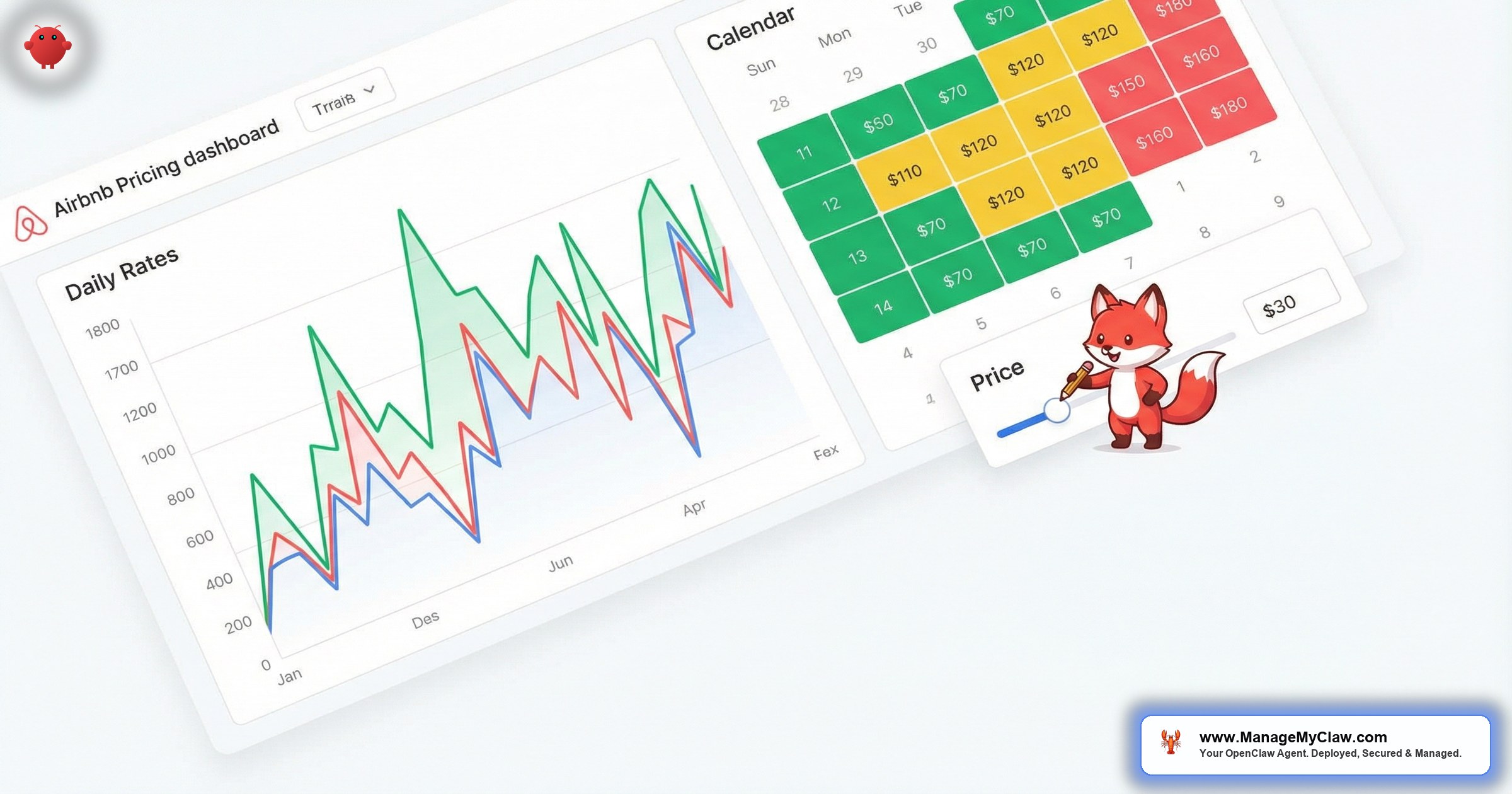
“You spent 45 minutes last Tuesday updating a spreadsheet with weekend rates, event markups, and seasonal adjustments for 6 listings. Then a competitor dropped their Friday rate by $30 and you didn’t notice for 9 days. That’s $1,800 in bookings someone else captured because your pricing was stale.”
AI pricing optimization for Airbnb is the practice of using autonomous software agents to monitor market conditions, track competitor rate changes, and generate pricing recommendations — without relying on manual spreadsheets or gut instinct. OpenClaw is an open-source AI agent framework with 250,000+ GitHub stars, deployed on bare-metal servers via systemd, that connects to your inbox through Gog OAuth. It monitors pricing alert emails from tools like PriceLabs and Beyond Pricing, tracks competitor rate notifications, and generates weekly pricing reports so you can make data-driven adjustments in minutes instead of hours.
This guide covers the real cost of manual pricing (it’s not just your time), how OpenClaw’s email monitoring approach works alongside dedicated pricing tools, the exact workflow from alert to rate adjustment, and honest cost comparisons between the major options. If you’re still pricing by spreadsheet or “what feels right,” you’re leaving money on every booking.
You didn’t get into short-term rentals to become a revenue management analyst with 14 browser tabs open. See our revenue reports for owners for more. But every night you don’t adjust rates for a local event, a holiday weekend, or a competitor price drop, you’re either leaving money on the table or sitting on an empty calendar. Both hurt.
The Spreadsheet Pricing Trap: Why Manual Rates Cost You Money
Manual pricing for short-term rentals breaks down in 3 predictable ways. First, you can’t react fast enough. A conference gets announced in your city and competitor rates spike within hours — you find out 3 days later when you check your calendar. Second, you can’t track enough variables. Seasonality, day-of-week patterns, local events, competitor moves, booking lead time, and occupancy gaps all interact simultaneously. No human tracks 6 variables across 5+ listings in real time. Third, you anchor on your own costs instead of market demand. You set a rate that covers mortgage + cleaning + profit margin, and you stick there whether the market would pay 30% more or 20% less.
The result? You alternate between 2 failure modes: underpricing (100% occupancy but $40/night below market, which means you’re effectively subsidizing every guest’s stay) and overpricing (your calendar has Tuesday-through-Thursday gaps that sit empty because you didn’t drop rates for midweek softness).
| Pricing Mistake | How It Happens | Revenue Impact (5 Listings) |
|---|---|---|
| Stale weekend rates | Don’t update for local events or demand spikes | $3,000–8,000/year lost |
| No midweek discounting | Same rate Tue–Thu as Fri–Sat; calendar gaps accumulate | $2,500–6,000/year in vacancy |
| Slow competitor response | Competitor drops rate by $25; you don’t notice for 7+ days | $1,500–4,000/year in lost bookings |
| Seasonal lag | Raise rates 2 weeks late for peak season; lower them 2 weeks late after | $2,000–5,000/year from both sides |
Here’s what nobody tells you about pricing: being wrong by $15/night in either direction on a single listing costs you $3,000–5,000 per year. Multiply by your portfolio and the number stops being abstract very quickly.
90% occupancy at $120/night is not better than 75% occupancy at $160/night. The first scenario generates $3,240/month. The second generates $3,600/month — with 5 extra nights off for cleaning, maintenance, and wear reduction. Chasing occupancy without pricing intelligence is the most expensive habit in short-term rentals.
PriceLabs, Beyond Pricing, Wheelhouse: What They Do and What They Miss
Dedicated dynamic pricing tools like PriceLabs, Beyond Pricing, and Wheelhouse handle the core algorithmic work: ingesting market data, running demand models, and pushing rate recommendations to your PMS or directly to Airbnb. They’re genuinely good at what they do. Here’s an honest breakdown of the 3 major players:
| Tool | Monthly Cost (5 Listings) | Strengths | Gaps |
|---|---|---|---|
| PriceLabs | $100–150 | Granular customization, neighborhood-level comps, event detection | Complex UI, steep learning curve, alerts buried in email |
| Beyond Pricing | 1% of revenue (~$75–200) | Set-and-forget autopilot, direct Airbnb integration | Less control, revenue-based pricing gets expensive at scale |
| Wheelhouse | $65–130 | Good balance of control and automation, competitive insights | Smaller data set, fewer PMS integrations |
These tools are valuable. The issue isn’t what they calculate — it’s what happens after they calculate. They send you emails: “Rate adjustment recommended for Listing 3.” “Competitor rate change detected.” “Weekend demand spike alert.” Those emails land in the same inbox as your guest messages, cleaning confirmations, and Airbnb notifications. They pile up. You scan them during lunch, maybe. You act on half of them. The rest sit there until the pricing window closes.
The pricing tool did its job. It told you. You just didn’t act on it fast enough because you were answering a guest’s question about parking while eating a sandwich. That gap between “alert sent” and “rate changed” is where the revenue leaks.
OpenClaw as Your Pricing Intelligence Layer
OpenClaw doesn’t replace PriceLabs or Beyond Pricing. It sits on top of them. It reads the pricing alert emails those tools send, extracts the recommendation, compiles it with your occupancy data, and presents you with a single, actionable summary instead of 47 scattered notifications. Think of it as a revenue manager who reads every email, cross-references every alert, and hands you a 1-page brief every Monday morning.
Here’s the workflow, step by step:
Pricing decisions involve judgment that changes by market, season, and strategy. An agent that auto-adjusts your rates without approval creates a different kind of risk — especially during anomalous periods (major events, weather disruptions, platform algorithm changes). OpenClaw gives you speed of information without removing control of decisions. You can always upgrade specific listing-date combinations to auto-approve once you’ve calibrated trust in the recommendations.
The real time saver isn’t automating the rate change itself. It’s eliminating the 45 minutes you spend every week reading scattered emails, switching between browser tabs, and trying to remember which alert you already acted on. OpenClaw compresses that into a 3-minute weekly review.
Tracking Competitor Rates Without Obsessively Refreshing Airbnb
You know your top 5 competitors. You’ve probably bookmarked their listings. Maybe you check them every few days, scrolling through dates and mentally comparing rates. That approach breaks down at scale and it breaks down at speed — by the time you notice a competitor dropped their weekend rate by $35, the booking window for that weekend is half gone.
Several tools (AirDNA, Transparent, PriceLabs competitor sets) send email alerts when tracked listings change rates. OpenClaw reads those emails and builds a competitor intelligence picture:
- Rate change timeline: which competitors changed rates, by how much, for which dates, and when
- Pattern detection: “Competitor A drops midweek rates every Tuesday by 15–20%. They’ve done this 4 weeks in a row.”
- Gap identification: “Your Friday rate is $155. The 3 nearest comps are at $175, $180, and $172. You’re $20 below market.”
- Event correlation: “All 5 competitors raised rates for March 28–30. Local event detected: Food & Wine Festival.”
This doesn’t require any special API access or scraping. It works entirely through email alerts that these platforms already send. OpenClaw reads the email, extracts the data, and compiles the picture. Your data stays on your VPS — bare-metal, systemd-managed, not stored on a third-party cloud.
What the Weekly Pricing Report Actually Looks Like
Every Monday morning at 7 AM, OpenClaw delivers a pricing brief. Here’s the structure for a 5-listing portfolio:
That report took 0 minutes to create. It compiles automatically from every pricing email OpenClaw processed during the week. You scan it over coffee, make 3–5 rate adjustments in your pricing tool, and you’re done. The entire pricing review process went from a scattered, anxiety-producing 45-minute slog to a focused, data-complete 3-minute task.
The hosts who consistently outperform on revenue aren’t the ones with the best pricing algorithm. They’re the ones who actually act on their pricing data every single week. OpenClaw’s job is to make acting on it effortless.
Honest Cost Comparison: Pricing Tools + OpenClaw Monitoring
Let’s break down the real numbers for a 5-listing Airbnb portfolio. You’ll likely run a dedicated pricing tool and OpenClaw together — they’re complementary, not competing.
| Approach | Monthly Cost | Year 1 Total | What You Get |
|---|---|---|---|
| Manual spreadsheet only | $0 | $0 (+ $5,000–15,000 in lost revenue) | Stale rates, missed events, gut-feel pricing |
| PriceLabs alone | $100–150 | $1,200–1,800 | Algorithm rates + alerts you may not act on |
| Beyond Pricing alone | 1% of revenue (~$75–200) | $900–2,400 | Auto-pushed rates, less control |
| PriceLabs + OpenClaw monitoring | $100–150 + $17–39 (VPS + API) | $1,400–2,270 | Algorithm rates + compiled intelligence + weekly reports + competitor tracking |
OpenClaw’s running costs are the VPS ($12–24/month) and API usage ($5–15/month for pricing monitoring workflows, depending on alert volume). That’s $17–39/month for a system that reads every pricing email, cross-references competitors, and delivers a weekly brief — on top of the guest messaging, review response, and other workflows running on the same server.
The pricing tool gives you better rates. OpenClaw makes sure you actually use them. That combination is worth more than either piece alone.
Most hosts who subscribe to PriceLabs or Beyond Pricing see a 10–20% revenue bump in month 1 and stop optimizing. They accept the default recommendations without reviewing competitor context or event calendars. That initial bump plateaus. The hosts who continue growing revenue are the ones who review their pricing data weekly and make informed overrides — exactly what OpenClaw’s weekly brief enables.
Your Pricing Data Stays on Your Server
Pricing data is competitive intelligence. Your rates, your competitor sets, your occupancy patterns, your revenue numbers — that’s information you don’t want floating through third-party servers. OpenClaw runs on your VPS, bare-metal, with systemd process management and Gog OAuth for inbox access. The pricing alert emails are read, parsed, and stored locally. The weekly reports are generated locally. Nothing leaves your server unless you explicitly send it.
A managed deployment includes the 9-point security hardening: non-root process isolation, tool permission allowlists, encrypted credential storage, and automated security patching. Your competitor intelligence and revenue data sit behind the same security boundary as the rest of your OpenClaw workflows.
If you’re sharing your pricing strategy and competitor data with 3 different cloud tools, you’re trusting 3 different companies with your competitive edge. That’s not paranoia. That’s just knowing what your data is worth.
Pricing Is 1 Workflow. The Agent Does 12.
The pricing monitoring workflow is running on the same OpenClaw instance that handles your guest messaging, check-in automation, cleaning coordination, and review management. There’s no additional server to provision, no separate subscription, and no new login to manage. Once OpenClaw is up and running on your VPS, adding the pricing workflow is a configuration change — not a new purchase.
That’s the structural advantage of an open-source agent framework over a portfolio of 6 single-purpose SaaS tools. Each SaaS charges $20–100/month per listing. OpenClaw costs $17–39/month total for the server, regardless of how many workflows you run or how many listings you manage.
The difference between paying $400/month for 5 SaaS tools that each do 1 thing and paying $39/month for 1 agent that does all 5 things isn’t just the cost savings. It’s the sanity of having 1 system instead of 5 dashboards, 5 logins, and 5 billing cycles.
Frequently Asked Questions
Does OpenClaw replace PriceLabs or Beyond Pricing?
No. OpenClaw doesn’t run pricing algorithms or push rates to Airbnb. It monitors the alert emails from your existing pricing tool, cross-references competitor data, and compiles everything into a weekly actionable brief. Think of it as the intelligence layer on top of your pricing engine.
Can OpenClaw automatically change my Airbnb rates?
Not directly. OpenClaw works through email monitoring, not Airbnb’s API. It recommends adjustments with full context. You make the change in PriceLabs, Beyond Pricing, or your PMS. This is intentional — pricing decisions benefit from human judgment, especially during unusual market conditions.
What if I don’t use PriceLabs or Beyond Pricing?
OpenClaw can still monitor competitor rate alert emails from AirDNA, Transparent, or similar services. The value decreases without a dedicated pricing algorithm generating recommendations, but the competitor monitoring and weekly report features still work. For most hosts, we recommend starting with PriceLabs ($20–30/listing/month) alongside OpenClaw.
How long does it take to set up the pricing monitoring workflow?
If OpenClaw is already up and running on your VPS, adding pricing monitoring takes about 30 minutes of configuration. If you’re starting from scratch, a ManageMyClaw deployment gets everything — pricing monitoring, guest messaging, review management, and more — up and running in 60 minutes.
Does this work for VRBO and Booking.com pricing too?
Yes. The trigger is the pricing alert email, not the platform. If PriceLabs sends you an alert about a VRBO listing, OpenClaw reads it the same way. Multi-platform portfolios see the most benefit because the weekly report consolidates pricing intelligence across all platforms into 1 brief.


