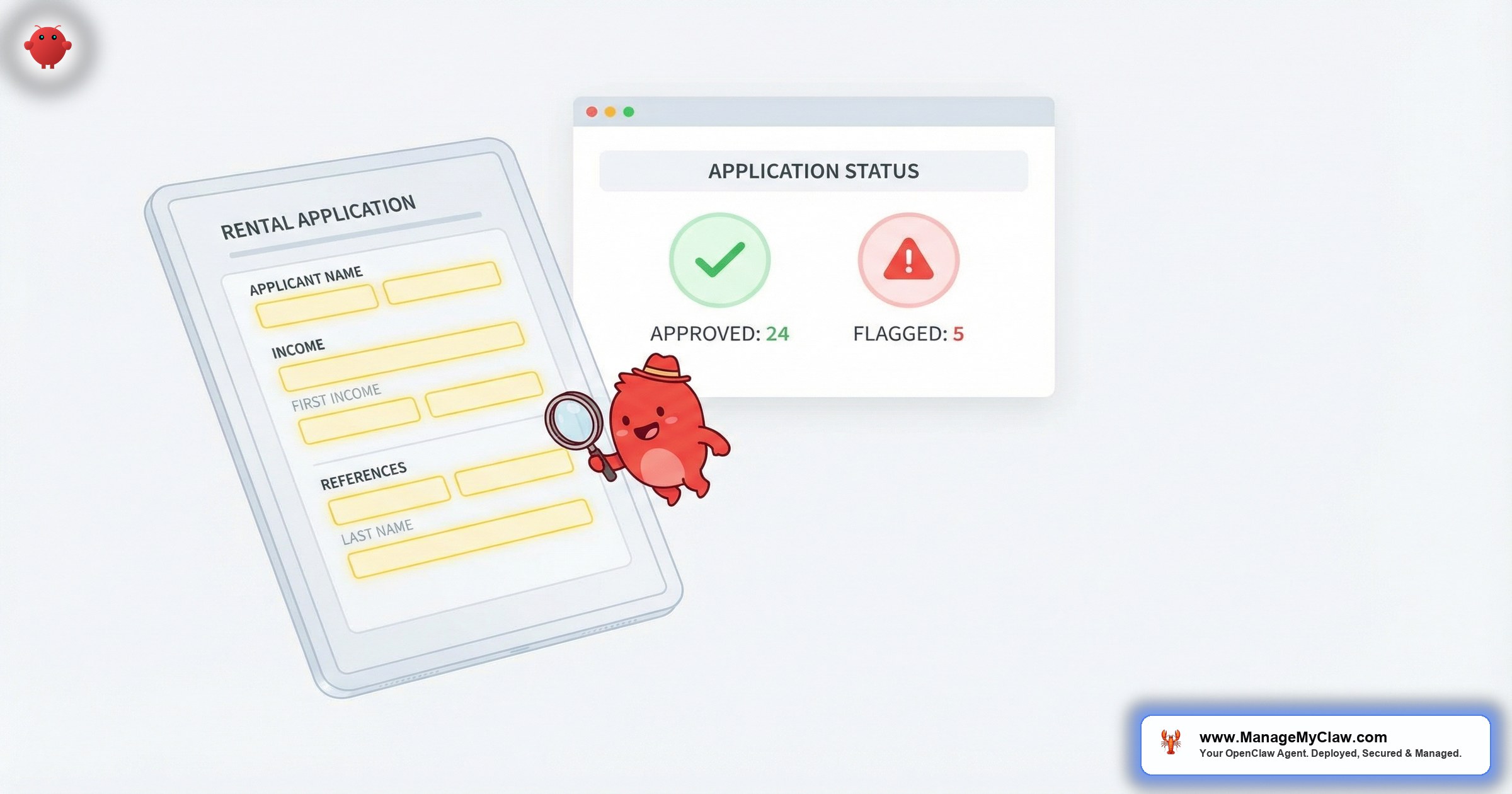
“43 applications for a 2-bedroom. 11 of them don’t meet the 3x rent threshold. You won’t know that until you’ve opened every single PDF. Unless something else reads them first.”
A vacancy listing on Zillow Rental Manager or Apartments.com generates 30–60 applications within a week. Each one arrives as an email — sometimes a PDF, sometimes an inline form dump, sometimes just a name and phone number. Screening manually takes 15–25 minutes each. Multiply by 40 and you’ve lost 2 full working days to data entry before evaluating a single applicant.
OpenClaw is an open-source AI agent framework — 250,000+ GitHub stars, bare-metal deployment on your own server via systemd — that connects to your Gmail through Gog OAuth to read, parse, and triage inbound emails autonomously. For ai tenant screening property managers workflows, that means every rental application that hits your inbox gets parsed for income, employment history, and references — then flagged, scored, and summarized before you ever open it.
It’s not a tenant screening service. It’s not pulling credit reports. It’s the layer between your inbox and your brain that extracts structured data from unstructured emails so you spend your time evaluating applicants, not copying numbers into spreadsheets.
This post walks through exactly how OpenClaw handles tenant screening automation — from parsing the initial application email to sending verification requests, flagging red flags, and compiling a decision-ready summary. If you’ve read the pillar guide on OpenClaw for real estate, this is the deep dive into the screening workflow specifically.
How OpenClaw Parses Inbound Rental Applications
The screening pipeline starts the moment an application email lands in your inbox. OpenClaw’s email triage system (connected through Gog OAuth with read-only Gmail scope) picks up the new message and classifies it. If the subject line or sender matches your application patterns — Zillow Rental Manager notifications, Apartments.com leads, TurboTenant submissions, or direct applicant emails — it gets routed to the tenant screening workflow.
Here’s what happens in the first 90 seconds:
-
1
Email classification. OpenClaw identifies the email as a rental application based on sender patterns, subject line keywords, and body content. Portal notifications (Zillow, Apartments.com, Avail) have consistent formats that the agent learns from 2–3 examples.
-
2
Data extraction. The agent parses applicant name, stated income, employer name, current address, desired move-in date, and number of occupants from the email body or attached PDF. Structured portal emails (like Zillow’s) parse in under 10 seconds. Freeform emails take slightly longer.
-
3
Income-to-rent ratio calculated. If the listing rent is $2,000/month, OpenClaw checks whether stated income meets the 3x threshold ($6,000/month or $72,000/year). This is your first red-flag filter.
-
4
Applicant record created. A structured summary is stored locally on your server — never on a third-party cloud. Name, parsed fields, flags, and timestamp. This becomes the applicant’s screening file.
Think of it as a really diligent assistant who reads every application email the moment it arrives, pulls out the numbers, and puts a sticky note on top: “Income: $78K. Rent: $2,200. Ratio: 2.95x. Below threshold.” Except it does this for 40 applications while you’re showing a property across town.
- Applicant name and contact information
- Stated annual/monthly income and income source
- Current employer and length of employment
- Current address and reason for moving
- Desired move-in date and lease term
- Number of occupants and pet status
- References provided (landlord, personal, employer)
Automated Red Flag Detection: What Gets Flagged and Why
Once parsed, OpenClaw runs the application through configurable screening rules. You define every threshold in your system prompt, and you can adjust them per property:
| Red Flag | Default Threshold | Why It Matters |
|---|---|---|
| Income below 3x rent | Gross monthly < 3x listing rent | Industry standard for rental affordability. Below 3x correlates with higher late-payment rates. |
| Employment gap | No employer listed or < 6 months at current job | Short tenure or missing employer info needs verification before proceeding. |
| Missing references | 0 landlord references provided | No prior landlord reference means no rental history to verify. Could be first-time renter or evasion. |
| Move-in date mismatch | Requested date > 45 days from availability | Large gaps suggest the applicant is shopping early and may not commit. |
| Occupancy concern | Occupants exceed local code for unit size | Fair housing compliance — flag for review, not auto-reject. |
| Incomplete application | 3+ required fields missing | Missing data means the screening can’t proceed. Triggers a follow-up request. |
Every flag is a flag, not a rejection. OpenClaw doesn’t make tenancy decisions. It surfaces the data points that need your attention so you don’t waste 20 minutes on an application before discovering the income doesn’t qualify.
The agent handles pattern matching and arithmetic. You handle judgment calls. An applicant who makes 2.8x rent but has 10 years at the same employer and stellar references? That’s your decision. The flag just makes sure you see the number first.
OpenClaw’s screening rules must comply with the Fair Housing Act and local ordinances. The agent flags data inconsistencies and missing information — it does not make approval/denial decisions. Configure your thresholds with your legal counsel. Every rule is visible in your system prompt, auditable, and adjustable.
Automated Verification Requests: Employment, Income, and References
Parsing is step 1. Verifying the claims is step 2 — and it’s where most property managers lose the most time. OpenClaw handles the outreach by drafting (and optionally sending) verification emails.
Employment Verification
When an applicant lists an employer, OpenClaw drafts a verification request to their HR contact — applicant name, listed position, request to confirm status, start date, and salary range. You can set this to draft-for-review or auto-send for tested templates.
Landlord Reference Requests
For each prior landlord, OpenClaw drafts a reference request with 4 standard questions: lease dates, rent payment history, property condition, and whether they’d rent to the applicant again. The agent tracks which references have responded and flags outstanding items in your morning briefing.
Missing Information Follow-Up
If the application is missing required fields, OpenClaw drafts a follow-up listing exactly what’s needed: “We’re missing your current employer name and 1 landlord reference. Could you reply with those 2 items so we can continue processing your application?” Specific asks get a 3x response rate over generic “your application is incomplete” messages.
Automated Application Acknowledgment and Status Updates
The fastest way to lose a qualified applicant is radio silence. They’ve applied to 4 properties. The first manager who confirms receipt and sets expectations wins. OpenClaw sends (or drafts) 3 applicant-facing emails:
- Application received acknowledgment. Sent within 2 minutes. Confirms receipt, sets a 48–72 hour timeline, and lists missing items if applicable.
- Verification in progress. Sent 24 hours later if verifications are still pending. Reduces “did you get my application?” follow-ups by roughly 80%.
- Next steps notification. Once verifications are complete, the agent drafts an email with next steps — lease offer, in-person meeting, or credit check authorization.
The acknowledgment email alone changes the dynamic. You go from “property manager who ghosted me for 3 days” to “property manager who replied in 2 minutes with a clear timeline.”
Every email template has 2 modes. Draft-for-review means OpenClaw writes it, you approve it. Auto-send means it goes out immediately after the trigger condition is met. Most property managers start everything in draft mode, then switch acknowledgment emails to auto-send after 1 week of reviewing drafts. Verification requests usually stay in draft mode permanently — you want eyes on those.
The Screening Summary: Everything You Need on 1 Page
Once parsing, flagging, and verification are done, OpenClaw compiles a structured screening summary for each applicant. This is what you review — not 40 individual emails, but 40 concise summaries sorted by score:
- Applicant basics: name, contact info, desired unit, move-in date
- Income assessment: stated income, income-to-rent ratio, income source
- Employment status: employer, tenure, verification status (confirmed / pending / failed)
- Reference status: landlord references contacted, responses received, key quotes
- Red flags: any thresholds triggered, with the specific numbers
- Missing items: what’s still outstanding, whether follow-ups have been sent
- Recommendation tier: Green (all checks pass), Yellow (1–2 flags, needs review), Red (3+ flags or critical threshold missed)
Summaries are delivered to your morning briefing — the same daily digest that covers email triage and lead pipeline (if you’ve configured those from the email agents setup).
“The goal isn’t to automate the decision. The goal is to automate the 90 minutes of reading, copying, and calculating that happens before the decision.”
— The difference between screening automation and screening delegationMonthly Rental Screening for STR Hosts
This workflow isn’t just for traditional property managers with 50-unit portfolios. If you’re an STR host taking monthly bookings — common in Austin, Miami, and Nashville where 30-day minimums are the norm — guests who book for 30+ days often come through email with freeform applications. OpenClaw handles these identically. The thresholds adjust (you might not need 3x rent when an employer is covering relocation costs), but the workflow is the same: parse, flag, verify, summarize.
If you’re managing 3 STR properties and getting 15 monthly-rental inquiries a month, you’re already spending 4–5 hours on screening. That’s a Tuesday afternoon you could spend on pricing optimization instead.
Each property gets its own rule set. A Class A downtown apartment might require 3.5x rent and 2 years of employment history. A furnished monthly rental might require employer verification only and skip the landlord reference.
Move-In Checklist Distribution: From Approval to Keys
Once you approve a tenant, there’s a checklist before move-in: lease signing, security deposit, utility transfer, renter’s insurance, key pickup. OpenClaw distributes your move-in checklist automatically once you mark an applicant as approved:
- Lease signing instructions (link to DocuSign, HelloSign, or your preferred platform)
- Security deposit amount and payment instructions
- Utility transfer deadline and provider contact information
- Renter’s insurance requirements and minimum coverage amounts
- Key pickup or lockbox access scheduling
- Move-in inspection date and what to expect
The agent then tracks which items the tenant has completed (based on reply emails or confirmation forwards) and sends a follow-up for any outstanding items 48 hours before the move-in date.
It’s a checklist. It’s boring. And it’s the thing that slips through the cracks when you’re managing 8 move-ins in the same month and forget to remind unit 4B about the renter’s insurance deadline.
The Setup Process: What Gets Configured for Tenant Screening
You could configure all of this yourself — OpenClaw is open-source. But application parsing + red flag rules + verification templates + move-in checklists + 9-point security hardening typically takes 12–20 hours. Here’s what a managed deployment includes:
-
1
VPS provisioned and hardened. Bare-metal server with systemd, UFW, fail2ban, non-root user. 9-point security configured before any applicant data enters.
-
2
Gog OAuth connected. Scoped to read inbox + create drafts. No delete, no send until you enable auto-send.
-
3
Parsing rules configured. Portal-specific patterns for Zillow, Apartments.com, TurboTenant, Avail tuned to your inbox.
-
4
Thresholds set per property. Income ratio, employment tenure, reference requirements, occupancy limits.
-
5
Verification templates loaded. Employment, landlord, missing-info — personalized with your company name.
-
6
Move-in checklist configured. Lease platform, deposit instructions, utilities, insurance — templated and ready.
-
7
Morning briefing activated. New applications, pending verifications, completed summaries — delivered daily.
-
8
Kill switch tested. Revoking Gog OAuth stops the agent immediately. Verified every deployment.
Total setup time: 3–5 business days. Total ongoing cost: $12/month VPS + $25–$40/month API fees. For the full pricing breakdown, see the pricing page.
What OpenClaw Doesn’t Do in Tenant Screening
OpenClaw doesn’t pull credit reports (that requires TransUnion/Experian/Equifax through a licensed screening service), doesn’t run background checks (criminal, eviction, and sex offender registries require licensed data providers), and doesn’t make approval or denial decisions. It can parse results you forward, but it doesn’t initiate pulls or access those databases. Every applicant gets a summary and a tier. You make the call.
Source-of-income discrimination is illegal in many jurisdictions. Occupancy standards vary by state and municipality. OpenClaw applies the rules you configure — make sure your rules comply. The HUD Fair Housing resource page is a starting point, not a substitute for legal advice.
For the broader picture of how OpenClaw works for real estate operations — email triage, lead qualification, showing scheduling, and CRM integration — the pillar guide covers the full stack.
Frequently Asked Questions
Does OpenClaw replace my tenant screening service (like RentPrep or SmartMove)?
No. OpenClaw handles the pre-screening layer: parsing applications, extracting data, flagging red flags, and sending verification requests. Your screening service handles credit checks and background reports. They’re complementary — OpenClaw gets the data organized before the formal screening begins.
Can OpenClaw read PDF attachments from rental applications?
Yes. OpenClaw extracts text from PDF attachments and parses it the same way it handles email body text. Scanned images within PDFs use OCR, which works for standard forms but may miss handwritten entries.
Is applicant data stored on my server or in the cloud?
On your server. Parsed applicant data, screening summaries, and verification correspondence stay on your VPS. The only external calls are to the LLM API (for text processing) and your Gmail (via Gog OAuth). No applicant data is stored on third-party servers.
How many applications can OpenClaw process at once?
Email triage runs on a 2–5 minute polling schedule. 40 overnight applications get processed in the next cycle — about 15–20 minutes total. A 200-unit complex getting 100 applications processes the same way, just takes slightly longer.
Can I use different screening criteria for different properties?
Yes. Each property gets its own income threshold, employment requirements, reference rules, and move-in checklist. You define the rules per property in OpenClaw’s system prompt.
See how ManageMyClaw works — from initial setup to your first automated response.
Explore our complete AI for real estate agents solution.


