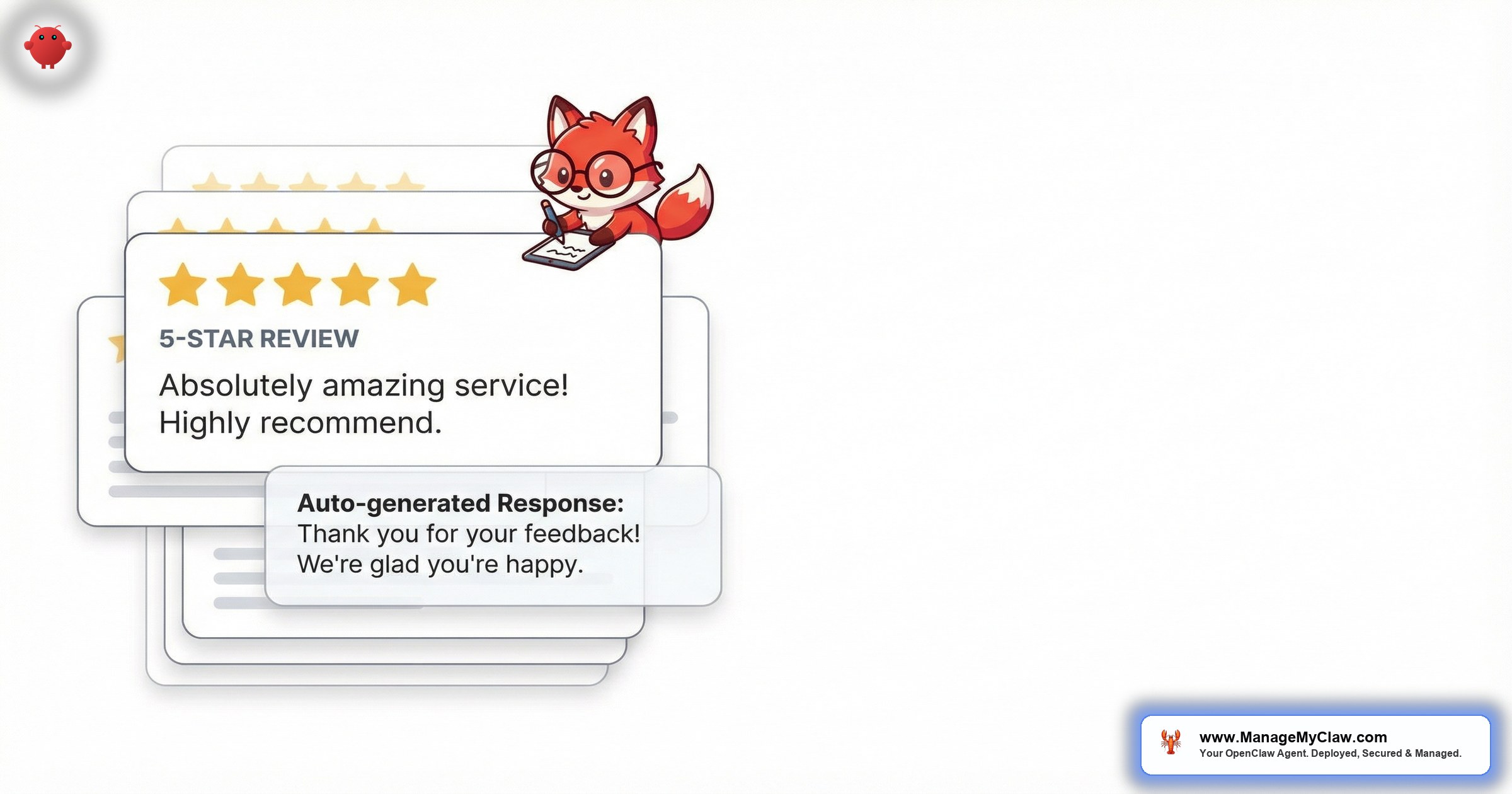
“You got a 5-star review on Tuesday. It’s now Sunday. You still haven’t responded because you couldn’t figure out what to write that doesn’t sound generic, copy-pasted, or weirdly enthusiastic. Meanwhile, a 3-star review landed Thursday and you’re avoiding it like a parking ticket.”
Automated review responses for Airbnb is the practice of using AI agents to detect new guest reviews, draft personalized replies that match the review’s tone and content, and deliver those drafts for your approval — or send them automatically once you’ve built trust in the system. OpenClaw is an open-source AI agent framework with 250,000+ GitHub stars, deployed on bare-metal servers via systemd, that connects to your inbox through Gog OAuth. When a review notification email arrives, OpenClaw reads the review content, identifies the guest’s name, star rating, and specific comments, then drafts a response that’s personalized, professional, and ready to post within minutes.
This guide covers why review response speed matters for search ranking, the 5 review types you’ll encounter (with example responses for each), how the detection-to-draft workflow operates, and why personalized replies outperform copy-paste templates every single time. If you’re managing 3+ listings, you’re receiving 8–20 reviews per month — and each unanswered review is a missed signal to Airbnb’s algorithm and a missed opportunity to influence future guests reading your profile.
Responding to reviews shouldn’t require a creative writing degree. But “Thanks for staying!” doesn’t cut it either. There’s a middle ground where every response feels personal, addresses specific guest comments, and takes you 10 seconds instead of 10 minutes. That’s what this is about.
Review Responses Aren’t Optional Anymore
Review responses serve 3 functions that most hosts underestimate. First, algorithm signal: Airbnb rewards engaged hosts. Responding to reviews consistently is a positive ranking signal — not as strong as response time to messages, but it contributes to your overall host quality score. Second, conversion influence: 68% of potential guests read your review responses before booking. Your reply to a 3-star review matters more than the review itself — because it shows how you handle problems. Third, relationship continuity: a thoughtful response to a positive review turns a 1-time guest into a repeat booker who refers friends. A generic “Thanks!” turns them into someone who forgets your listing name by next month.
The challenge isn’t knowing this. It’s doing it. When you have 5 listings generating 15+ reviews per month, responding to each 1 individually — with personalization, appropriate tone, and specific references to their stay — takes 8–12 minutes per review. That’s 2–3 hours per month of writing review responses. So you delay. Then you batch them. Then you use the same “We loved hosting you!” template for the 4th time this week and hope nobody notices.
Positive reviews can wait a few days. Negative reviews can’t. Every day a 3-star or lower review sits without a response, potential guests see the criticism without your side of the story. Studies show hosts who respond to negative reviews within 24 hours see 12–18% less booking impact from that review compared to hosts who respond after 5+ days or not at all. Speed matters most when the review hurts most.
The 5 Review Types and How Each Gets a Different Response
Not every review deserves the same reply. OpenClaw classifies incoming reviews into 5 categories and adjusts tone, length, and content accordingly:
| Type | Star Range | Response Tone | Response Length |
|---|---|---|---|
| Glowing praise | 5 stars, enthusiastic | Warm, grateful, specific callback | 3–5 sentences |
| Positive with minor note | 4–5 stars, 1 small criticism | Grateful + acknowledge the note + state fix | 4–6 sentences |
| Mixed | 3 stars, balanced pros/cons | Professional, acknowledge issues, explain improvements | 5–7 sentences |
| Negative, legitimate | 1–2 stars, real issue | Empathetic, take responsibility, describe resolution | 5–8 sentences |
| Negative, unfair | 1–2 stars, inaccurate or unreasonable | Professional, factual correction, no defensiveness | 5–8 sentences (flagged for your review) |
The hardest category isn’t the 1-star review. It’s the 4-star review with 1 small criticism. You want to thank them without ignoring the criticism, and address the issue without sounding defensive. That nuance is exactly what a well-calibrated agent nails every time while you second-guess yourself for 8 minutes.
What OpenClaw-Drafted Responses Actually Look Like
Here are example drafts for 3 common scenarios. Each response is generated from the review text, the guest’s name (from the booking record), and the property knowledge base.
Scenario 1: Glowing 5-Star Review
Notice: the response references the specific things Sarah mentioned (balcony view, kitchen, cooking breakfasts). It’s not “Thanks for the great review!” It’s a reply that proves you read what she wrote.
Scenario 2: 4-Star Review with Minor Criticism
This is the response format that converts browsers into bookers. A future guest reads this and thinks: “They actually fix things when guests mention issues.” That’s worth more than a dozen 5-star replies.
Scenario 3: Negative 2-Star Review
Negative reviews always go to you for review before sending. OpenClaw drafts the response, flags the review as requiring approval, and includes the full booking history and any mid-stay messages for context. You review, edit if needed, and approve. The guest gets a professional response. You spent 30 seconds instead of 15 agonizing minutes.
Detection to Draft: How the Automation Actually Works
The workflow is triggered entirely by email — no Airbnb API access required, no browser extension, no scraping.
OpenClaw doesn’t just swap in the guest’s name. It reads the specific phrases in their review and mirrors them back. If a guest says “the garden was stunning,” the response mentions the garden. If they say “perfect for our anniversary,” the response acknowledges the anniversary. This specificity is what separates an agent-drafted response from a template — and it’s what future guests notice when they read your review replies.
Most hosts start with every category set to draft-for-review. After approving 15–20 glowing review responses without editing a single word, they switch 5-star reviews to auto-send. The agent earned trust the same way a new employee does — by proving competence on easy tasks before getting harder ones.
Why Templates Fail and Personalization Converts
You’ve probably tried the template approach. 3–5 pre-written responses that you rotate through: “Thank you so much for the wonderful review! We loved hosting you and hope to welcome you back soon.” It works for the first month. Then potential guests start reading your profile and notice every reply is a variation of the same paragraph. Some hosts on Reddit have documented this exact credibility problem: visitors scroll through the reviews, see identical responses, and assume the host is disengaged or using a bot (the irony of that concern will become clearer in a moment).
The difference between a template and an AI-drafted response is specificity. Templates are generic by design — they have to work for every review. AI-drafted responses are specific by design — they’re generated from the content of each individual review.
| Metric | Template Approach | OpenClaw Drafts |
|---|---|---|
| Personalization | Guest name only | Name + specific review comments + stay context |
| Time per response | 30 seconds (copy-paste) | 10 seconds (approve) or 0 seconds (auto-send) |
| Handles negative reviews | Poorly — templates sound defensive or dismissive | Contextual, empathetic, acknowledges specific issue |
| Reader perception | “This host copy-pastes the same reply” | “This host actually reads and responds to feedback” |
| Scales to 20+ reviews/month | Visibly repetitive by review 8 | Each response is unique |
The paradox: guests who suspect AI-generated responses look for repetition and generic language. The templates you wrote by hand look more “AI” than the actual AI-drafted responses — because the templates repeat and the drafts don’t.
The Other Direction: Writing Reviews for Your Guests
Airbnb’s review system is bidirectional — you also need to write reviews for your guests. This matters for the community (other hosts rely on your reviews) and for your own profile (hosts who review guests consistently get a small algorithm boost and build reputation as engaged community members).
OpenClaw drafts guest reviews based on the booking record: stay duration, any messages exchanged during the stay, checkout condition (if your cleaner reports via email), and whether the guest followed house rules. The drafts are always balanced, factual, and constructive — even for difficult guests.
- Great guest, no issues: 4–5 sentence review highlighting communication quality and property care
- Good guest, minor issue: Positive review mentioning the issue diplomatically (late checkout, extra guests)
- Problem guest: Factual review flagging the issue for other hosts, always professional, never emotional
Writing guest reviews is the task that falls off the priority list first. It doesn’t generate revenue, it doesn’t affect your listing ranking directly, and it’s easy to skip. But other hosts notice when you consistently leave helpful reviews. It builds your reputation in the community — and it builds the community itself.
What Automated Review Responses Actually Cost
Review response automation runs on the same OpenClaw instance as your guest messaging, pricing monitoring, and check-in workflows. There’s no additional subscription or server. The incremental cost is purely API usage — roughly $0.02–0.05 per review response drafted, depending on length.
| Portfolio Size | Reviews/Month | Monthly API Cost for Reviews | Time Saved/Month |
|---|---|---|---|
| 2 listings | 5–10 | $0.10–0.50 | 1–2 hours |
| 5 listings | 12–25 | $0.25–1.25 | 2–5 hours |
| 10 listings | 25–50 | $0.50–2.50 | 4–10 hours |
| 20 listings | 50–100 | $1.00–5.00 | 8–17 hours |
At 5 listings, you’re paying roughly $1/month in API costs to save 3+ hours and produce better, more personalized responses than you were writing manually. The ROI calculation isn’t even close.
Your Reviews and Guest Data Stay on Your Server
Review content includes guest names, stay details, and sometimes personal information. OpenClaw processes everything on your VPS — bare-metal, systemd-managed, with Gog OAuth for inbox access. Guest reviews, response drafts, and booking data never leave your server. A managed deployment includes the 9-point security hardening: non-root process isolation, tool permission allowlists, and encrypted credential storage.
For the complete picture of what OpenClaw automates for short-term rentals beyond review responses — guest messaging, check-in automation, cleaning coordination, and pricing intelligence — see our comprehensive guide to OpenClaw for Airbnb hosts.
Frequently Asked Questions
Can OpenClaw post review responses directly on Airbnb?
OpenClaw drafts the response and sends it to you for approval (via email or Slack). You post it on Airbnb yourself. Airbnb doesn’t offer an open API for posting review responses from third-party tools. The agent eliminates the writing time — you still do the 10-second copy-paste-post step.
What if the AI writes something I disagree with?
Every response below 5 stars goes through your approval. You can edit freely before posting. Over time, OpenClaw learns your preferences — if you consistently soften certain phrasings or add specific details, the agent adapts. Most hosts report editing less than 10% of drafts after the first 2 weeks.
Can guests tell the response was AI-generated?
The responses reference specific details from the guest’s review (the garden they loved, the restaurant they tried, the rainy day they mentioned). That level of specificity reads as personal. Generic templates are more detectable than personalized AI drafts — because templates repeat and AI drafts don’t.
Does this work for VRBO and Booking.com reviews?
Yes. The trigger is the review notification email, not the platform. VRBO, Booking.com, and any platform that sends review notifications to your email inbox will work. The response style adjusts slightly by platform — Booking.com responses tend to be shorter and more direct than Airbnb’s conversational style.
How long does setup take?
If OpenClaw is already up and running on your VPS, adding review response automation takes about 20 minutes of configuration. Starting from scratch, a ManageMyClaw deployment includes review automation alongside guest messaging, check-in, and other workflows — all configured in 60 minutes.


