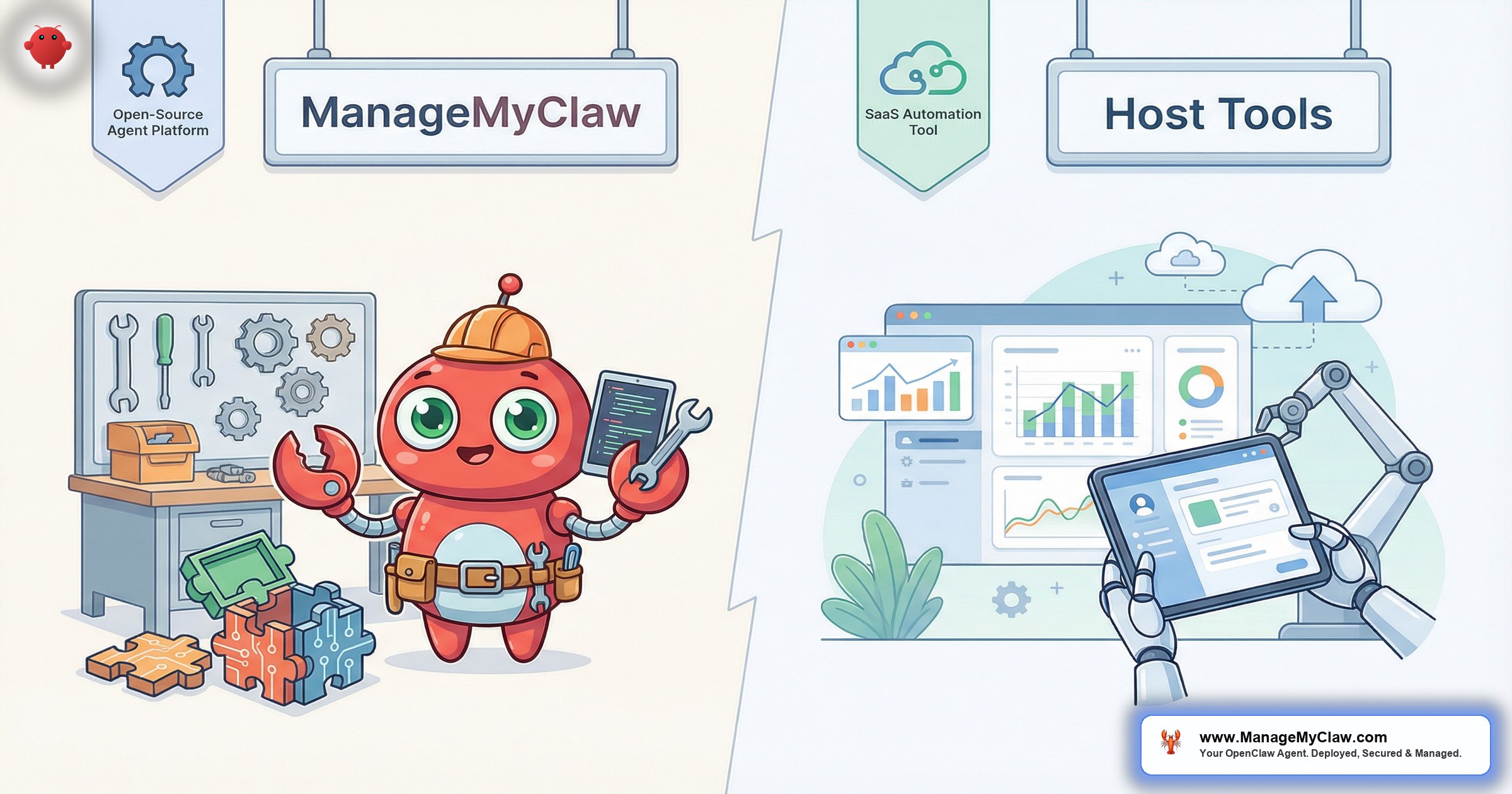
“Host Tools charges $9–25 per listing per month. At 10 listings, that’s $90–250/month for pricing automation and scheduled messages. OpenClaw costs $25/month total — for an autonomous AI agent that handles messaging, reviews, coordination, and anything else you throw at it. See our comparison with HostBuddy for more.”
ManageMyClaw is a managed deployment service for OpenClaw, an open-source AI agent framework with 250,000+ GitHub stars that runs on your own bare-metal server via systemd. OpenClaw connects to your communication channels through Gog OAuth and autonomously handles guest messages, review responses, and operational coordination — reading, understanding, and composing replies in real time. Host Tools is a SaaS automation platform for Airbnb and VRBO hosts that provides dynamic pricing, scheduled messaging, review automation, and cleaning coordination through a cloud-hosted subscription service.
This is a head-to-head comparison of managemyclaw vs host tools for short-term rental operators. Both automate repetitive tasks. They do it in fundamentally different ways, at fundamentally different price points, with fundamentally different ownership models. We’ll cover what each does well, where each falls short, and which one fits your operation.
The honest version: Host Tools is solid for what it does. The question is whether what it does — scheduled messages and pricing rules — is enough for your operation, or whether you need an actual agent that can think.
What Each Tool Actually Does
Host Tools: SaaS Automation Suite
Host Tools offers 4 core modules: dynamic pricing (competitive rate adjustments based on demand and comp data), automated messaging (scheduled messages triggered by booking events), review automation (template-based review posting), and cleaning coordination (task assignment and scheduling). It integrates directly with Airbnb and VRBO through their APIs, providing native platform features like calendar sync.
Pricing scales per listing: $9/listing/month for the Lite plan (pricing only), $16/listing/month for Pro (pricing + messaging), and $25/listing/month for Enterprise (full suite). For a 10-listing host on the Pro plan, that’s $160/month — $1,920/year.
OpenClaw (via Managed Deployment): Autonomous AI Agent
OpenClaw is a general-purpose AI agent deployed on your own server. For STR use, it handles guest messaging (reading and responding to actual questions in real time), review responses (composing contextual replies, not templates), cleaning coordination (dispatching turnover teams based on checkout confirmations), and operational communication across any channel you connect. It costs $499 one-time for deployment + approximately $25/month for VPS hosting, regardless of how many listings you manage.
| Feature | Host Tools | ManageMyClaw/OpenClaw |
|---|---|---|
| Guest messaging | Scheduled messages (event-triggered templates) | Real-time contextual replies (reads + understands messages) |
| Dynamic pricing | Built-in pricing engine | Not built-in (use PriceLabs, Wheelhouse, or Beyond alongside) |
| Review automation | Template-based review posting | Contextual review responses (unique per guest/stay) |
| Cleaning coordination | Task scheduling and assignment | Automated dispatch via messaging channels |
| Multi-language | Manual templates per language | 90+ languages, auto-detected |
| Inquiry responses | Not supported (scheduled only) | Real-time, contextual, 24/7 |
| Calendar sync | Native Airbnb/VRBO sync | Not built-in (use PMS alongside) |
| Data storage | Host Tools cloud (multi-tenant) | Your server (single-tenant, you own it) |
Scheduled Messages vs. Autonomous Responses
This is the core architectural difference, and it determines everything else.
Host Tools sends scheduled messages: “Welcome! Check-in is at 3 PM. Here are your access codes.” These messages fire on a schedule tied to booking events — booking confirmation, 1 day before check-in, checkout day. They’re useful for pushing information to guests at the right time. But they can’t respond to what guests ask.
When a guest messages “Can I check in at 1 PM instead of 3?” Host Tools doesn’t handle it. That message sits in your inbox until you read it and type a reply. If you’re asleep, at work, or managing another property, the guest waits.
OpenClaw reads the message, checks your property knowledge base for early check-in policy, and responds: “Early check-in at 1 PM is available for a $30 fee. If you’d like to arrange it, I can confirm now. Otherwise, standard check-in is at 3 PM and your access codes will be sent 2 hours before.” That response generates in under 90 seconds, at any hour, in any language.
Scheduled messages are like leaving Post-it notes around your property. Useful, but they can’t have a conversation. OpenClaw is the concierge who reads the note the guest left and actually answers their question.
The Cost Math at Every Portfolio Size
Host Tools’ per-listing pricing creates a linear cost curve. OpenClaw’s flat-fee model creates a fundamentally different cost structure. Here’s how they compare.
| Portfolio Size | Host Tools Pro ($16/listing/mo) | Host Tools Enterprise ($25/listing/mo) | ManageMyClaw (year 1) | ManageMyClaw (year 2+) |
|---|---|---|---|---|
| 3 listings | $576/yr | $900/yr | $799/yr | $300/yr |
| 5 listings | $960/yr | $1,500/yr | $799/yr | $300/yr |
| 10 listings | $1,920/yr | $3,000/yr | $799/yr | $300/yr |
| 20 listings | $3,840/yr | $6,000/yr | $799/yr | $300/yr |
| 50 listings | $9,600/yr | $15,000/yr | $799/yr | $300/yr |
OpenClaw year 1 = $499 deployment + $300/yr VPS hosting ($25/mo). Year 2 onward is just VPS hosting. LLM API costs add $10–30/month depending on volume, which we’ve excluded from both columns for apples-to-apples comparison on platform costs.
The crossover point is clear. At 3 listings, Host Tools Lite ($9/listing) is cheaper in year 1. At 5+ listings, OpenClaw is cheaper in year 1 and dramatically cheaper in year 2+. At 10+ listings, you’re saving $1,000–2,700/year. At 50 listings, the gap is $9,000–14,700/year. That’s not a rounding error. That’s the cost of a property renovation — or 2 months of mortgage payments — that you’re paying to a SaaS vendor for scheduled messages.
Where Host Tools Wins
We’re not going to pretend OpenClaw is better at everything. Host Tools has genuine advantages in specific areas.
1. Built-In Dynamic Pricing
Host Tools includes a pricing engine that adjusts your nightly rates based on demand, competition, events, and seasonality. OpenClaw doesn’t do pricing. If dynamic pricing is your primary need, Host Tools gives you pricing + messaging in 1 platform. With OpenClaw, you’d run a separate pricing tool (PriceLabs, Wheelhouse, or Beyond) alongside it.
2. Native Airbnb/VRBO Integration
Host Tools connects directly to Airbnb and VRBO APIs. Calendar sync, booking data import, and platform-specific features work out of the box. OpenClaw connects to communication channels (email, SMS, WhatsApp) through Gog OAuth — it handles messaging, not platform-native operations like calendar management.
3. Zero Technical Setup
Host Tools is a standard SaaS product. Sign up, connect your Airbnb account, configure templates, done. The managed deployment handles OpenClaw setup for you, but it’s still a server provisioning process — there’s a VPS provisioned, security configured, and an agent deployed. The process takes under 60 minutes and you don’t touch a terminal, but it’s not quite the same as “create account and start.”
If you need dynamic pricing and basic scheduled messaging for 1–3 listings, Host Tools delivers good value at $9–16/listing/month. The question is whether scheduled messages are enough for your guest communication needs.
Where OpenClaw Pulls Ahead
1. Actual Guest Communication Automation
OpenClaw handles the messages Host Tools can’t: guest inquiries, mid-stay questions, unexpected requests, complaint management, and anything that requires reading comprehension rather than schedule-based triggers. This is 60–70% of guest communication — the part that currently requires you to be available and responsive.
2. Multi-Language Without Templates
Host Tools requires you to create separate message templates per language. If you host guests who speak 8 languages, you need 8 versions of every template. OpenClaw responds natively in 90+ languages with auto-detection. Zero template management per language. Your listing in Barcelona just became equally accessible to guests from Tokyo, Berlin, and Sao Paulo — without creating a single Japanese, German, or Portuguese template.
3. Flat-Fee Pricing That Scales
At 10+ listings, the cost difference becomes significant. At 20+ listings, it’s a business-changing amount. At 50 listings, you’re saving $9,000–14,700 per year. The economics of per-listing pricing work against you as you grow. OpenClaw’s flat fee works for you.
4. Data Ownership
Guest data stays on your server. Not on Host Tools’ cloud infrastructure. Not in a multi-tenant database. This matters for GDPR compliance, for guest privacy, and for your peace of mind. See our full guide on data privacy for STR hosts.
5. Review Response Quality
Host Tools posts template reviews. “Thank you for staying with us! We’re glad you enjoyed your visit.” OpenClaw writes unique review responses that reference the guest’s actual stay: their name, the dates, any notable interactions. Templates feel robotic. Contextual responses feel human.
Which One Should You Pick?
Pick Host Tools if:
- Dynamic pricing is your #1 need and you want it bundled with messaging
- You manage 1–3 listings and want the simplest possible setup
- Your guest communication is predictable (same questions, same answers)
- You only need scheduled messages, not real-time inquiry responses
- You prefer monthly subscription flexibility over one-time investment
Pick OpenClaw (via ManageMyClaw) if:
- You want actual guest communication automation, not just scheduled messages
- You manage 5+ listings and want costs to stay flat as you scale
- You host international guests and need native multi-language support
- You care about guest data ownership and privacy
- You want an agent that handles the unexpected, not just the scheduled
- You’re willing to run a separate pricing tool for dynamic pricing
Use both if:
- You want Host Tools’ dynamic pricing engine plus OpenClaw’s communication capabilities
- The 2 tools serve different functions and don’t conflict — pricing + platform sync from Host Tools, guest communication + review responses from OpenClaw
The “both” option sounds expensive but isn’t. Host Tools Lite at $9/listing/month gives you pricing only. OpenClaw handles all communication. For a 10-listing host, that’s $90/month + $25/month = $115/month total for pricing + AI communication. Host Tools Enterprise alone is $250/month for the same listings with inferior messaging.
Frequently Asked Questions
Can OpenClaw do dynamic pricing like Host Tools?
No. OpenClaw is a communication and operations agent, not a pricing engine. For dynamic pricing, pair OpenClaw with PriceLabs ($20–30/listing/month), Wheelhouse, or Beyond Pricing. The combination gives you better pricing intelligence + better communication than Host Tools alone.
Does Host Tools have AI messaging now?
Host Tools added an “AI response suggestions” feature in late 2025, but it’s a suggestion tool — it drafts replies for your approval, not autonomous responses. You still need to review and send each message manually. It’s a step toward AI but isn’t autonomous automation.
What if I’m currently on Host Tools and want to switch?
You can run both simultaneously during transition. Deploy OpenClaw through ManageMyClaw and test it alongside Host Tools for 2–4 weeks. Once you’re confident in OpenClaw’s messaging quality, downgrade Host Tools to Lite (pricing only) or cancel entirely. There’s no migration required — they serve different functions.
How does Host Tools’ cleaning coordination compare to OpenClaw’s?
Host Tools has a purpose-built cleaning module with task assignment, scheduling, and checklists. OpenClaw coordinates cleaning through messaging channels — it sends turnover alerts to your cleaning team via email/SMS/WhatsApp based on checkout confirmations. Host Tools’ module is more feature-rich for cleaning specifically. OpenClaw’s approach is more flexible but less structured. For dedicated cleaning coordination, consider pairing OpenClaw with TurnoverBnB or Breezeway.
Is the $499 deployment fee really one-time?
Yes. $499 covers initial server provisioning, security hardening, OpenClaw installation, Gog OAuth configuration, property knowledge base setup, and testing. Ongoing costs are VPS hosting (~$25/month) and LLM API usage ($10–30/month). No monthly subscription, no per-listing fees, no renewal charges.


