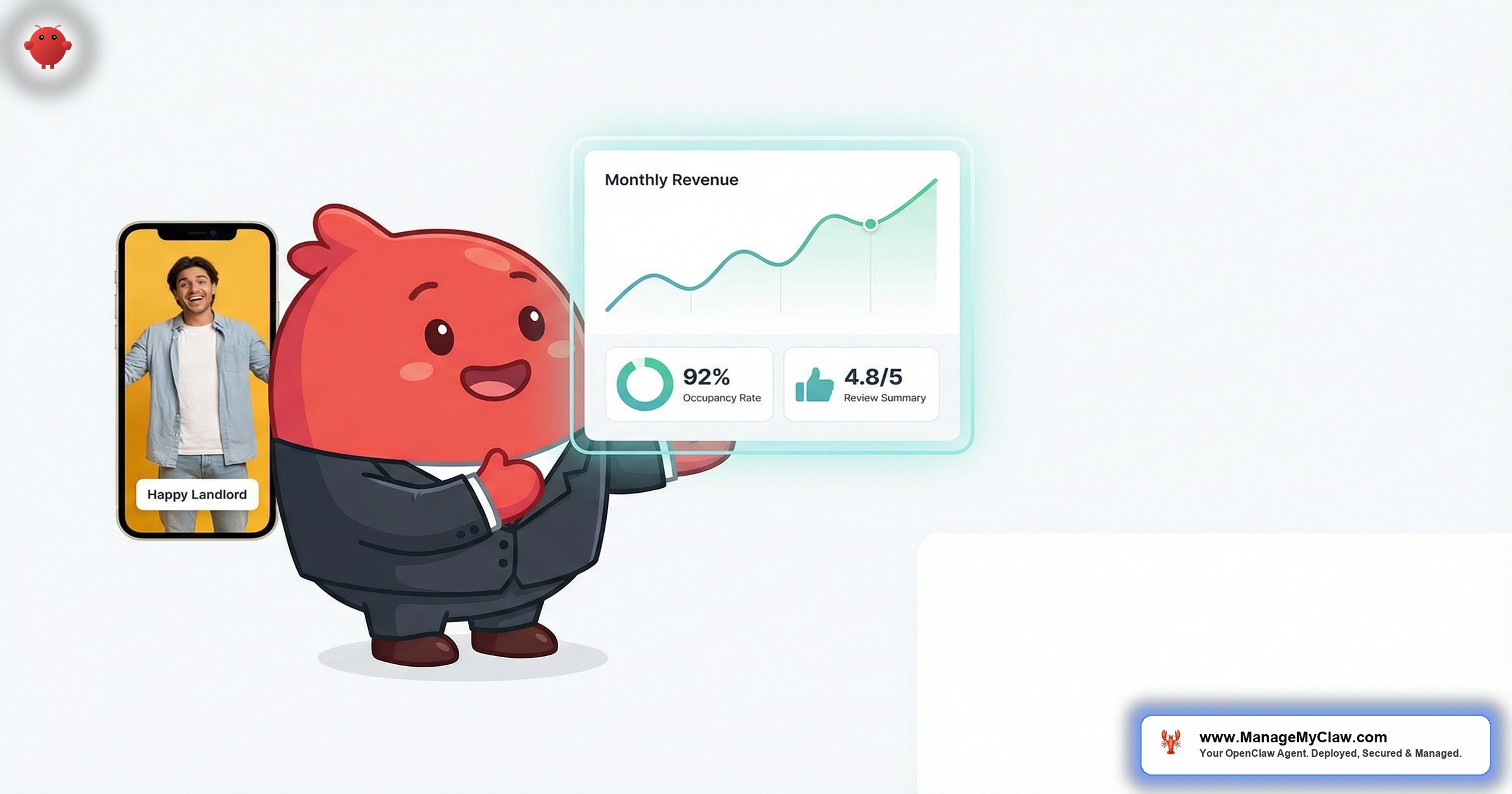
“How’s my property doing?” — the 4-word question from a property owner that costs you 20 minutes every single time because you have to pull up 3 dashboards, cross-reference the cleaning log, and compose an update that sounds professional enough to justify your management fee.”
Owner communication automation for STR is the use of AI agents to generate, compile, and deliver regular performance reports to property owners without the property manager writing or sending them manually. OpenClaw is an open-source AI agent framework with 250,000+ GitHub stars that runs on your own server via bare-metal deployment managed by systemd, connects to your email through Gog OAuth, and aggregates booking data, cleaning records, maintenance logs, and guest reviews into formatted owner reports on whatever schedule you define — weekly, biweekly, or monthly. It’s the difference between reactive owner management (answering calls) and proactive owner management (the report arrives before they think to ask).
This guide covers the specific data points owners want to see, how OpenClaw compiles them automatically, what weekly vs quarterly reports should contain, and how automated reporting directly improves owner retention. If you manage properties for other people, owner communication is either the thing that grows your business or the thing that kills it — depending on how consistently you do it.
You already know what happens when owner updates slip. The call comes on a Wednesday afternoon: “I haven’t heard from you in 3 weeks, what’s going on with my property?” And now you’re in defense mode instead of growth mode. The fix isn’t to be better at remembering to call. It’s to make the report automatic.
Why Owner Communication Is the #1 Retention Lever
Property owners don’t fire managers because of bad occupancy rates. They fire managers because of silence. A 2025 VRMA (Vacation Rental Management Association) survey of 1,200 property owners found that the top reason for switching management companies wasn’t performance — it was “insufficient communication and transparency.” Owners want to know what’s happening with their property, and they want to know before they have to ask.
The math works against you as you scale. At 5 properties, you can call each owner once a week. That’s 5 calls, maybe 2 hours total. Manageable. At 15 properties, that’s 15 calls — 5–6 hours per week just on owner updates. At 25 properties, you’re spending a full business day every week on the phone with owners instead of managing properties or growing the portfolio.
| Portfolio Size | Owner Calls/Week | Hours/Week on Owner Comms | Hours/Year |
|---|---|---|---|
| 5 properties | 5 | 1.5–2.5 | 78–130 |
| 10 properties | 10 | 3–5 | 156–260 |
| 15 properties | 15 | 5–7.5 | 260–390 |
| 25 properties | 25 | 8–12 | 416–624 |
At 25 properties, you’re spending 400–600+ hours per year on owner communication. That’s 10–15 full work weeks. And most of those calls contain the same information you could put in a structured email: occupancy rate, revenue, upcoming bookings, maintenance summary, and guest feedback.
The irony is that the calls owners want most are the ones that take the least effort to automate. “Here’s what happened this week” is data. It doesn’t require your voice, your tone, or your relationship skills. It requires a system that compiles the numbers and sends them on time.
The 7 Data Points Every Property Owner Wants to See
Based on VRMA research and consistent patterns across property management forums, here are the specific data points property owners expect in regular updates:
- Occupancy rate. Percentage of available nights booked for the reporting period. Owners compare this to local market averages and to their own expectations when they signed the management agreement.
- Gross revenue. Total booking income before management fees, cleaning costs, and maintenance. This is the number owners care about most — it’s the reason they bought the property.
- Net revenue (after fees). What the owner actually receives after your management commission, cleaning costs, platform fees, and any expenses. Transparency here builds trust faster than anything else you can do.
- Upcoming bookings. How many reservations are confirmed for the next 30 days, with dates and estimated revenue. This gives owners forward visibility and reduces the “are there any bookings?” anxiety calls.
- Maintenance activity. Any repairs completed, pending, or recommended. This is where surprises kill trust — owners hate learning about a $400 plumbing repair 3 weeks after it happened. Proactive reporting prevents that entirely.
- Guest reviews. New reviews posted during the reporting period, with the full text and your average rating trend. Good reviews validate the owner’s investment. Bad reviews need context before the owner reads them on Airbnb and panics.
- Market context. How the property’s performance compares to local market averages. This is the data point that separates a professional property manager from someone who just collects fees — and it’s the one most managers skip because it takes time to compile.
OpenClaw compiles all 7 data points automatically from your existing data sources — booking confirmations in your inbox, cleaning invoices, maintenance emails, and review notifications. It doesn’t require you to log into 4 different platforms and copy-paste numbers into a spreadsheet. It reads the emails that already arrive in your inbox and assembles the report.
How OpenClaw Auto-Generates Weekly Owner Reports
The report generation workflow runs on a schedule you configure — typically Monday morning for weekly reports, the 1st of each month for monthly reports. Here’s the step-by-step process:
-
1
Data collection. OpenClaw scans your inbox for all booking confirmations, cancellations, review notifications, cleaning invoices, and maintenance correspondence associated with the specific property during the reporting period. It uses Gog OAuth to access your Gmail or Google Workspace inbox securely.
-
2
Calculation. The agent computes occupancy rate (booked nights / available nights), gross revenue (sum of booking values), net revenue (gross minus management fee, cleaning, platform fees), and average daily rate. All numbers come from actual booking confirmation data, not estimates.
-
3
Report formatting. The data gets assembled into a clean, professional email template with sections for each of the 7 data points. Numbers are highlighted. Review text is included verbatim. Maintenance items are listed with status (completed, pending, recommended).
-
4
Review gate (optional). Before sending, OpenClaw can route the draft report to you for a quick review. You scan it in 2–3 minutes, approve or edit, and it goes out. This is optional — many managers run the reports fully automated after the first few weeks.
-
5
Delivery. The formatted report is sent directly to the property owner’s email. Each owner gets only their own property’s data. Multi-property owners with 3 or more units can get a consolidated report with all properties in a single email.
The review gate is where most managers start. You want to see what the agent is sending before it reaches your owners. After 3–4 weeks of verifying accuracy, most managers turn off the gate and let reports flow automatically. The time savings compound from there.
When pitching new property owners, show them a sample automated report. It communicates professionalism and transparency faster than a 30-minute sales call. “This is what your weekly update looks like” closes more management agreements than “Trust me, I’ll keep you informed.”
Weekly Summaries vs Quarterly Performance Analysis
Different reporting cadences serve different purposes. OpenClaw handles both, and the best property managers use a combination:
Weekly Summary (Operational)
Short, focused, and action-oriented. Covers the past 7 days. Owners should be able to read it in under 2 minutes.
| Section | Content | Data Source |
|---|---|---|
| Occupancy snapshot | Nights booked / nights available this week | Booking confirmation emails |
| Revenue this week | Gross and net revenue from completed stays | Booking + payout emails |
| Upcoming bookings | Next 14 days of confirmed reservations | Calendar + confirmation emails |
| Guest reviews | New reviews posted (full text + rating) | Platform review notification emails |
| Maintenance log | Completed repairs, pending items, costs | Maintenance correspondence emails |
Quarterly Performance Analysis (Strategic)
Longer, data-rich, and designed for investment-level conversations. This is the report that keeps owners signed for another year.
- Occupancy trend — week-by-week occupancy over the quarter, with seasonal context
- Revenue analysis — total revenue, month-over-month growth, year-over-year comparison if data is available
- ADR (Average Daily Rate) trend — how your pricing strategy is performing over time
- RevPAR (Revenue Per Available Room) — the metric that combines occupancy and ADR into a single performance number
- Expense breakdown — management fees, cleaning costs, maintenance, platform fees, with totals and percentages
- Guest satisfaction score — average review rating for the quarter, with trend line
- Capital recommendations — suggested improvements based on guest feedback patterns (e.g., “3 guests mentioned the mattress this quarter — consider replacement”)
OpenClaw generates quarterly reports by aggregating 13 weeks of weekly data. No manual compilation needed. For the detailed financial calculations including ADR, RevPAR, and net operating income breakdowns, see our AI revenue reports guide.
The quarterly report is where you demonstrate your value as a manager. Any amateur can collect rent. Showing an owner their RevPAR trend with actionable recommendations? That’s why they pay you 20–25% and don’t question it.
How Automated Reporting Improves Owner Retention
Every property management contract is renewable. Owners evaluate you continuously, whether they tell you or not. The managers who retain 90%+ of their owners have 1 thing in common: consistent, proactive communication. Here’s the retention math:
| Communication Pattern | Owner Retention Rate | Net Effect at 20 Units Over 3 Years |
|---|---|---|
| Proactive weekly reports + quarterly analysis | 90–95% | Lose 1–3 owners, gain referrals |
| Monthly updates (when remembered) | 70–80% | Lose 4–6 owners, flat growth |
| Reactive only (owner calls you) | 50–60% | Lose 8–10 owners, net decline |
Losing a property isn’t just lost management fees. It’s lost reputation (owners talk to each other), lost reviews (fewer properties = fewer reviews = less credibility), and lost scale efficiency (your fixed costs stay the same with fewer properties to spread them across). A single automated report that arrives every Monday morning can be the difference between 95% retention and 60% retention.
There’s also a referral effect. Owners who feel informed and valued refer other property owners. A 20-unit manager with 95% retention and a steady referral stream grows to 30 units without any marketing spend. A 20-unit manager with 60% retention is constantly replacing lost contracts just to stay in place.
Owner churn is the silent killer of property management businesses. Nobody writes blog posts about it because it’s not dramatic. You just quietly lose 2–3 owners per year, replace them with slightly worse properties, and wonder why the business isn’t growing. The fix is a Monday morning email that takes 0 minutes of your time because the agent wrote it Saturday night.
Setting Up Automated Owner Reporting in OpenClaw
The setup process takes about 30 minutes per property after OpenClaw is deployed. Here’s what you need:
- Property configuration. Each property’s SOUL.md file needs an
ownersection with the owner’s name, email, preferred report frequency, and any specific metrics they’ve requested. Some owners want weekly; others prefer monthly. OpenClaw handles per-owner schedules. - Report template. You define the template once — which sections to include, the order, the formatting. OpenClaw populates the data fields for each property automatically. Most managers use the standard 7-section weekly template and add a narrative summary at the top.
- Review gate toggle. Decide whether you want to review reports before they go out. Start with the gate on. After 3–4 weeks of accuracy verification, most managers toggle it off for time savings.
- Delivery schedule. Configure when reports are generated and sent. Monday 8 AM is the most common for weekly reports. The 1st of the month for monthly. The agent runs the workflow on schedule via a systemd timer — no cron jobs to maintain, no scripts to remember.
ManageMyClaw handles the complete setup — OpenClaw deployment, SOUL.md configuration with owner sections, report template design, and schedule configuration — starting at $499 one-time. The system is up and running within 60 minutes, and your first batch of owner reports goes out on the next scheduled cycle.
For the full property manager scaling playbook, including guest communication automation and turnover coordination, read our STR property management guide.
Frequently Asked Questions
Can I customize the report format for different owners?
Yes. Each property’s SOUL.md owner section can specify which report sections to include and which to skip. Some owners want the full 7-section report. Others just want revenue and upcoming bookings. You define the template per owner, and OpenClaw generates accordingly.
What if the booking data in my inbox is incomplete or inconsistent?
OpenClaw flags data gaps instead of guessing. If a booking confirmation email is missing or malformed, the report will show “data unavailable” for that booking instead of fabricating a number. You can manually add the data or let it resolve when the next confirmation arrives. Accuracy over completeness — owners trust that more than polished numbers that might be wrong.
Can owners reply to the automated report with questions?
The report is sent from your email address (via OpenClaw’s Gog OAuth connection), so replies come back to your inbox. OpenClaw can be configured to auto-respond to common owner follow-up questions (“What’s the payout date?” “When’s the next booking?”) or escalate unusual questions to you. Most owner replies are simple data clarifications that the agent handles independently.
Does the report include photos or documents?
The standard report is text-based for maximum email compatibility and fast delivery. For quarterly reports, you can attach PDF summaries that OpenClaw generates with formatted tables and trend data. Maintenance photos referenced in the report link to the original emails where the photos were shared — no separate image hosting needed.
How does this integrate with my existing owner portal or PMS?
OpenClaw generates and sends reports via email — it doesn’t replace your PMS owner portal. Think of it as an additional communication layer. If your PMS already has an owner portal, the automated email report complements it by pushing updates to owners proactively instead of waiting for them to log in. Most owners prefer email over logging into a portal, which is why the proactive push model works better for retention. See our OpenClaw for Airbnb hosts guide for the full integration architecture.


