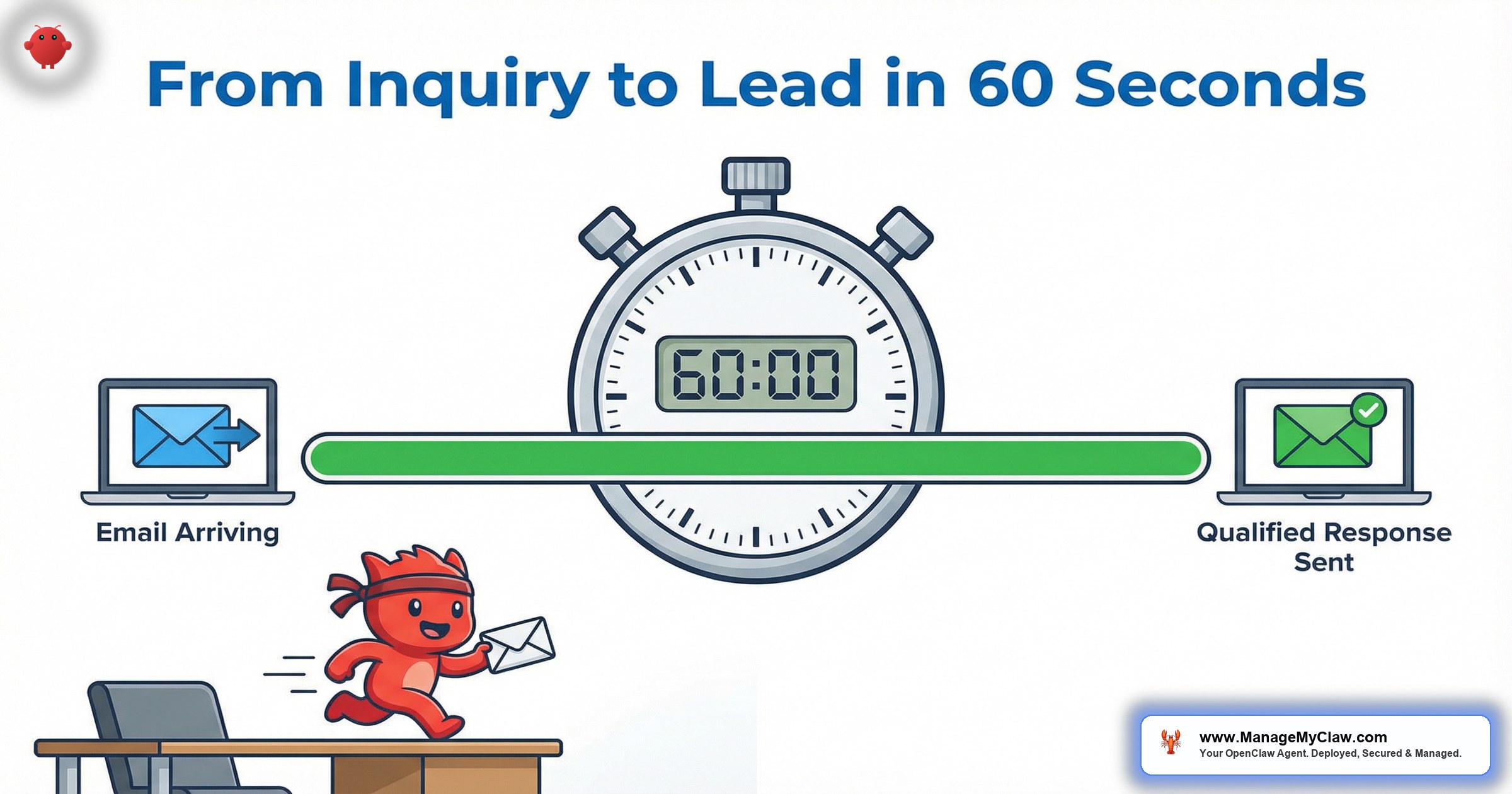
“A buyer submits an inquiry about your $875K listing at 2:07 PM. You’re mid-showing across town. By 2:08 PM — 47 seconds later — they’ve received a personalized response, answered a qualifying question, and been offered 3 showing times. You haven’t touched your phone.”
The average real estate agent takes 2.5 hours to respond to a property inquiry. That’s not a discipline problem — it’s structural. You’re showing homes, sitting in closings, driving between appointments. Meanwhile, MIT’s lead response research shows that contact odds drop 100x at 30 minutes vs 5 minutes, and the National Association of Realtors reports that 78% of buyers work with the first agent who responds.
OpenClaw is an open-source AI agent framework that runs on bare-metal infrastructure under systemd — your server, your data, no vendor lock-in. When configured for real estate, it connects to your Gmail through Gog OAuth, monitors your inbox for property inquiries from Zillow, Realtor.com, and your website, and handles the entire response cycle: detection, qualification, showing booking, and follow-up. All in under 60 seconds.
Here’s the uncomfortable truth: you already know speed matters. Every agent does. The problem isn’t knowledge — it’s that you physically can’t be in 2 places at once. Your phone buzzes with a Zillow lead while you’re mid-sentence explaining the newly refinished hardwood floors to another buyer.
This post walks through exactly how to respond property inquiries fast — not with a generic autoresponder, but with an AI agent that reads each inquiry, crafts a listing-specific reply, qualifies the buyer, and books a showing. Step by step, with timing benchmarks at every stage. If you haven’t read the full OpenClaw setup guide for real estate, start there first.
How Inquiry Emails Arrive (and How OpenClaw Catches Them)
Property inquiries don’t arrive in a standardized format. Zillow sends structured HTML from notify@zillow.com with buyer name, property address, and pre-approval status. Realtor.com sends a different template from leads@realtor.com. Your website form generates yet another format. Direct buyer emails are completely unstructured.
OpenClaw handles all 4 formats through a single email triage workflow. Through Gog OAuth, the agent polls your Gmail inbox every 10–15 seconds. When a new message arrives matching your configured portal sender addresses — or containing keywords like “interested in,” “schedule a showing,” or a property address — it’s flagged as a property inquiry and the response pipeline triggers.
Think of it like a receptionist who speaks 4 different languages. Zillow sends emails in Zillow-ese. Realtor.com speaks Realtor.com-ian. Your website form has its own dialect. The agent reads all of them and extracts the same core data: who’s asking, what property, what’s their question, and how serious they are.
Gmail polling via Gog OAuth: 10–15 seconds from email arrival to OpenClaw awareness. With Google Pub/Sub push notifications: 1–3 seconds.
How OpenClaw Reads the Inquiry and Crafts a Response That Qualifies
Once detected, OpenClaw extracts structured data: buyer name, property reference (matched against your MLS feed or listing data), intent signals (general question vs. showing request vs. purchase inquiry), and urgency markers (pre-approval mentions, relocation deadlines, cash offers). This isn’t keyword matching — it’s contextual understanding. A message saying “My wife and I drove by 4521 Oak Lane — is the basement finished?” gets parsed as: property = 4521 Oak Lane, intent = specific question, urgency = moderate (drove by signals serious interest).
Then comes the part that separates OpenClaw from a generic autoresponder. Instead of “Thanks for your inquiry! An agent will be in touch shortly,” the response does 3 things at once:
- Acknowledges the specific property. “Thank you for your interest in 4521 Oak Lane — the 4-bed, 2.5-bath colonial listed at $875,000.”
- Answers what it can. If your listing data includes “finished basement, 800 sq ft,” the response says so. If the data isn’t available, it says “I’ll confirm that detail and get back to you today” — no fabrication.
- Asks a qualifying question. “Are you currently pre-approved, and what’s your timeline for moving?” This moves the conversation forward while you’re at your other showing.
The response is written in your voice. During setup, you provide 3–5 example emails you’ve sent to leads. OpenClaw uses these as style references — matching your tone, formality level, and signature format.
Parsing and data extraction: 3–8 seconds. Response generation: 4–10 seconds. Gmail dispatch: 1–2 seconds. Total from email arrival: 18–35 seconds.
How OpenClaw Books the Showing Without You
When the buyer replies with qualifying information — “Yes, we’re pre-approved for $900K, looking to close by August” — OpenClaw reads your Google Calendar, identifies available showing slots, and offers 3 options. The calendar integration works through the same Gog OAuth connection. You define “available for showings” blocks as recurring events or free/busy settings, and the agent checks for conflicts, applies your configured travel buffer between appointments, and presents options.
You find out about the showing when a calendar notification pops up: “Tomorrow 10 AM — 4521 Oak Lane with Sarah Chen (pre-approved $900K, August close).” That’s not a cold lead. That’s a qualified buyer with context already attached.
When the buyer picks a time, the agent creates the calendar event, sends confirmation to both parties, and 24 hours before the showing sends a reminder with the property address, parking instructions, and your contact number.
Calendar lookup + response: 6–12 seconds. Cumulative AI processing across all steps: under 50 seconds. Total elapsed depends on buyer reply speed, but the agent’s portion never exceeds 60 seconds per message.
How OpenClaw Follows Up When the Buyer Goes Quiet
Not every buyer responds immediately. The NAR reports that 80% of sales require 5+ follow-ups, but 44% of agents stop after 1. OpenClaw runs a configurable sequence that activates when a conversation stalls:
| Trigger | Timing | Action | Mode |
|---|---|---|---|
| No reply to initial response | +24 hours | Gentle check-in referencing the property | Auto-send |
| No reply to check-in | +72 hours | Market update with comparable listings nearby | Auto-send |
| Still no reply | +7 days | “New listing matches your criteria” (if applicable) | Draft for review |
| No response after 14 days | +14 days | Final value-add touch (market report, rate update) | Draft for review |
| Cold after 30 days | +30 days | Move to monthly market digest nurture | Auto-send |
Every follow-up references the original inquiry. The day-3 market update might say: “2 new listings came up this week within a mile of 4521 Oak Lane, both under $850K. Want me to schedule showings for those as well?” That’s a conversation, not a drip campaign. For the full breakdown of how the email triage and follow-up workflow operates, the dedicated post covers the 4-label system and 30-day sequences in depth.
It’s the difference between a follow-up that feels like a telemarketer reading a script and one that feels like your agent actually remembered what you were looking for. One gets deleted. The other gets a reply.
The Complete Email Thread: Inquiry to Showing Booked
Here’s what the full cycle looks like. Timestamps are from a test deployment.
Hi, I saw your listing on Zillow. Is the basement finished? We have 2 kids and need the extra space. Also wondering about the school district. Thanks, Sarah
The basement is fully finished — approximately 800 sq ft with its own half bath. Regarding schools, you’re zoned for Maplewood-South Orange School District — Tuscan Elementary, Maplewood Middle, and Columbia High School. With 2 kids, you’ll appreciate that the backyard is fenced and the neighborhood has sidewalks throughout.
Quick question: are you currently pre-approved for a mortgage, and what’s your timeline for moving?
Happy to schedule a private showing whenever works for you.
1. Thursday, March 28 at 10:00 AM
2. Friday, March 29 at 2:30 PM
3. Saturday, March 30 at 11:00 AM
Which works best? I’ll send the full property details packet once we confirm.
Property: 4521 Oak Lane, Maplewood, NJ 07040
Date: Saturday, March 30, 2026 at 11:00 AM
Parking: Street parking on Oak Lane; driveway will be clear
I’ll send the property details packet by Friday. You’ll receive a reminder 24 hours before. Looking forward to meeting you and your family!
Total AI processing across all 3 responses: 82 seconds. The buyer experienced a responsive, personal conversation. You received a calendar notification and a lead summary with full context — without sending a single email. For the data on how this response speed translates to commission income, the speed-to-lead analysis quantifies the $91K+ annual GCI gap between 2.5-hour and sub-60-second response.
End-to-End Timing Breakdown
| Stage | Process | Time | Cumulative |
|---|---|---|---|
| Detection | Gmail polling via Gog OAuth | 10–15s | 10–15s |
| Classification | Identify as property inquiry (sender + content) | 1–2s | 11–17s |
| Parsing | Extract buyer, property, intent via LLM | 3–8s | 14–25s |
| Listing lookup | Match property to MLS/CRM data | 2–4s | 16–29s |
| Response generation | LLM crafts personalized reply + qualifying question | 4–10s | 20–39s |
| Dispatch | Send via Gmail API | 1–2s | 21–41s |
| Total: Inquiry to buyer sees response | — | 21–47s | |
Simple “Is this still available?” emails process at the low end. Multi-question inquiries with property detail lookups hit the upper range. Both are under 60 seconds. For the full picture of how OpenClaw connects to Zillow and Realtor.com lead feeds specifically, the integration guide covers webhook configuration and portal-specific parsing.
For context: the average time it takes a buyer to switch from the Zillow tab to their email to check for your reply is 45–90 seconds. With OpenClaw, your response is already there before they check.
Frequently Asked Questions
Can I review responses before they’re sent?
Yes. OpenClaw supports auto-send, draft-for-review, and hybrid modes. Most agents start in draft mode for the first 1–2 weeks to verify quality, then switch to auto-send for initial responses while keeping follow-ups in review mode.
What if the buyer asks about something not in my listing data?
OpenClaw doesn’t fabricate answers. If listing data is missing, it responds with “I’ll confirm that detail and get back to you today” and flags the question for your manual follow-up. You get a notification with the specific question.
Does this work with Follow Up Boss, kvCORE, or my existing CRM?
OpenClaw syncs with CRMs that support API access or webhook triggers. For CRMs without API access, it logs everything via email notification to your CRM’s inbound address. The pillar guide covers CRM integration in detail.
How does it handle 10 leads arriving simultaneously during an open house?
OpenClaw processes emails asynchronously. Every lead gets parsed and responded to independently, in parallel. You could get 10 leads in a minute and each receives a sub-60-second personalized response. No queue, no bottleneck.
How fast can I get this up and running?
Self-deployment on bare-metal with systemd takes 10–15 hours if you’re comfortable configuring servers and Gog OAuth. A ManageMyClaw managed deployment has the entire pipeline up and running in under 60 minutes from onboarding submission — VPS provisioned, security hardened, email connected, inquiry workflows tested.
The Inquiry Is Already in Your Inbox. The Clock Is Running.
Every property inquiry has a half-life. At 5 minutes, you have a 90%+ chance of contact. At 30 minutes, that’s dropped 100x. At 2.5 hours — the average — you’re competing for a lead that’s already talking to 2 other agents.
Configuring OpenClaw to respond property inquiries fast doesn’t change how you sell, negotiate, or manage transactions. It adds a 47-second layer between “inquiry submitted” and “personalized response received.” That’s the window where deals are won or lost — not at the closing table, not during the showing, but at the moment the buyer’s finger leaves the “submit” button.
78% of buyers work with the first agent who responds. If that agent isn’t you — every single time — the marketing spend, the reviews, and the experience don’t matter. Someone faster already has the appointment.
See how ManageMyClaw works — from initial setup to your first automated response.
Explore our complete AI for real estate agents solution.


